M (E3.1) 1/2023 page 37/136
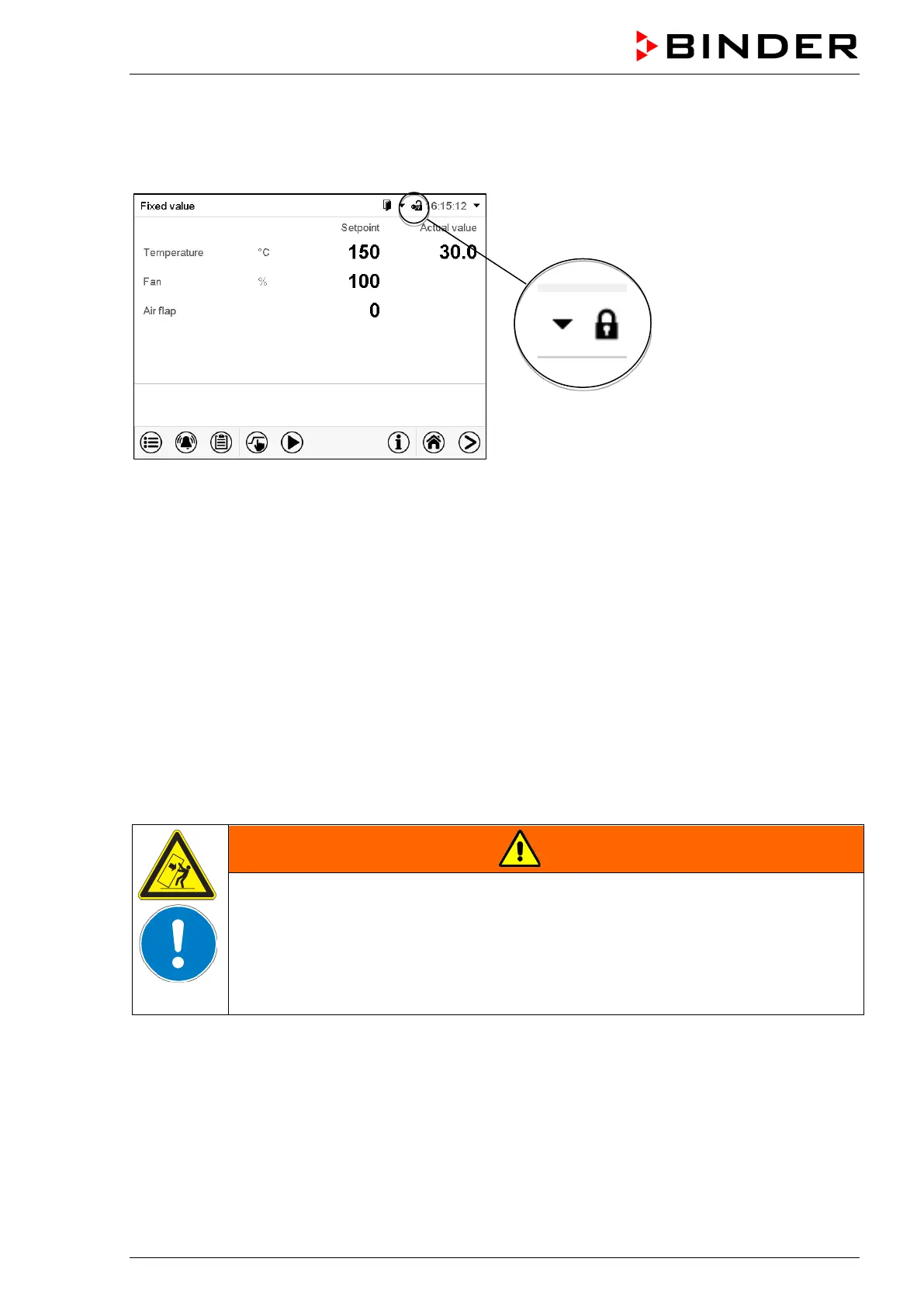
Locked operation
Provided that the user administration has been activated by the assignment of passwords for the different
authorization types, the controller operation is first locked after turning on the unit, recognizable by the
closed lock icon in the header.
In the locked view the controller provides all display functions. No setting functions are available.
The setpoints are shaded (light grey) in normal display. Changing them by direct entry in the fixed value
operating mode is not possible. The functional icons for setpoint entry and program start in the footer are
without function.
After turning on the unit, user log-in is required to operate the controller (chap. 14.2)
Operation without user log-in / without password-protection
If the password function has been deactivated, after turning on the unit without user log-in there are those
controller functions available, which correspond to the highest authorization level without a password pro-
tection. There is no lock icon in the header.
7.3 Loading
When loading the chamber, observe the maximum permissible load per rack and the maximum permissible
total load (see tecnical data, chap. 22.4).
Observe the correct orientation of the racks (chap. 4.3).
WARNING
Risk of injury by racks falling down due to overload.
Injuries.
∅ Do not exceed the maximum permissible load per rack.
∅ Do not exceed the maximum permissible total load.
Gently place the load on the racks.
Distribute the load as evenly as possible.



 To Next Page