M (E3.1) 1/2023 page 99/136
History display: Zoom function
Zoom
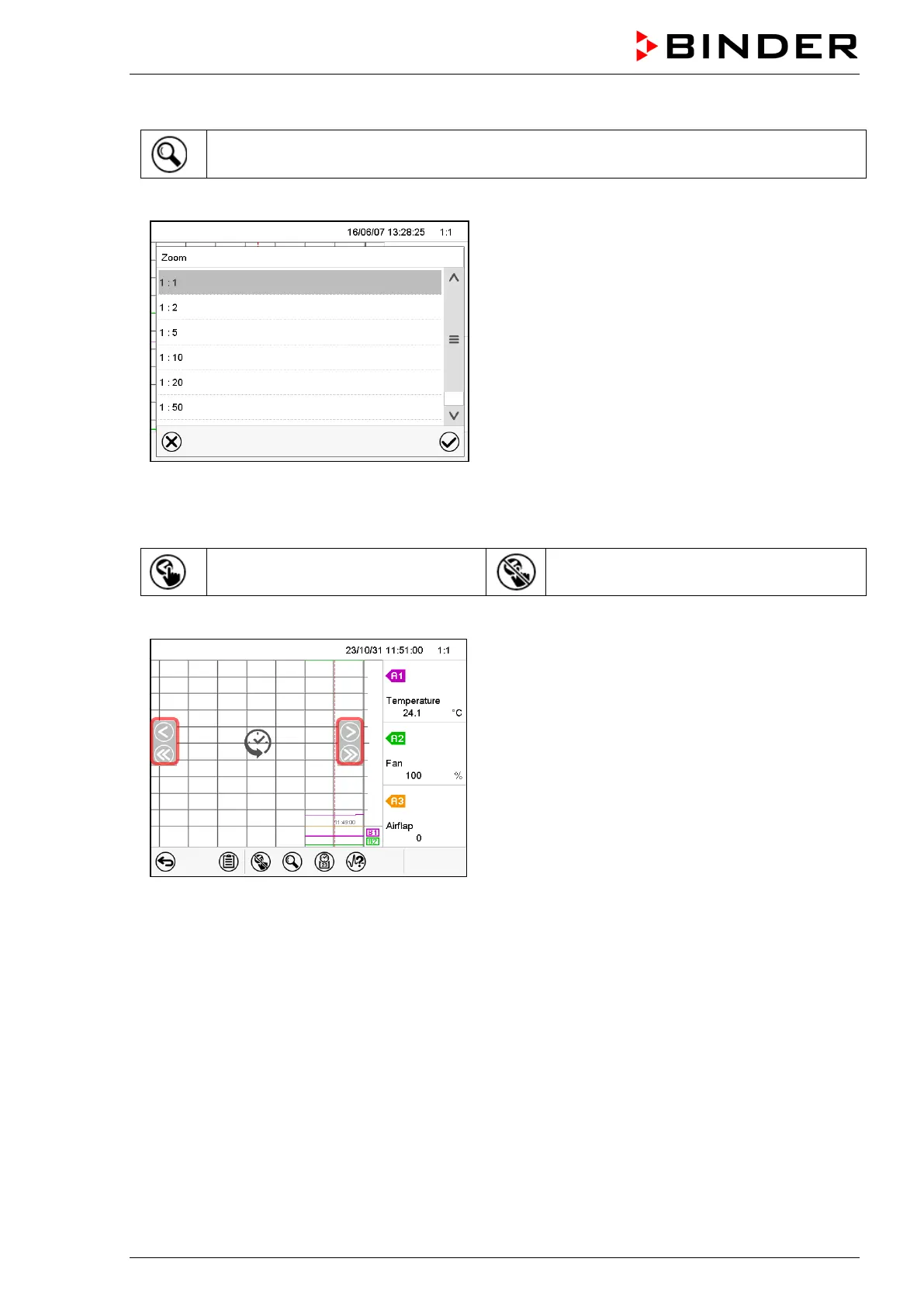
Press the Zoom icon to access the “Zoom” submenu.
“Zoom” submenu.
Select the zoom factor and press the Confirm icon
History display: Show and hide scroll buttons to scroll to an instant
Show scroll buttons
Hide scroll buttons
Press the Show scroll buttons icon to access the “Page selection” submenu.
“Page selection” submenu.
Scroll buttons are shown on the left and on the right.
Use them to move along the timeline.



 To Next Page