Front Panel
14
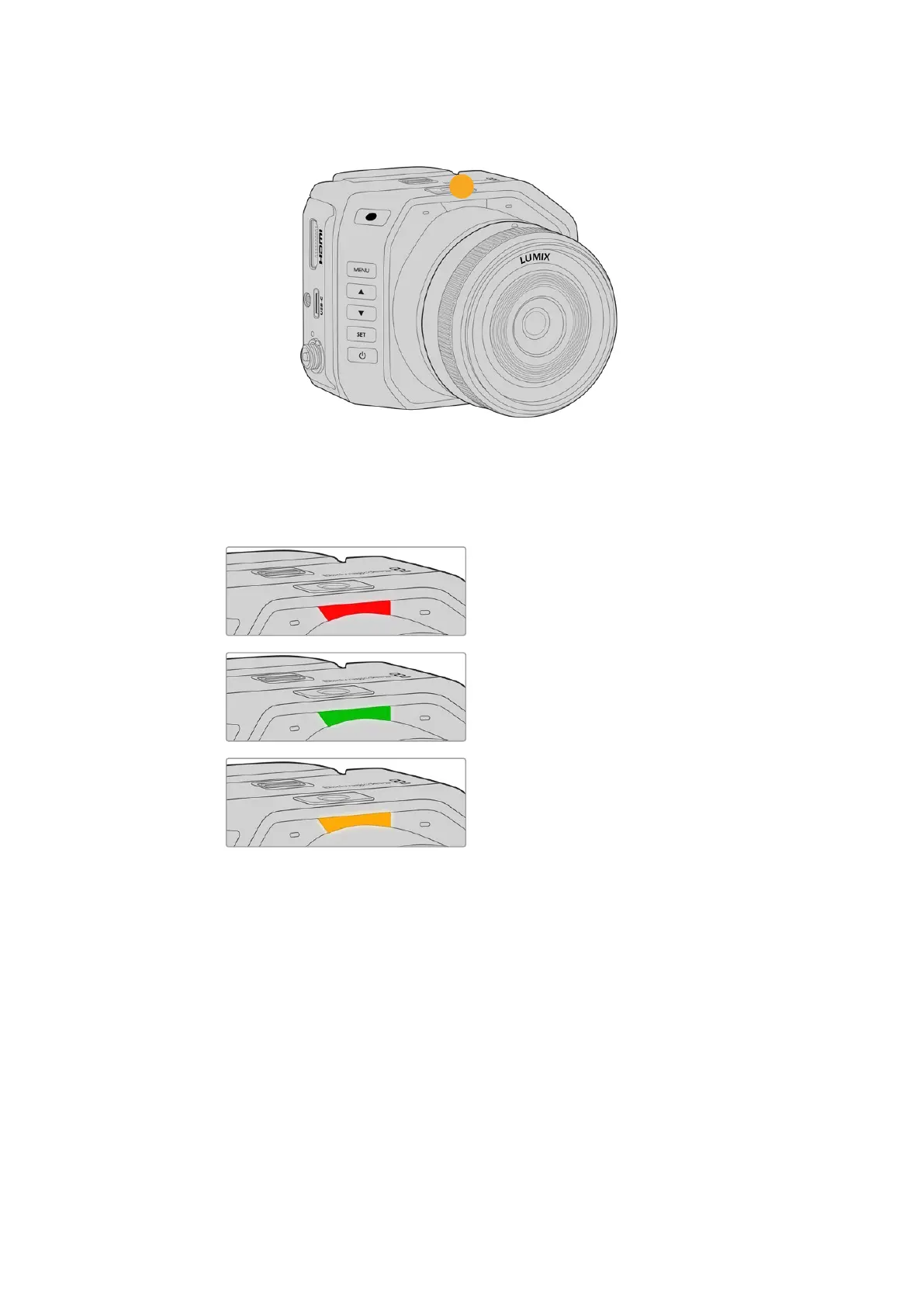
14 Tally Light
When your camera is connected to an ATEM switcher, the tally light lets the talent and
camera operator know when the camera on air or switched to the preview output, or if the
camera is recording. When your camera is not connected to a switcher the tally light will
illuminate red as a simple record tally indicator.
The camera is switched to the
program output and is live on air.
The camera is recording when
connected to an ATEM switcher.
The camera is switched to the
preview output and about to go on air.
HDMI Output and HUD Controls
The HDMI output lets you connect to a monitor so you can frame your shots and check
important information via the camera’s HUD. You can also connect to HDMI equipment such as
ATEM switchers and external recorders.
There are two different ways to change settings on your camera and both use the HDMI output.
You can turn on the menu settings by pressing the ‘menu’ button on your camera and navigate
the settings using a menu overlay on the HDMI output.
Another way is to quickly change a setting using the HUD itself.
15HDMI Output and HUD Controls


 To Next Page
 Loading...
