Blackmagic Camera Setup
How to Update Your Camera Software on Mac OS
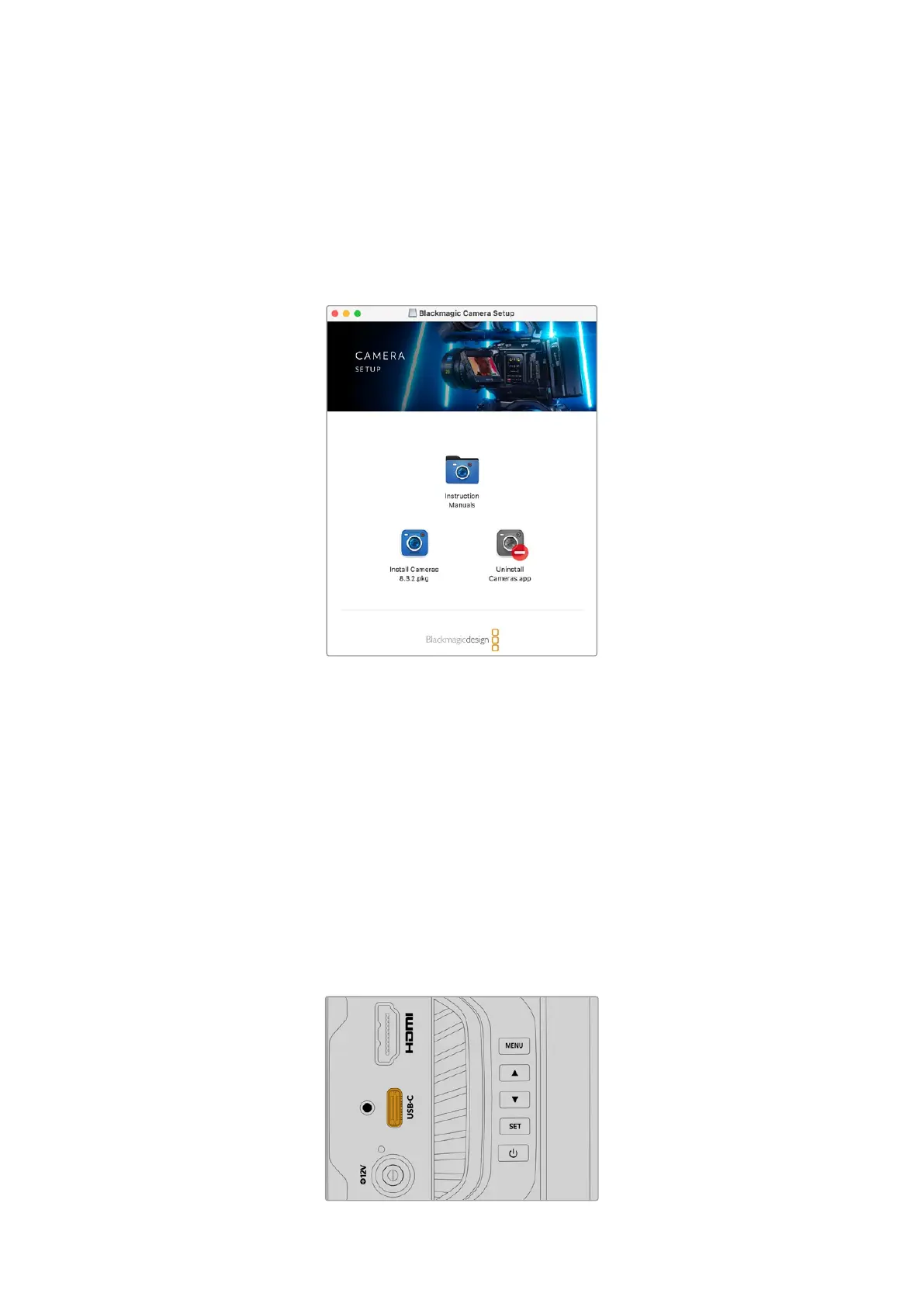
After downloading the latest Blackmagic Camera Update software from the Blackmagic Design
support center, unzip the downloaded file and double click on the .dmg disk image file.
Launchthe ‘Install Cameras’ installer and follow the onscreen instructions.
How to Update Your Camera Software on Windows
After downloading the ‘Blackmagic Camera Setup’ software and unzipping the downloaded file,
you should see a ‘Blackmagic Camera Setup’ installer window. Double click on the installer icon
and follow the onscreen prompts to complete the installation.
After the installation is complete, click on the Windows ‘start’ menu, and go to ‘all programs’.
Click on the Blackmagic Design folder to open the Blackmagic Camera setup software and
instruction manuals.
How to Update your Camera’s Internal Software
After installing the latest Blackmagic Camera Setup software on your computer, connect a USB
cable from the computer to your camera’s USB-C port.
Power your camera, launch ‘Blackmagic Camera Setup’ and follow the onscreen prompts to
update the camera software.
Connect your camera to your computer via the
USB-C port
74Blackmagic Camera Setup


 To Next Page
 Loading...
