Setup Menu
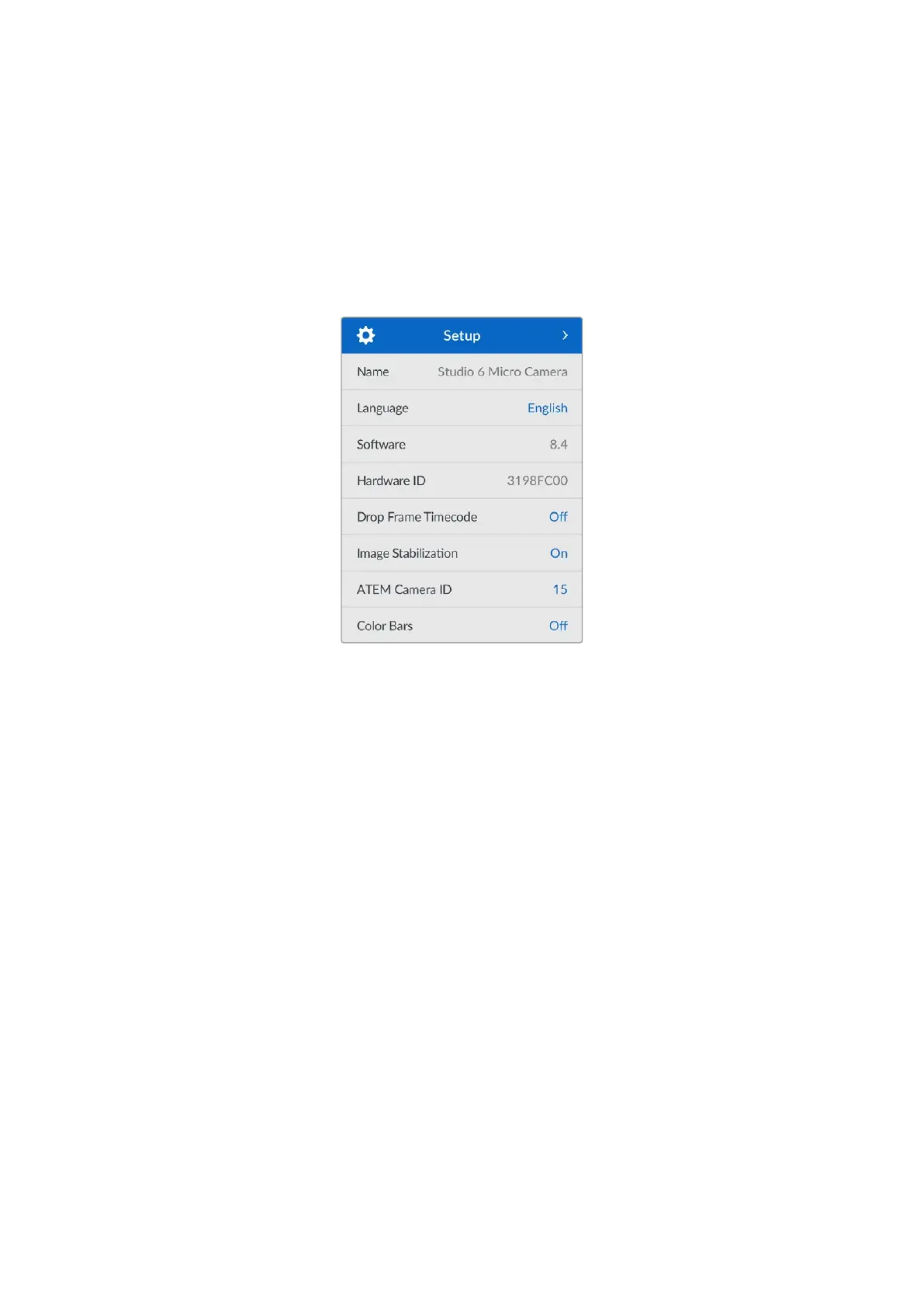
The ‘setup’ menu contains your Blackmagic Micro Studio Camera 4K G2’s identification settings,
date and time settings, menu appearance options and other camera settings not directly linked
to recording or monitoring.
Setup
The ‘setup’ section contain the following settings.
Name
Displays the name of your camera. You can set a custom name using Blackmagic Camera
SetupUtility. Refer to the ‘Blackmagic Cameras Setup’ section for more information.
Language
Blackmagic Micro Studio Camera 4K G2 supports 13 languages, including English, Chinese,
Japanese, Korean, Spanish, German, French, Russian, Italian, Portuguese, Turkish, Ukrainian
and Polish.
To select the language:
1 Once the setup menu is highlighted, press set.
2 Press the ‘down’ button to select language and press set.
3 Use the arrow buttons to select your language and press set. Once selected you will
automatically return to the setup menu.
Software
Displays the current software version installed on your Blackmagic Micro Studio 4K G2. Refer to
the ‘Blackmagic Cameras Setup’ section for more information on updating software.
Hardware ID
The ‘hardware ID’ indicator displays an 8 character identifier for your Blackmagic Micro Studio
Camera 4K G2. This is unique to each camera. A longer, 32 character version of this ID is also
included in the metadata for Blackmagic RAW. This can be useful for identifying which footage
came from a particular camera.
52Setup Menu



 To Next Page
 Loading...