Drop Frame Timecode
Use the ‘timecode drop frame’ option to use drop frame timecode when using NTSC project
frame rates of 29.97 and 59.94. Drop frame timecode skips a small number of frames from the
timecode at set intervals. This keeps your project timecode accurate despite each second not
containing a whole number of frames at NTSC frame rates.
Image Stabilization
Use this option to enable or disable image stabilization on lenses without a physical switch.
When using gyro stabilization in DaVinci Resolve, ensure this setting is disabled. For more
information on how to use gyro stabilization, refer to the ‘gyro stabilization’ section later in
this manual.
ATEM Camera ID
If you’re using Micro Studio Camera 4K G2 with an SDI ATEM Switcher and want your camera
to receive tally signals from the switcher, you’ll need to set the camera number on your camera.
This ensures the switcher sends the tally signal to the correct camera. The camera number can
be set to a value of 1-99 by using your camera’s arrow buttons. The default setting is 1.
When connected to an ATEM switcher via HDMI, you don’t need to worry about setting the
camera ID as the switcher can detect the input each camera is connected to and assign tally
data accordingly.
Color Bars
Outputting color bars rather than a preview image can be useful when connecting your Micro
Studio Camera 4K G2 to a switcher or external monitor. The appearance of your camera’s color
bars on your switcher or monitor confirms the connection, and you can perform basic monitor
calibration based on the colors of the bars. To turn on color bars for both the HDMI and SDI
outputs, simply set the color bar setting to ‘on’.
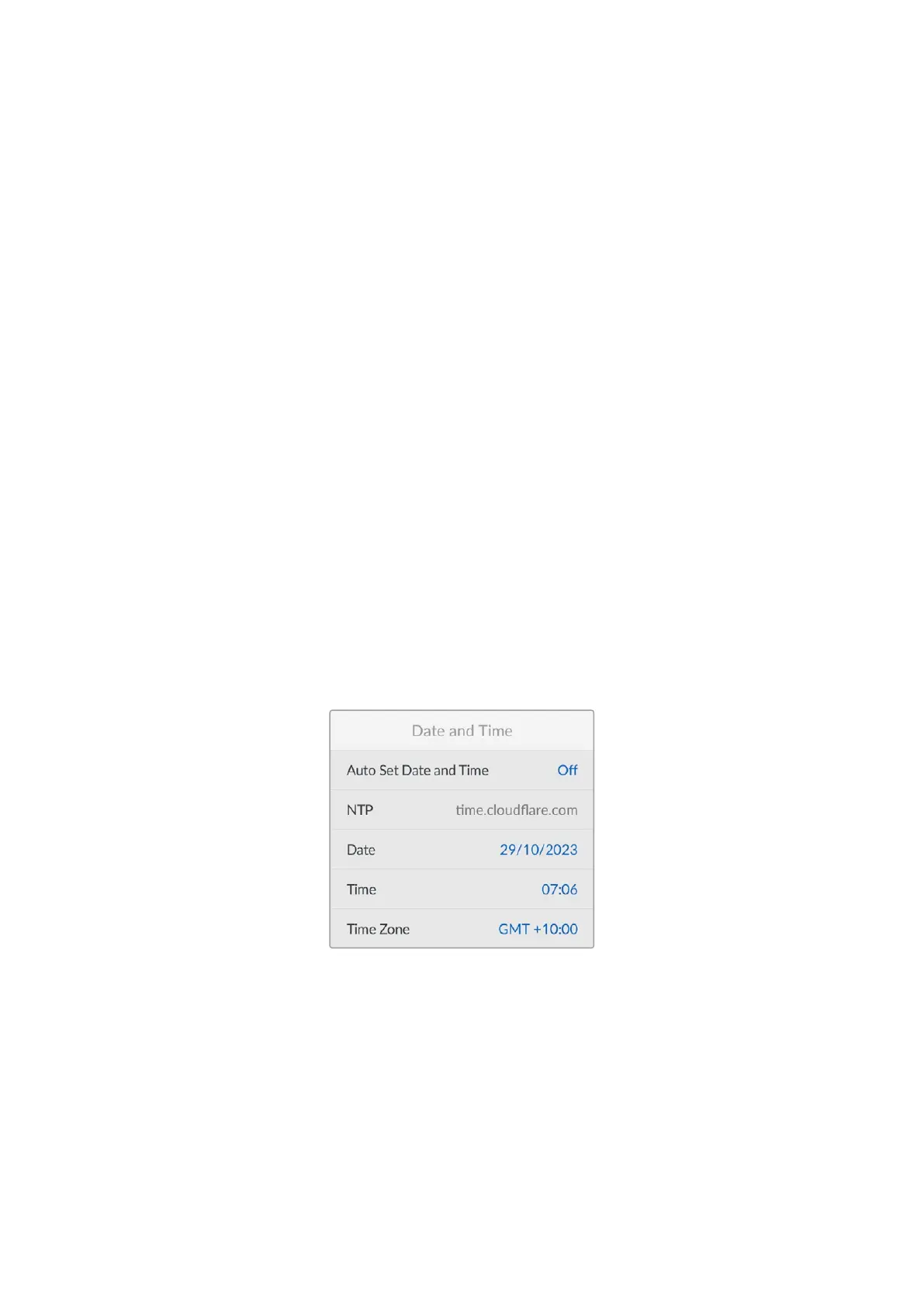
Date and Time
Auto Set Date and Time
Your Micro Studio Camera 4K G2’s date and time are used for time of day timecode if an
external timecode source is not connected. Your camera’s date and time settings can be set
automatically or manually.
To set your camera’s time and date automatically toggle the ‘auto set date and time’ setting to
‘on’. Your camera will automatically update the date and time when connected to a network via
Ethernet, or the next time you update your camera. The camera’s default network time protocol
server is time.cloudflare.com You can also manually enter an alternate NTP server using
Blackmagic Camera Setup, refer to the ‘Using Blackmagic Camera Setup’ section later in this
manual for more information.
53Setup Menu


 To Next Page
 Loading...
