Audio Menu
The ‘audio’ menu lets you adjust the audio input and monitoring settings on your
Blackmagic Micro Studio Camera 4K G2.
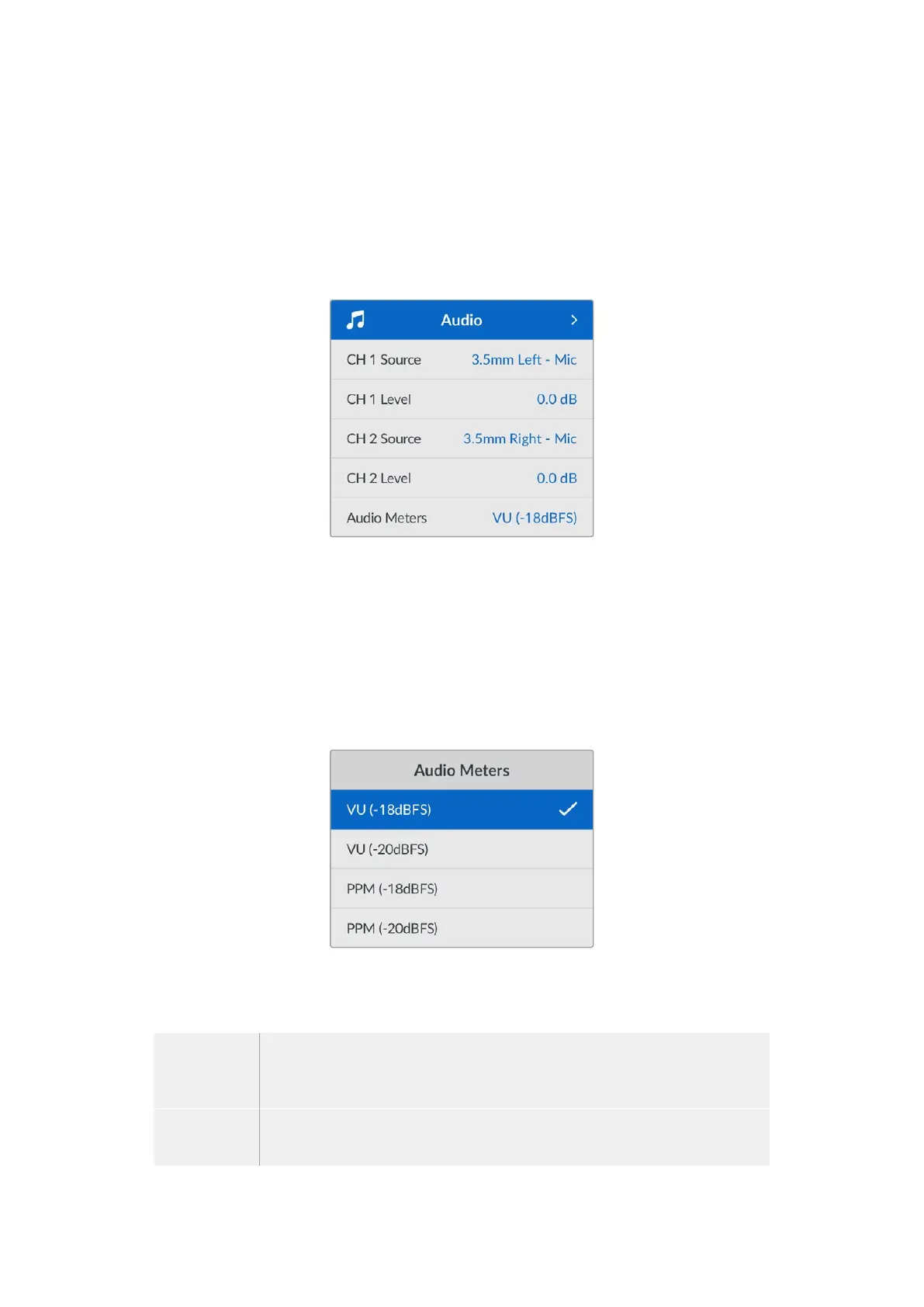
Audio settings for your camera are divided between channels 1 and 2. You can map each audio
channel to a different source, as well as adjusting various settings such as level control.
Audio
Channel Source
Use the ‘CH 1 Source’ and ‘CH 2 Source’ menus to select your source for each audio input. You
can choose to record from your camera’s internal microphones or from an external microphone
connected via the 3.5mm microphone input.
Channel Level
Use your camera’s arrow buttons to adjust the recording levels of your chosen 1 and 2
audio sources.
Audio Meters
You can select from VU or PPM meter types. While the VU meter has now become
standardized, PPM and loudness meters provide scaling systems and measurements for
perceived loudness.
VU This meter averages out short peaks and troughs in your audio signal. It’s mostly
used to monitor peaks in a signal, however, because of its averaging capability it can
also be used to monitor the perceived loudness of your audio.
PPM This meter displays a ‘peak hold’ feature that momentarily holds the signal peaks,
and a slow fall back so you can easily see where your audio is peaking.
48Settings


 To Next Page
 Loading...
