Focus Assist Color
Use this setting to change the color of focus line overlays when using ‘colored lines’ style focus
assistance. Changing the focus line color can make it easier to tell focus assistance lines apart
from your image. The available options are ‘white,’ ‘red,’ ‘green,’ ‘blue’ and ‘black.’
Focus Assist Level
To set the level of focus assistance for your HDMI output, use your camera’s arrow buttons to
move the slider from left to right.
Frame Guide Type
Open the ‘frame guide type’ menu setting to see the frame guide options. The options are
detailed in the ‘HDMI monitor options’ section of this manual.
Safe Area Size
To adjust the size of the safe area overlay, use your camera’s arrow buttons to adjust the safe
area guide percentage. This percentage indicates the size of the safe area in relation to the
image frame. Most broadcasters require a 90% safe area.
Guide Opacity
Use the ‘guide opacity’ menu setting to choose the opacity of the areas blocked out by frame
guides on your HDMI output. The options are 25%, 50%, 75% and 100%.
Guides Color
Use the ‘guides color’ menu setting to choose a color for the guides.
Grids
To set which combination of grids and crosshair you want to display on your camera’s HDMI
output, select the ‘thirds’, ‘horizon’, ‘crosshair’ or ‘dot’ options in this setting.
For more information, see the ‘grids’ guide in the ‘HDMI monitor options’ section.
SDI Output
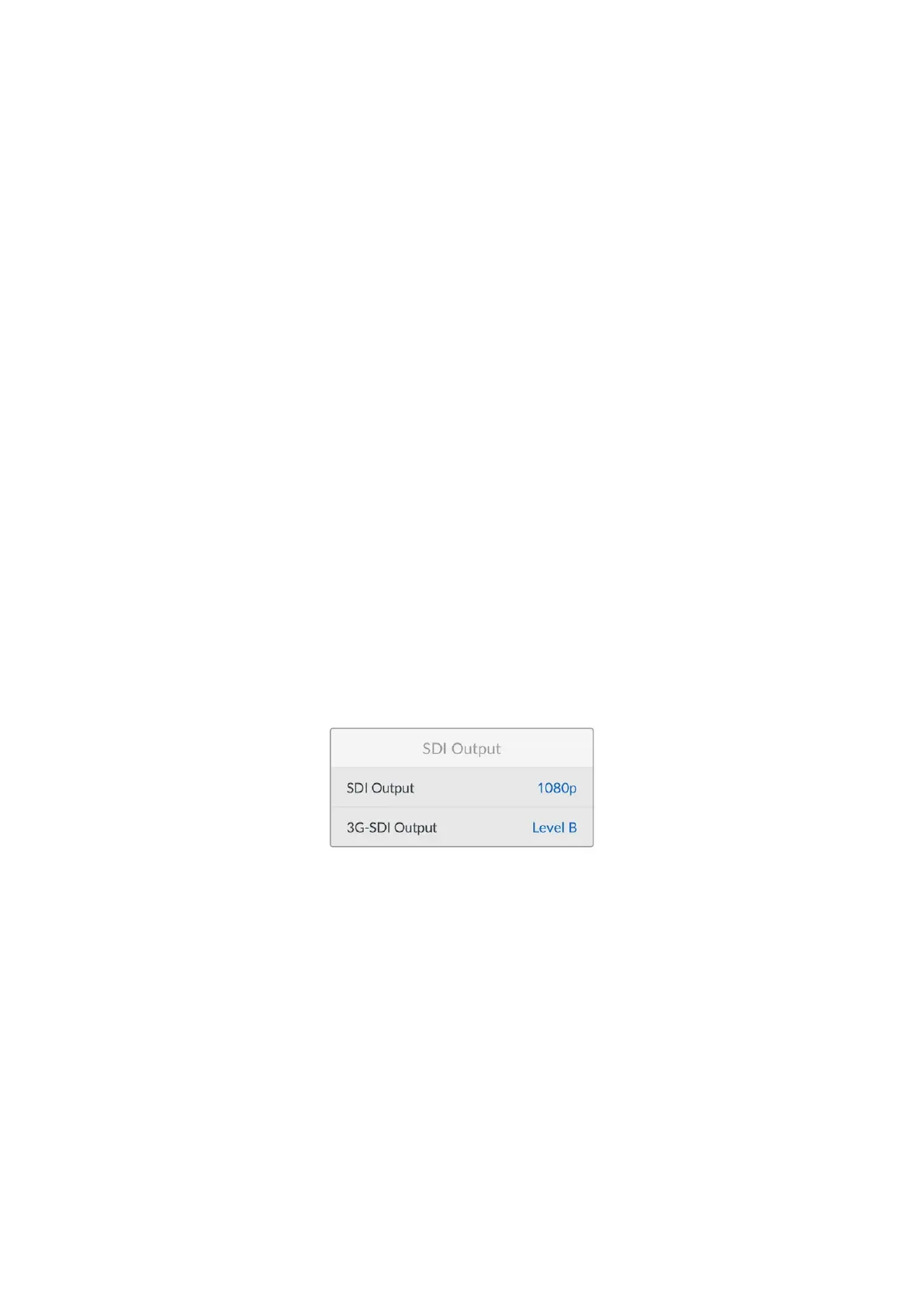
SDI Output
Your camera’s 12G-SDI output supports 2160p, 1080p and 1080i independently of your
recording resolution. When set to 2160p or 1080p the video standard will match your camera’s
project frame rate.
Interlaced HD is available on your SDI output when your project frame rate is set to 50p, 59.94p
or 60p and this will be sent as 1080i50, 59.94 or 60 accordingly.
3G-SDI Output
You can change the 3G-SDI output standard to maintain compatibility with equipment that can
only receive level A or level B 3G-SDI video. This option will only be available when you are
operating in 50, 59.94 or 60 frames per second and outputting 1080p.
47Settings


 To Next Page
 Loading...
