CAM
Displays the camera index as set in your camera’s slate. For more information, see the
‘slate’ section.
DURATION DISPLAY
Displays the duration of the current clip while recording, or the last recorded clip in the
following format: hours:minutes:seconds.
REEL, SCENE, TAKE
Displays the current reel, scene and take. For more information on reels, scenes, takes and
their labeling conventions, refer to the ‘slate’ section.
DYNAMIC RANGE
The bottom left hand corner of the monitor displays the currently applied LUT, if applied to
that output. If no LUT is applied, ‘film’ or ‘video’ dynamic range is displayed.
TIMECODE
The bottom right of the monitor displays your camera’s timecode, in the following
format: hours:minutes:seconds:frames.
Zebra Level
Use this setting to set the exposure level that zebra appears on the HDMI output. There are
eight zebra level presets available, from middle gray through to 100 percent exposure.
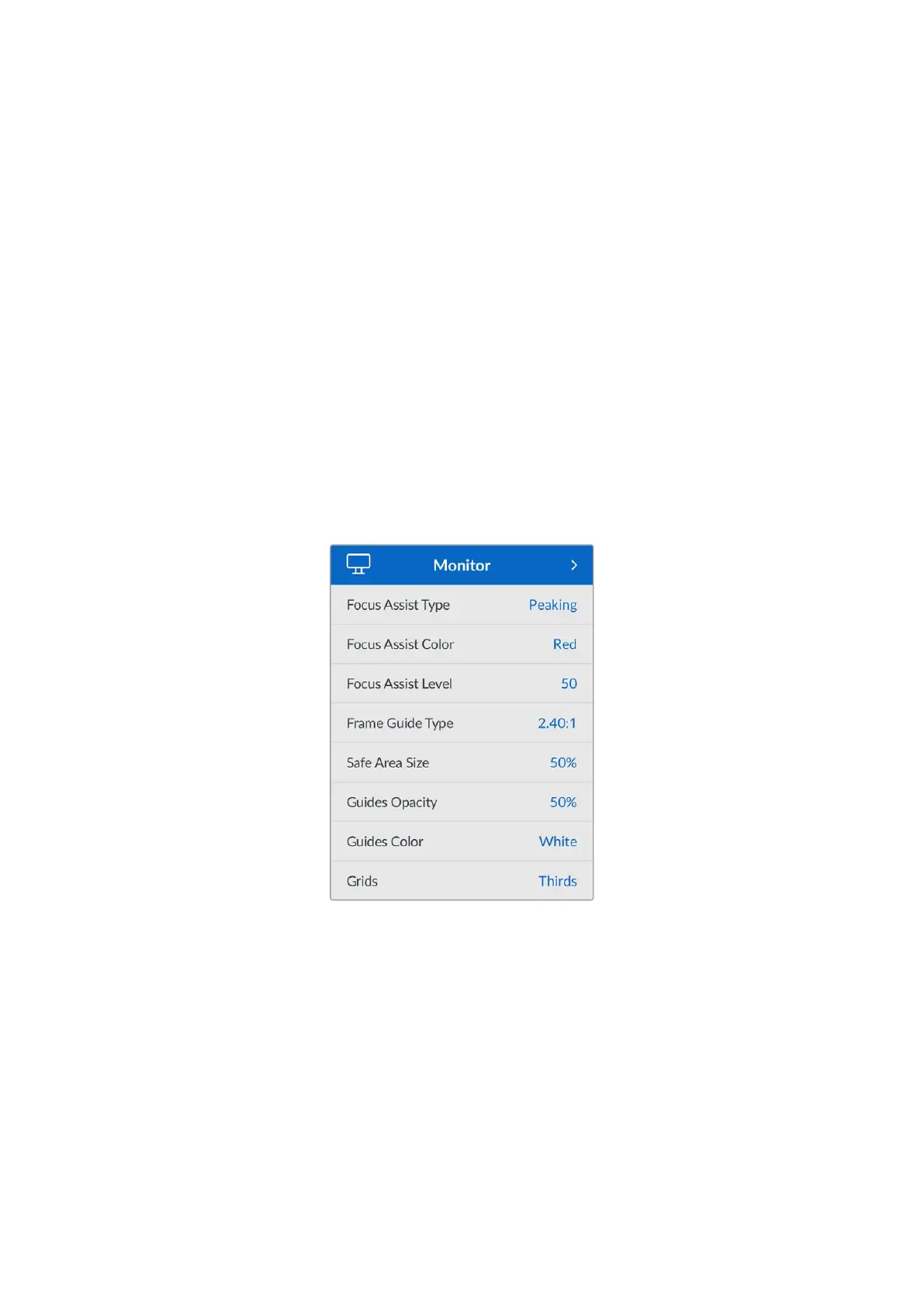
Focus Assist Type
Your Micro Studio Camera 4K G2 has two focus assist modes, ‘peaking’ and ‘colored lines.’
Peaking
When ‘peaking’ style focus assist is selected, areas of the shot that are in focus are heavily
sharpened in your HDMI output, but not in the recorded image itself. This causes focused
parts of your shot to ‘pop’ out of the softer background on screen. As no additional overlays
are used, this can be a very intuitive way to tell when focus is dialed in, especially when the
subject you’re focusing on is physically well separated from other elements in shot.
Colored Lines
When ‘colored lines’ style focus assist is selected, a colored line is superimposed around
the parts of the image that are in focus. This can be a little more intrusive than ‘peaking’
style focus assistance as the lines are drawn over your image, but especially in busy shots
with a lot of visible elements, it can be a precise focus tool.
46Settings


 To Next Page
 Loading...
