Safe Area Guide
Enable the ‘safe area’ setting to switch on safe area overlays for the HDMI output. For more
information on the safe area guide, see the ‘HDMI monitor options’ section in this manual.
False Color
Use the ‘false color’ setting to enable false color exposure assistance for the HDMI output. For
more information, see the ‘HDMI monitor options’ section in this manual.
Status Text
This setting can be useful to hide the status text and meters on your camera’s HDMI output,
leaving only the information necessary to compose or direct a shot. Overlays such as frame
guides, grids, focus assist and zebra remain visible, if enabled.
Display
As well as displaying information such as ISO, white balance, and aperture that is useful to a
camera operator or cinematographer setting up individual shots on that camera. Your camera’s
HDMI output can also show information useful to a director or script supervisor who is keeping
track of multiple shots or cameras.
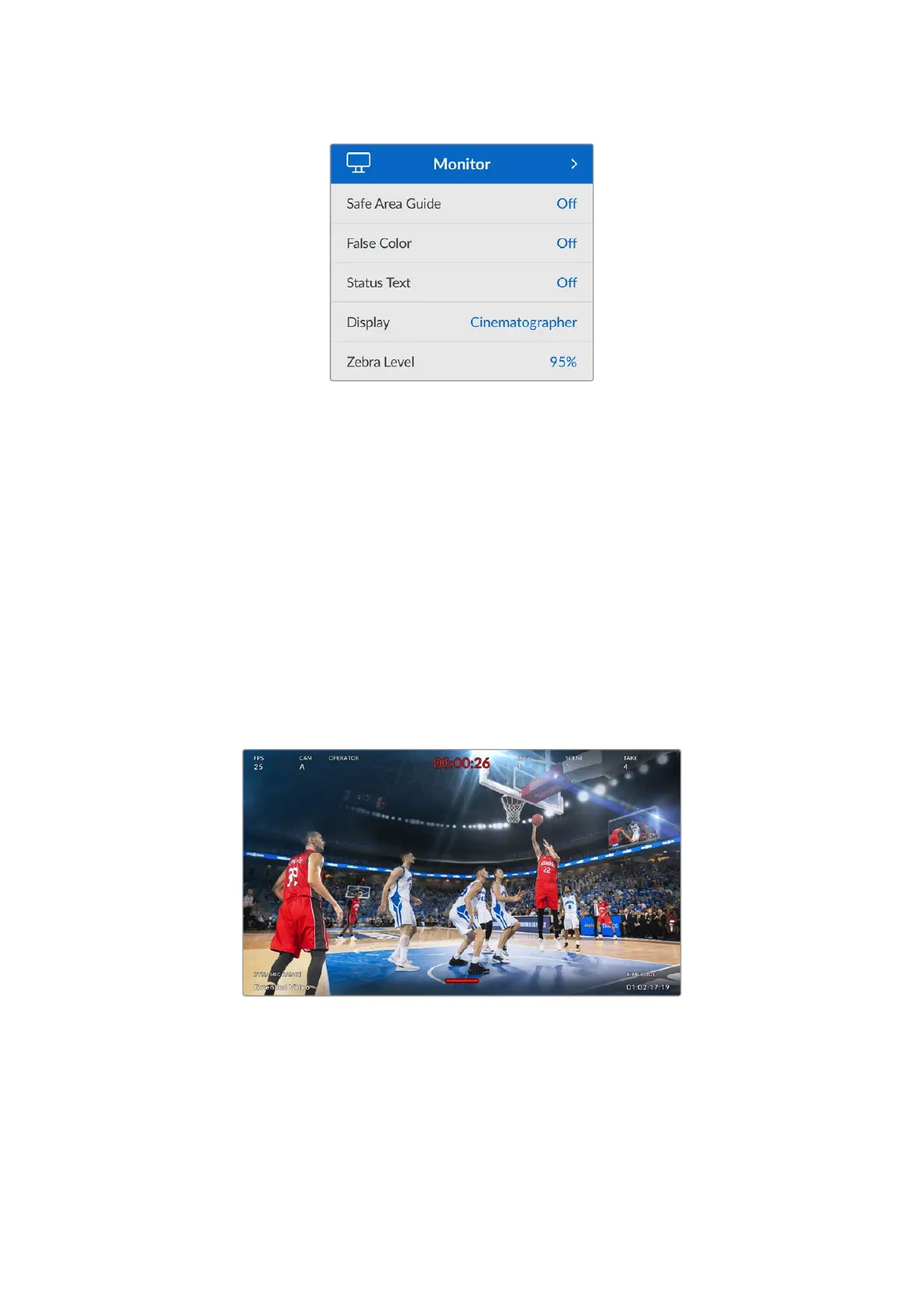
Setting ‘display’ to ‘director’ in the HDMI monitor settings changes the text overlay to show the
following information.
FPS
Displays the currently selected frames per second for the camera. If off speed frame rate is
disabled, only the project frame rate is shown. If an off speed frame rate is being used, the
sensor frame rate is shown, followed by the project frame rate.
45Settings


 To Next Page
 Loading...
