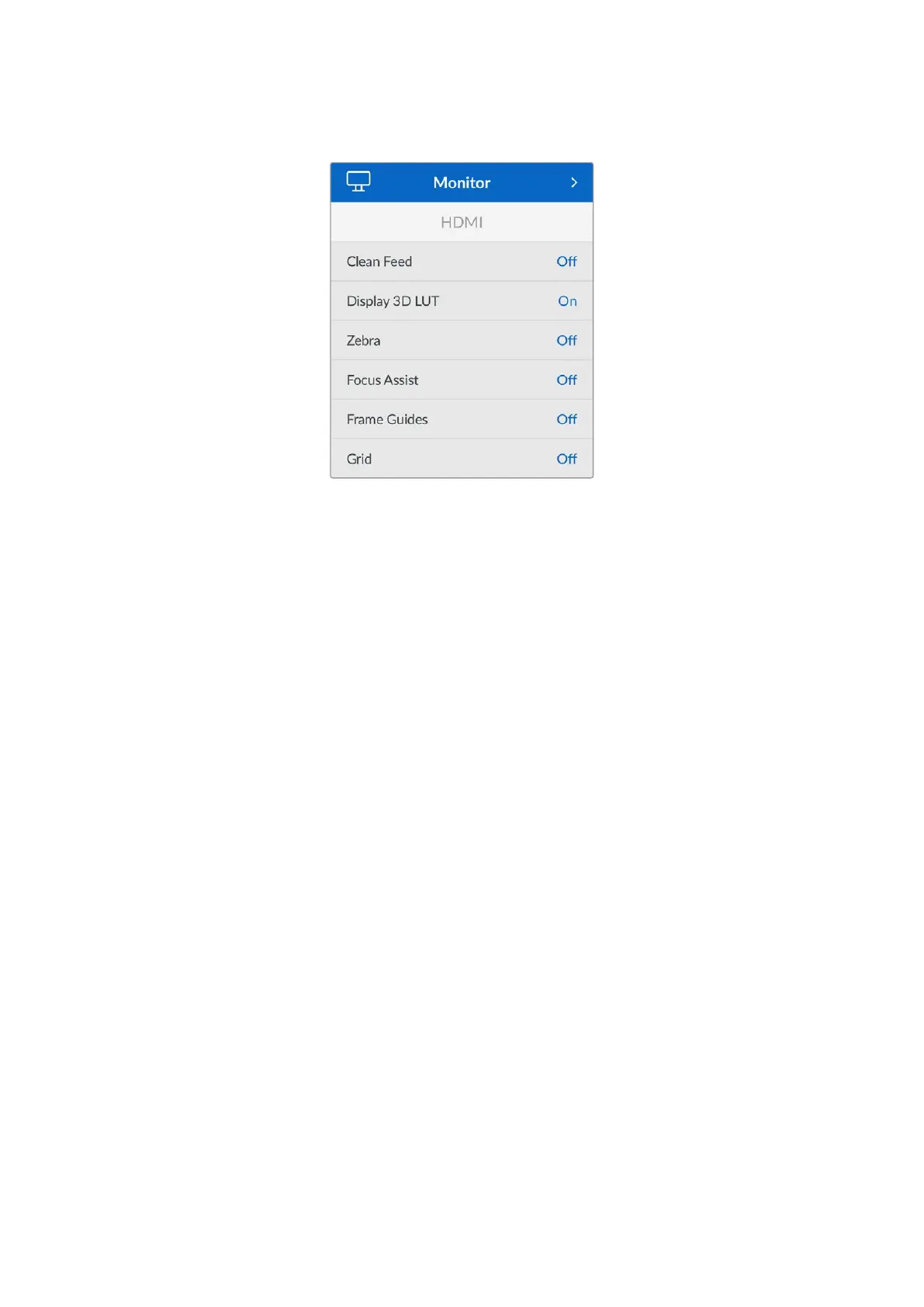
Monitor
Clean Feed
Switch the ‘clean feed’ setting to ‘on’ to disable all status text and overlays for the HDMI output.
When ‘clean feed’ is enabled, LUTs will still be applied to the HDMI output. To disable LUTs,
switch the ‘display 3D LUT’ option to ‘off’ in the ‘monitor’ menu.
It is a good idea to switch ‘clean feed’ on when connected to an ATEM Mini switcher or any
external recorders connected via HDMI when using a multicam setup.
Display 3D LUT
Your Micro Studio Camera 4K G2 can apply a 3D LUT to the HDMI output to approximate the
look of color graded footage. This is especially useful when shooting with ‘film’ dynamic range
as it can produce an intentionally ‘flat’ low contrast image.
For more information on loading and using 3D LUTs, see the ‘LUTs’ section of this manual.
Zebra
Use the ‘zebra’ setting to toggle zebra guides on or off for the HDMI output. For more
information on zebra guides and setting zebra levels, see the ‘HDMI monitor options’ section in
this manual.
Focus Assist
Enable ‘focus assist’ to switch focus assist on the HDMI output. For more information on focus
assist and setting focus assist levels, see the ‘HDMI monitor options’ section in this manual.
Frame Guides
Enable ‘frame guides’ to switch frame guides on for the HDMI output. For more information
on frame guides and choosing different guides, see the ‘HDMI monitor options’ section in
this manual.
Grid
Use the ‘grid’ setting to enable a rule of thirds grid for the HDMI output. For more information on
the rule of thirds grid, see the ‘HDMI monitor options’ section in this manual.
44Settings


 To Next Page
 Loading...
