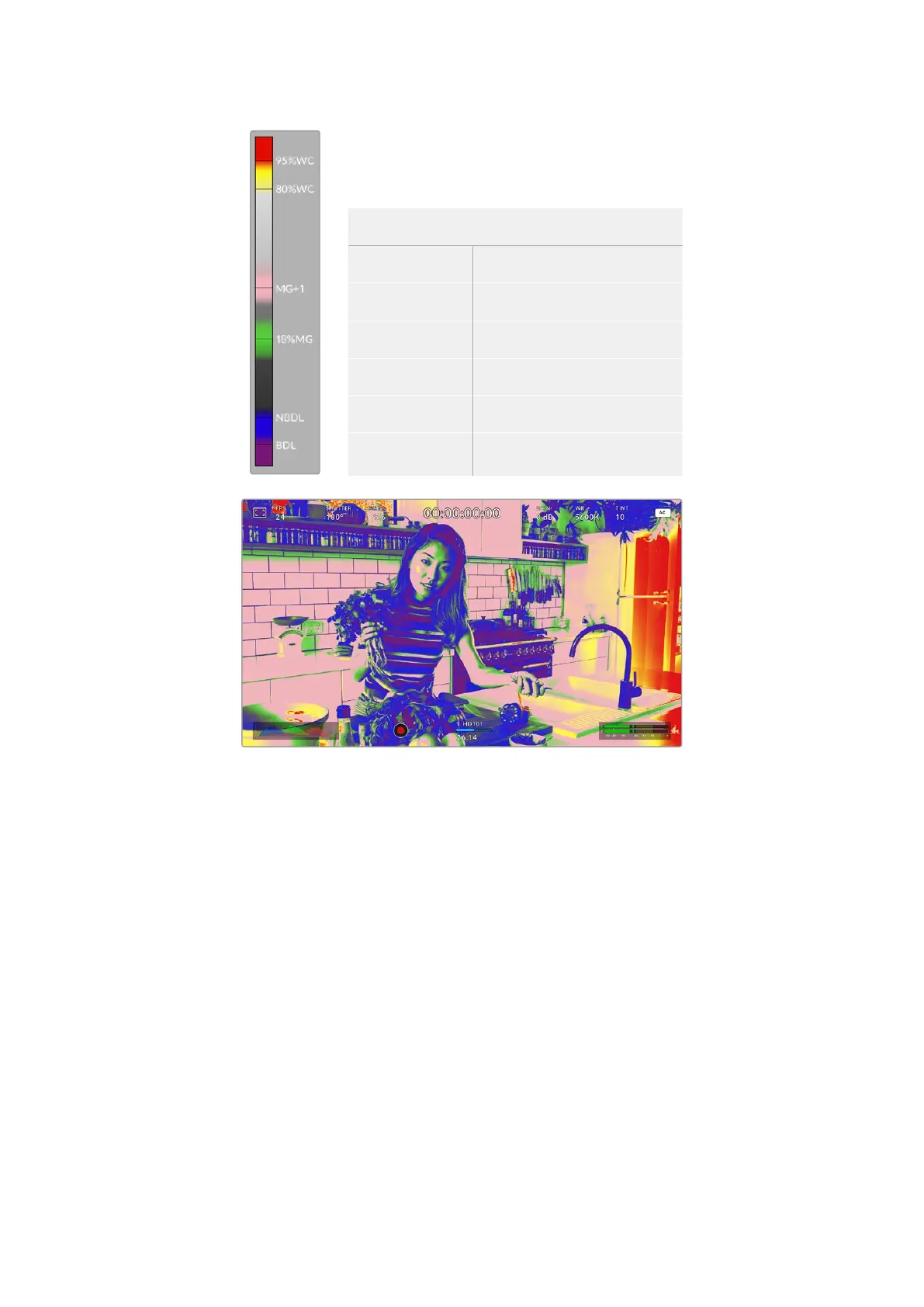
The IRE false color chart on the left side of your
camera’s display shows you how to interpret the
different false colors.
False Color Meaning
95%WC White clipping
80%WC Near white clipping
MG+1 One stop over middle gray
18%MG Middle gray
NBDL Near black detail loss
BDL Black detail loss
In a well exposed image, skin tones are represented by green and pink false colors
To enable or disable false color for the HDMI output, use the ‘set’ button to toggle the switch
icon in the bottom left of the screen while in the ‘false color’ tab.
33Using the HUD Controls


 To Next Page
 Loading...
