Gen 5 Film to Rec 2020 PQ Gamma
Displays a gamma curve that is based on what we can perceive with our eyes, for efficient
encoding of HDR images.
Gen 5 Film to Video
Similar to the REC 709 color standard for high definition video, and has a high level of
contrast and saturation. You may find this setting useful when using Blackmagic Micro
Studio Camera 4K G2 alongside other broadcast cameras using the REC 709 color space.
Applying a LUT
To apply a LUT, use the arrow buttons to select the LUT you want to use and press ‘set’. To
display the loaded LUT on your camera’s HDMI output, switch on ‘display 3D LUT’ in the monitor
menu. See the ‘monitor settings’ section for more information. To read more about applying
LUTs to Blackmagic RAW files, refer to the ‘record settings’ section.
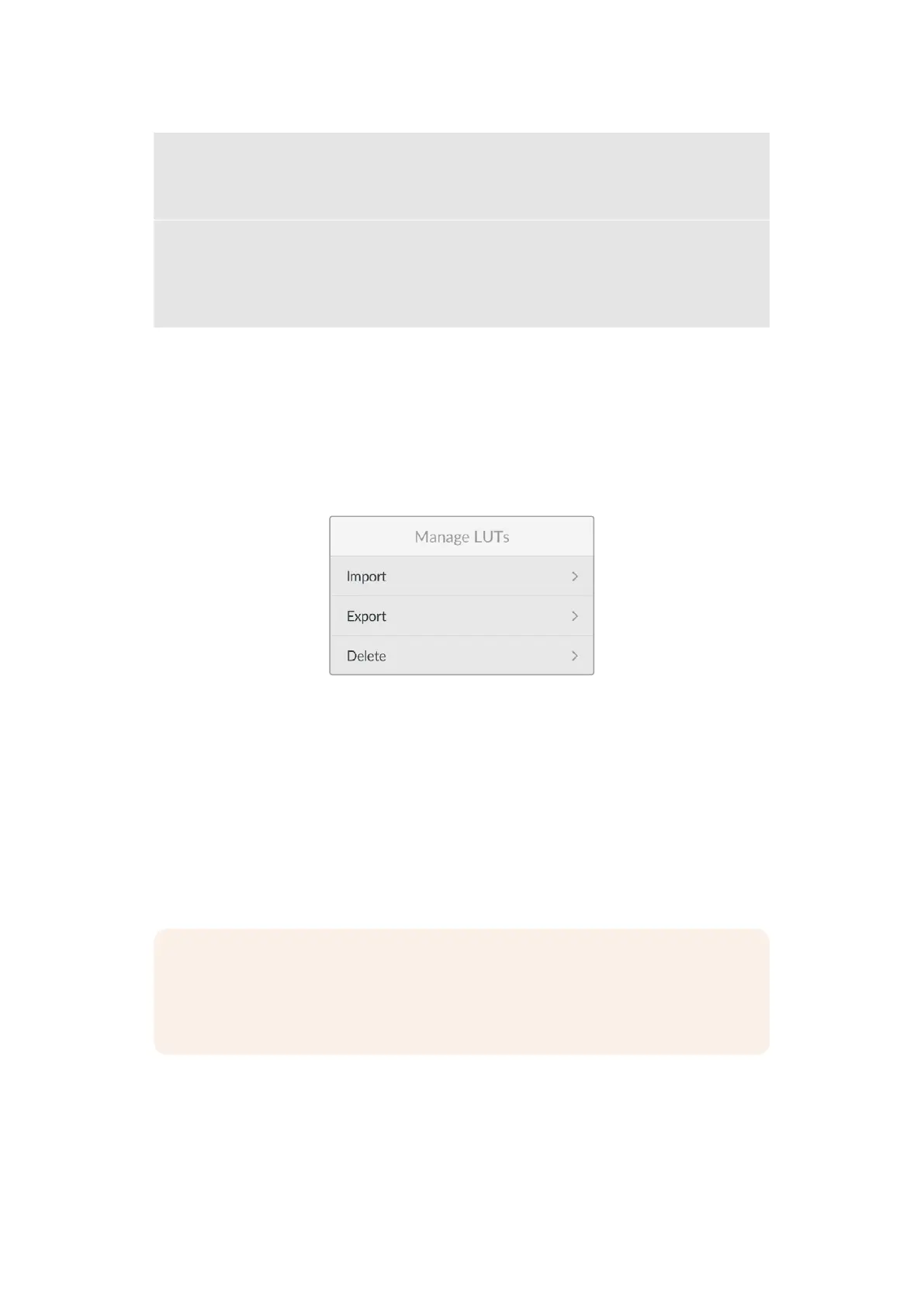
Manage LUTs
Use the ‘manage LUT’ menu to import, export or delete LUTs.
Importing LUTs
To import a 3D LUT, select ‘import’ and press ‘set’. On the next screen select the USB-C drive
where your LUT is stored.
Your camera searches the root directory and ‘3DLUTs’ folder on your selected media, and lists
available LUTs. Any LUTs you have saved elsewhere are not visible.
Use your camera’s arrow buttons to select a LUT to import and press ‘set’. It’s worth noting that
if you want to import a new LUT but all 17 3D LUT slots are full, you need to delete an existing
LUT to make space.
If the LUT you want to import has the same name as a LUT already saved to your camera, you
can choose to overwrite the existing LUT or keep both.
NOTE If you have trouble importing a LUT, it may be the wrong size. You can use a
LUT editor like Lattice to check its size, or open it in any text editor on your computer.
Next to the tag ‘LUT_3D_SIZE’ is a number indicating the LUT’s size. If this value is not
17 or 33, you can use Lattice to resize your 3D LUT to 17 points.
Exporting LUTs
To export a LUT to a USB-C flash disk, select ‘export’, choose the LUT you want to export and
press ‘set’. On the next screen confirm the export location for the LUT.
If a LUT with the same name is already present, choose whether to overwrite the LUT or keep
both. The camera exports the LUT to a ‘3DLUTs’ folder.
613D LUTs


 To Next Page
 Loading...
