Good Take Last Clip
To apply a ‘good take’ tag to the last recorded clip, select ‘good take last clip’ and press your
camera’s ‘set’ button.
Adding a ‘good take’ tag to a clip makes it easy to identify good takes in DaVinci Resolve.
Scene Location
Use the ‘scene location’ menu to add an ‘interior’ or ‘exterior’ tag to the next clip.
Scene Time
Use the ‘scene time’ menu to add a ‘day’ or ‘night’ tag to the next clip.
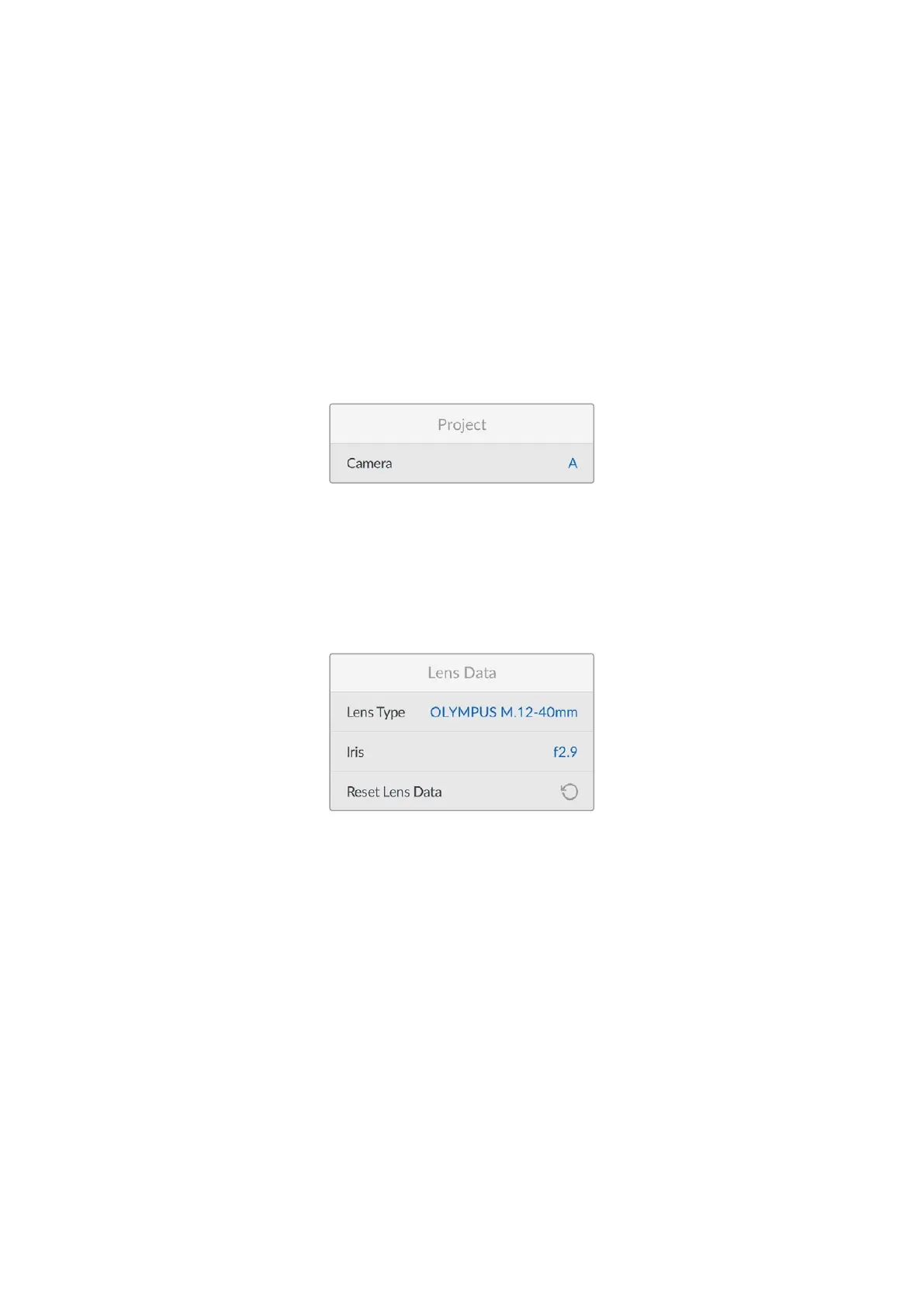
Project
‘Project’ metadata always refers to your project as a whole and is independent of clip numbers.
Camera
Displays a single letter camera index. You can change the camera index to a letter from A-Z or a
number from 1-9.
Lens Data
These settings display information about the current lens fitted to your camera. Many electronic
lenses automatically supply information such as the lens model, aperture and focal length.
Lens Type
If you are using a lens with in built electronics that communicate with your camera, you can see
the lens model information here.
Iris
Shows the iris aperture setting at the start of your clip.
This information is displayed in f-stops if supplied automatically.
Reset Lens Data
You can use this option to clear lens data in the ‘lens data’ menu. All lens data will be cleared
and repopulated with any lens data automatically provided by the currently fitted lens.
66Entering Metadata


 To Next Page
 Loading...
