Applying Gyro Stabilization in DaVinci Resolve
After importing your clips and setting them up on a timeline:
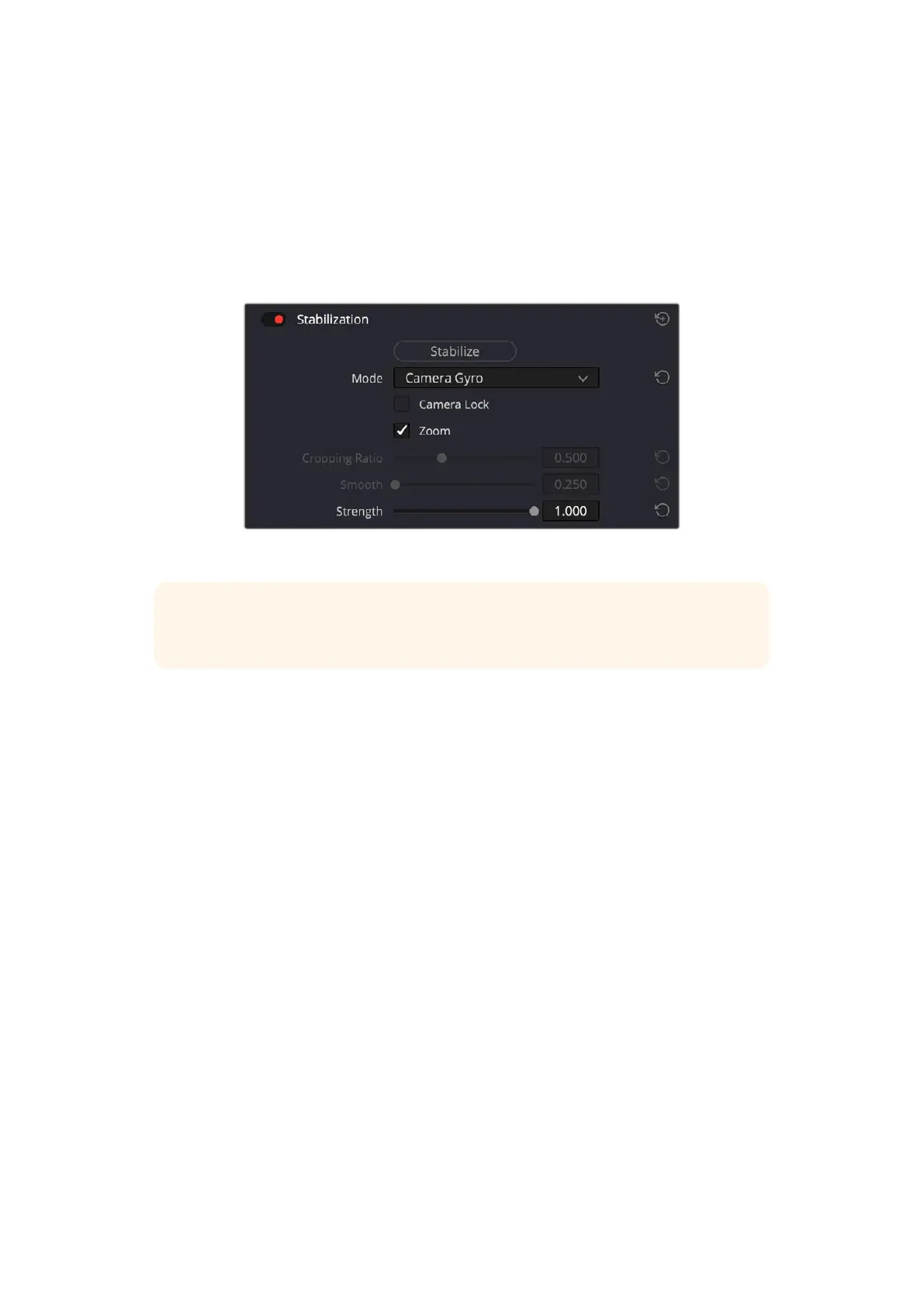
1 Go to the ‘edit’ page’s inspector window and scroll down to ‘stabilization’.
2 Set the stabilization mode to ‘camera gyro’.
3 Click ‘stabilize’.
A progress bar will let you know when the stabilization is complete.
In the inspector window select ‘camera gyro’ to stabilize the clip using gyro data
TIP You can enhance the results by shooting with narrow shutter angles to minimize
motion blur. For example, 45 degrees.
68Entering Metadata


 To Next Page
 Loading...
