When you generate a .csr you will also be creating a public key and private key at the same
time. The public key will be included with the signing request while the private key will remain
with the unit. Once the CA or IT department have verified the information in the CSR with your
organization, they will generate a signed certificate with the above details along with your
public key.
Once imported, your camera will use the public and private key to confirm the identity of the
camera and to encrypt and decrypt data share via HTTPS.
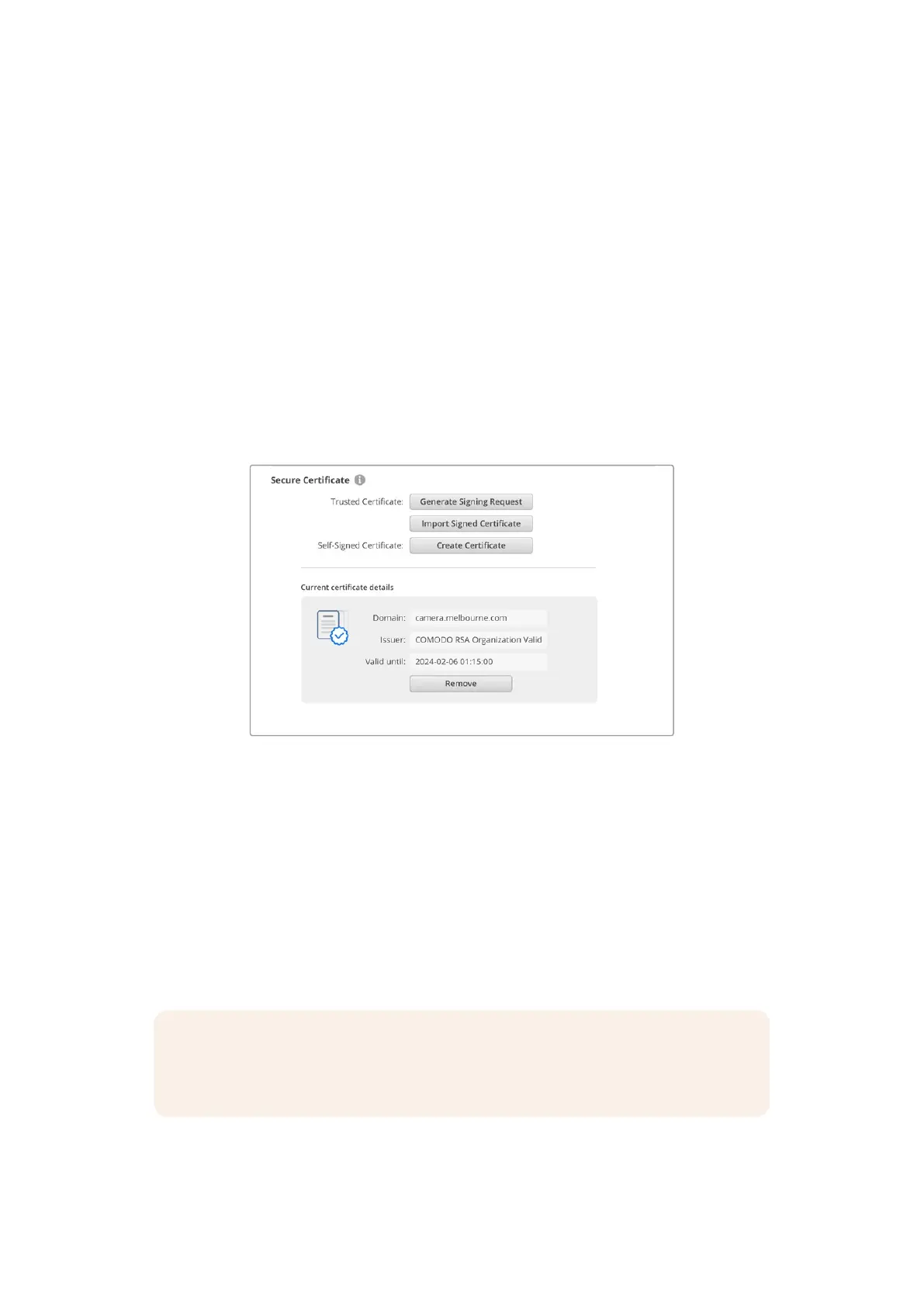
Importing a signed certificate:
1 Click on ‘import signed certificate’.
2 Navigate to the location of the signed certificate using the file browser and once the file is
selected click on ‘open’.
The domain, issuer and valid until fields will update with the information from your CA.
Generally, a signed certificate will be valid for about a year so the process will need to be
repeated as you reach the expiration date.
Since a domain name was selected, you will need to speak to your IT department about
resolving the DNS entry for your camera. This will point all traffic for the IP address
of the studio camera to the selected domain address in the signing request. Thiswill
also be the HTTPS address you use to access files via the web media manager,
forexample https://camera.melbourne
It’s worth noting that the certificate will be invalidated following a factory reset and a new
certificate will need to be generated and signed.
Reset
Select ‘factory reset’ to restore your camera to factory settings. A factory reset will invalidate
the current certificate. If a secure certificate is being used you will need to generate a new
certificate signing request to be signed by a certificate authority or IT department.
NOTE Performing a factory reset will also return the utility administration setting to ‘via
USB’. To enable utility administration via Ethernet after a factory reset, connect your
camera directly to a computer using a USB-C cable.
80Blackmagic Camera Setup


 To Next Page
 Loading...
