109
Section 6. Using USB
Section 6
Copying an MP3/WAV file from
your computer to the MICRO BR
1.
From your computer, drag the MP3/WAV
file into the MICRO BR’s MP3 folder.
The audio file will be copied from your
computer.
2.
When you’ve finished copying, and the
MICRO BR will display a message of
“USB idling...,” break the USB connection
as described in “Breaking the connection
with your computer” (p. 110).
Copying an MP3/WAV file from
the MICRO BR to your computer
1.
Double-click the MP3 folder in the MICRO
BR.
The audio files saved in the MP3 folder will
be displayed.
2.
From the MP3 folder, drag the desired
audio files to the desired folder on your
computer.
3.
When you’ve finished copying and the
MICRO BR will display a message of
“USB idling...,” break the USB connection
as described in “Breaking the connection
with your computer” (p. 110).
* You must perform the following procedure with the
recorder stopped.
1.
Use a USB cable to connect the MICRO
BR to your computer.
When communication with your computer
begins, the MICRO BR will display a
message of “USB connecting..” Then when
the computer has detected the connection,
the MICRO BR will display a message of
“USB idling...”
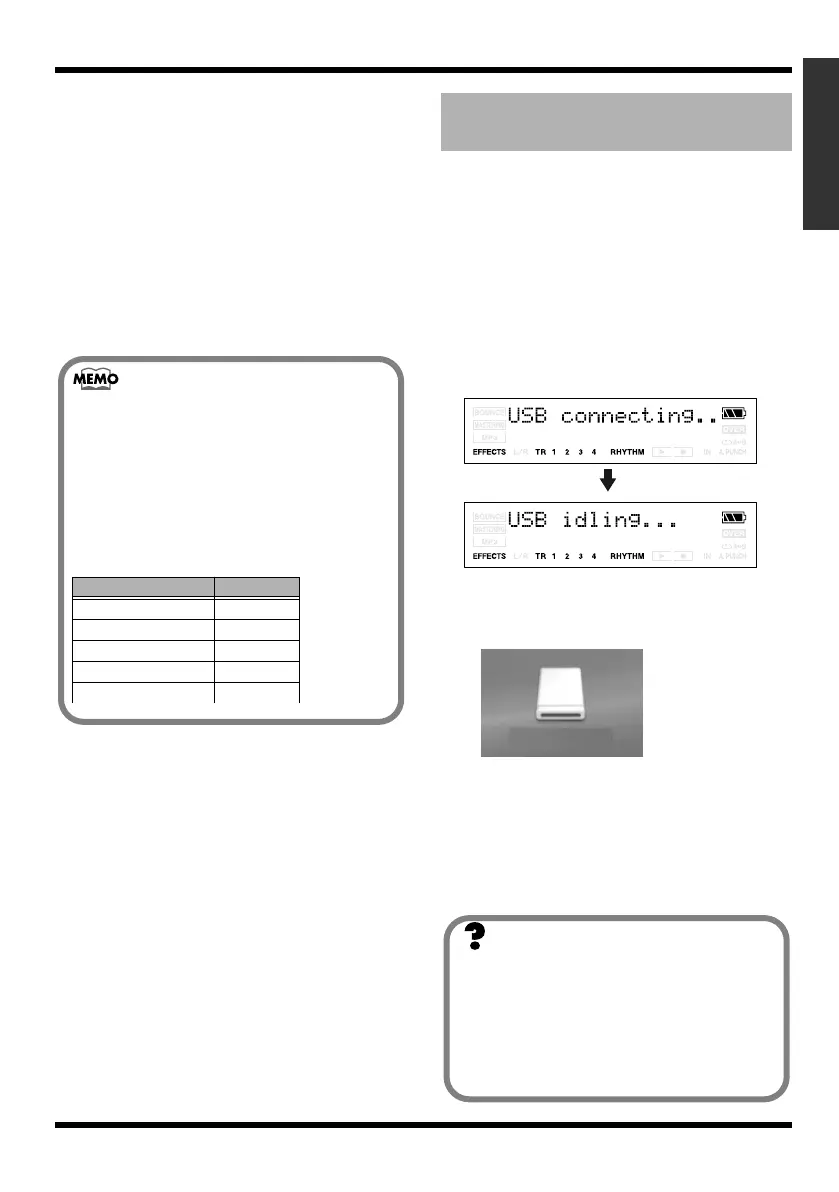
The “MICRO_BR” icon is added to the
computer.
fig.05-060
2.
Double-click the “MICRO_BR” icon in
your computer.
The root folder (p. 103) of the MICRO BR
(memory card) will be displayed.
3.
Transfer MICRO BR’s song data using the
following procedure.
Filenames and song order
MP3/WAV files on the MICRO BR will
play back in the order of their filename
(numerical or alphabetical order).
If you want to change the playback order,
you can edit the file names so that they are
in numerical or alphabetical order.
(Ex.)
Filename song order
123MUSIC.MP3 1
AMAZING.MP3 2
BIGDANCE.MP3 3
HELLO.WAV 4
: :
Backing up and recovering
MICRO BR song data
(Ex.)
MICRO_BR
What is Drag and Drop?
“Drag” refers to the action of moving the
mouse while you hold down the left mouse
button, and “drop” means to release the left
button at the location to which you
dragged. “Drag and drop” refers to this
sequence of actions.
MICRO-BR_e.book 109 ページ 2009年5月28日 木曜日 午後2時26分



 To Next Page