46
Section 1. Recording and playing back
1.
Press one of the [TR1]–[TR4] buttons to
select the track that you want to adjust.
2.
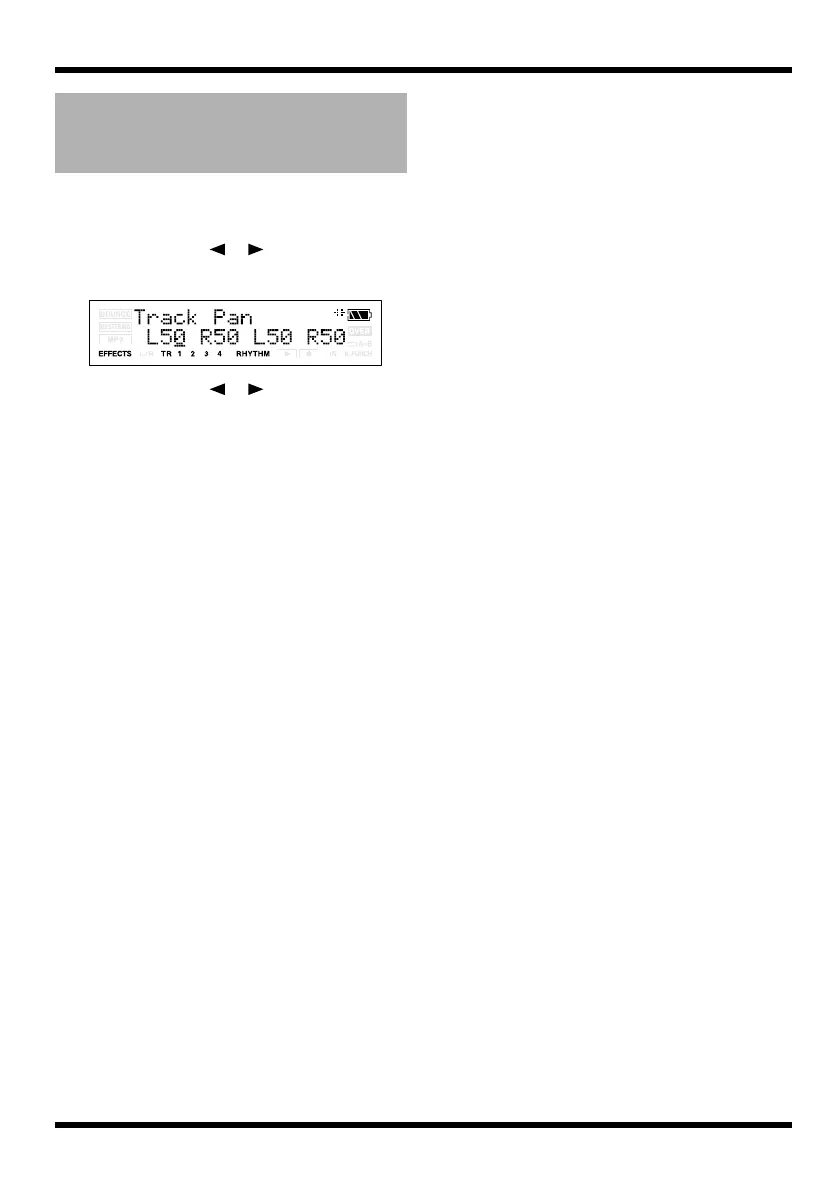
Use CURSOR [ ][ ] to access the
Track Pan screen.
fig.Disp-TR1-PAN.eps
3.
Use CURSOR [ ][ ] or press one of
the [TR1]–[TR4] button to select the track
whose pan setting you want to change.
4.
Use VALUE [-][+] to change the pan
setting.
Range L50–C00–R50
5.
Press [EXIT].
You will return to the Play screen.
Adjusting the left/right
position (pan) of the
playback
MICRO-BR_e.book 46 ページ 2009年5月28日 木曜日 午後2時26分



 To Next Page