35
Creating a new song
Quick Start
Now let’s play back the performance you just
recorded.
Hold down and press
Move the time location to 00:00:00-00.0.
Press .
Playback will begin. Use the VOLUME dial
to adjust the playback volume.
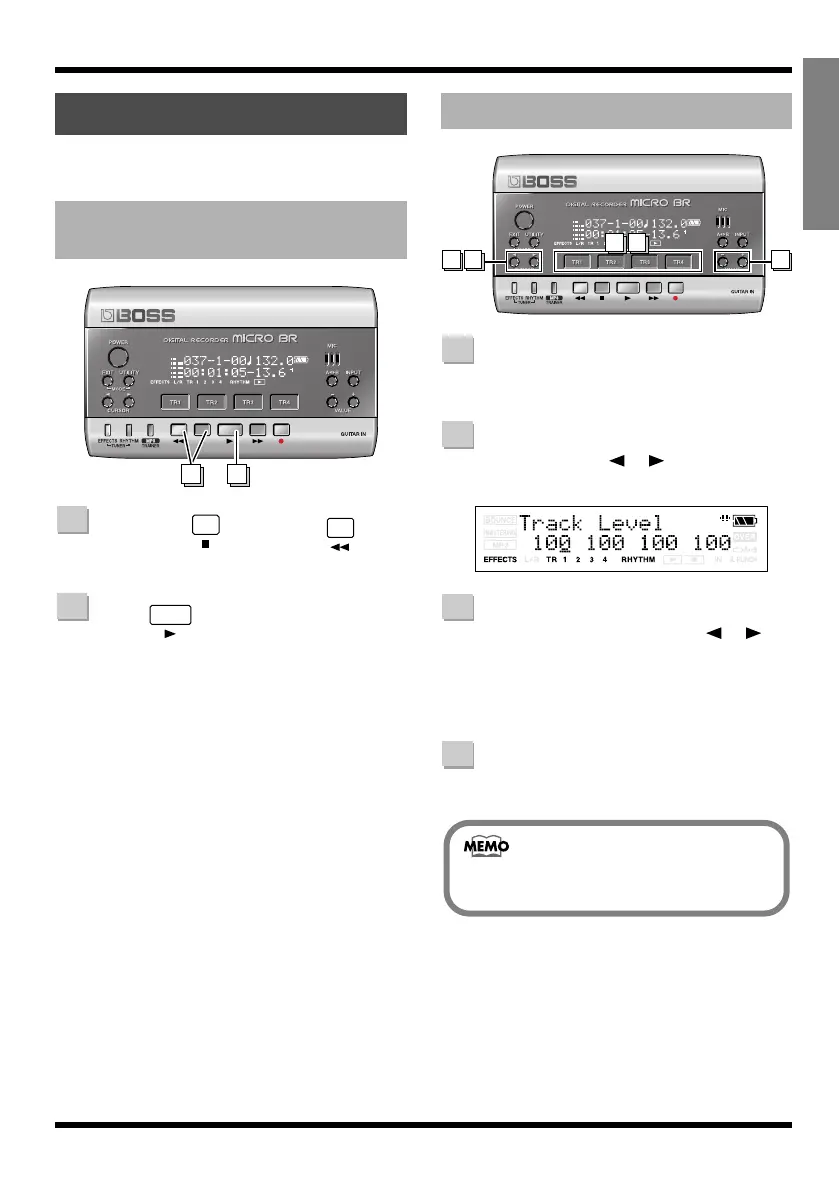
During playback, press one of the
track [TR1]–[TR4] buttons.
Use CURSOR [ ][ ] to make the
screen indicate Track Level.
fig.Disp-TR1-LEVEL.eps
Either by using CURSOR [ ][ ]
or by pressing the corresponding
[TR1]–[TR4], select the track whose
volume you want to change.
(From the left, they are tracks 1, 2, 3, and 4.)
Use VALUE [-][+] to adjust the
volume.
Playing back
Playing back a recorded
performance
21
1
2
Adjusting the volume of a track
31
32 4
1
2
3
4
If this is set to 0, you won’t hear the sound
of that track.
MICRO-BR_e.book 35 ページ 2009年5月28日 木曜日 午後2時26分



 To Next Page