86
Section 4. Using rhythm
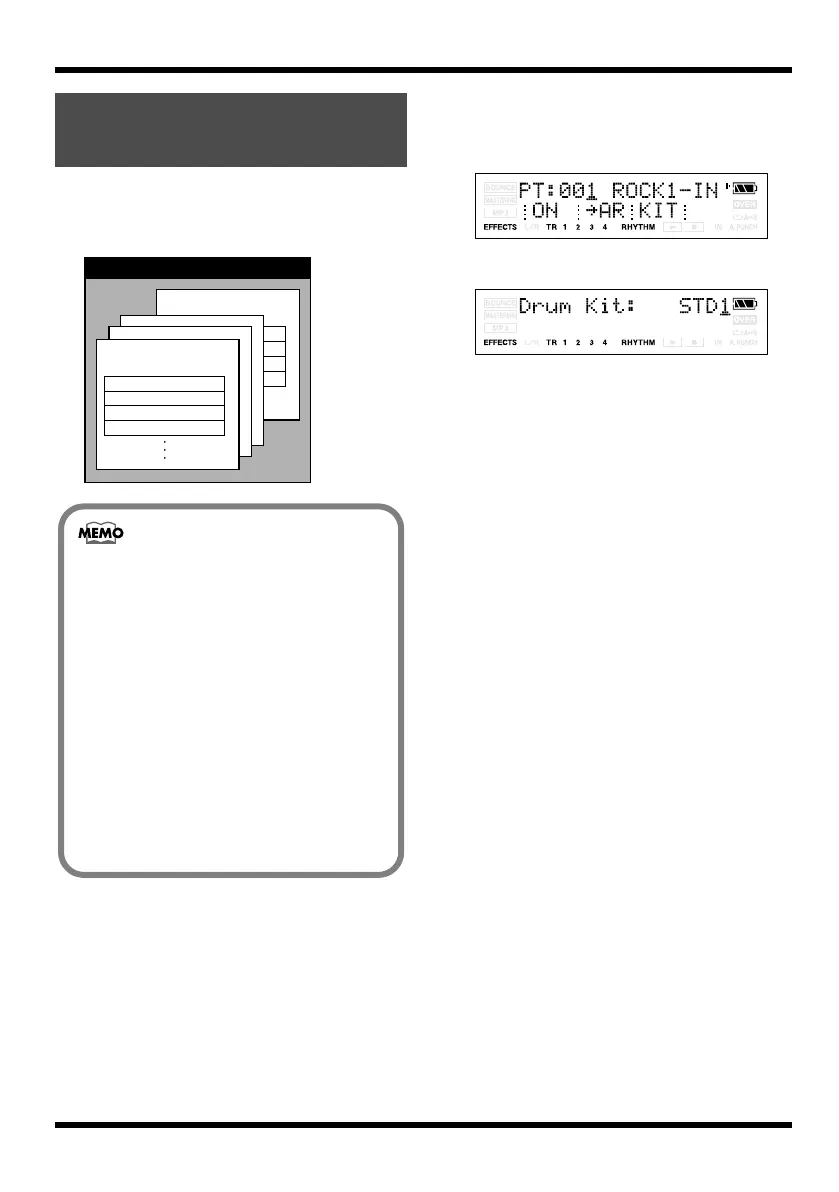
A drum kit is a collection of rhythm instrument
sounds used to play arrangements and patterns.
The MICRO BR contains nine different drum kits.
fig.04-030
Here’s how to select a drum kit.
1.
Press [RHYTHM].
The rhythm screen appears.
fig.Disp-pt-001.eps
2.
Press [TR3] (KIT).
fig.Disp-PtModeKit-STD1.eps
3.
Use VALUE [-] [+] to select a drum kit.
Changing the drum
sounds (drum kit)
MICRO BR
Preset Drum Kit 9
Preset Drum Kit 3
Preset Drum Kit 2
Preset Drum Kit 1
Kick
Snare
Closed Hi-hat
Open Hi-hat
• The selected drum kit will return to the
default (ROOM) drum kit if you turn off the
power or select another song.
However, when you create song
arrangements, the drum kit selected for each
song arrangement will be remembered.
• Switching the kit in Pattern mode
simultaneously switches the kits in
Arrangement mode.
• Drum kit selections made for a preset
arrangement are only temporary.
If you want to save the drum kit used for a
preset arrangement, you must first copy the
preset arrangement to a song arrangement,
and then switch to the song arrangement
and change the drum kit.
MICRO-BR_e.book 86 ページ 2009年5月28日 木曜日 午後2時26分



 To Next Page