45
Section 1. Recording and playing back
Section 1
1.
Hold down and press .
The time location will return to 00:00:00-00.0.
2.
Press .
Playback will begin.
The “repeat” function lets you play back a
specified region repeatedly. This function is
useful when you want to check the mix balance
repeatedly, or can be used in conjunction with
punch-in/out to perform Loop Recording (p. 49).
fig.01-570
1.
Move to the point (p. 29) where you want
to begin repeating (point A), and press
[A B].
Register the starting point (A) of the region
you want to repeat.
will blink, and that location will be
registered as the starting point (A) of the
repeated region.
2.
Move to the point (p. 29) where you want
to stop repeating (point B), and press
[A B].
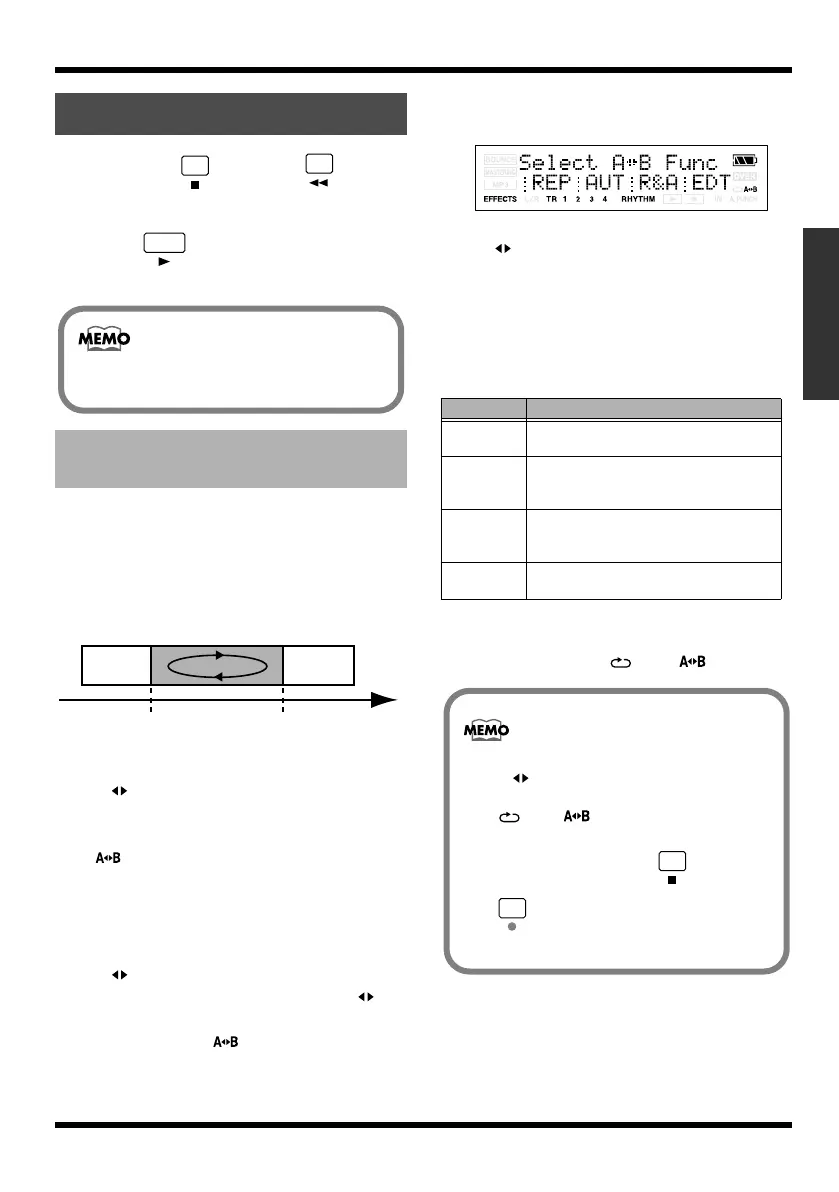
The display will appear the “Select A B
Func” message.
At this time, the indication will light,
indicating that the A-B region has been
assigned.
That location will be registered as the ending
point (B) of the repeated region.
fig.Disp-SET-AB.eps
* When specifying the repeat end point (B), pressing
[A B] at a point that is earlier than the repeat start
point (A) will cause that point to be reassigned as the
repeat start point (A).
* There must be at least one second between the repeat
start point (A) and end point (B). You can’t specify an
end point that’s less than one second away from the start
point.
3.
Press [TR1] (REP).
The region you specified will be assigned as
the repeat region. and will be lit.
Playing back
Playing back repeatedly
(Repeat)
Playback will not stop automatically even if
you play back to the end of the song.
Repeat
Repeat start point (A) Repeat end point (B)
Time
Button
Function
TR1 (REP)
The region you specified (A-B) will be as-
signed as the repeat region.
TR2 (AUT) The region you specified (A-B) will be as-
signed as the auto punch-in/out region.
(p. 48)
TR3 (R&A) The region you specified (A-B) will be as-
signed as the loop recording region. (p.
49)
TR4 (EDT) Perform a track edit operation on the se-
lected region. (p. 55)
• If you want to cancel the repeat, press
[A B] once again.
The repeat settings will be cancelled, and the
and will be lit.
• If you want to preserve the repeat region
you specified, hold down and press
.
MICRO-BR_e.book 45 ページ 2009年5月28日 木曜日 午後2時26分



 To Next Page