80
Section 3. Using effects
If you want to create new settings, select the
existing patch that’s closest to what you have in
mind, then modify (edit) those settings.
If you want to save your edited settings, you can
save them as a user patch or a song patch.
1.
Press [EXIT] and [UTILITY] several times
to make the display indicate .
2.
Press [EFFECTS].
The mastering tool kit selection screen
appears.
fig.Disp-mastering.eps
3.
Use CURSOR [ ] [ ] and VALUE [-] [+]
to select a patch.
Choose a preset, user, or song patch number.
4.
Press [TR2] (EDT).
The mastering tool kit edit screen appears.
fig.Disp-MTK-edit.eps
When it doesn’t settle on one screen because
there are a lot of the effect blocks, the screen
is switched pressing the CURSOR
[ ][ ] button.
5.
Press the [TR1]–[TR4] button for the
effect block that you want to edit.
In the screen shown here, the effect blocks
are assigned like this: [TR1] (IN),
[TR2] (CMP), and so forth.
Of the displayed blocks, blocks that are
turned on are shown in uppercase, and
blocks that are turned off are shown in
lowercase.
Press one of the [TR1]–[TR4] buttons to
access the parameter editing screen for the
corresponding effect block.
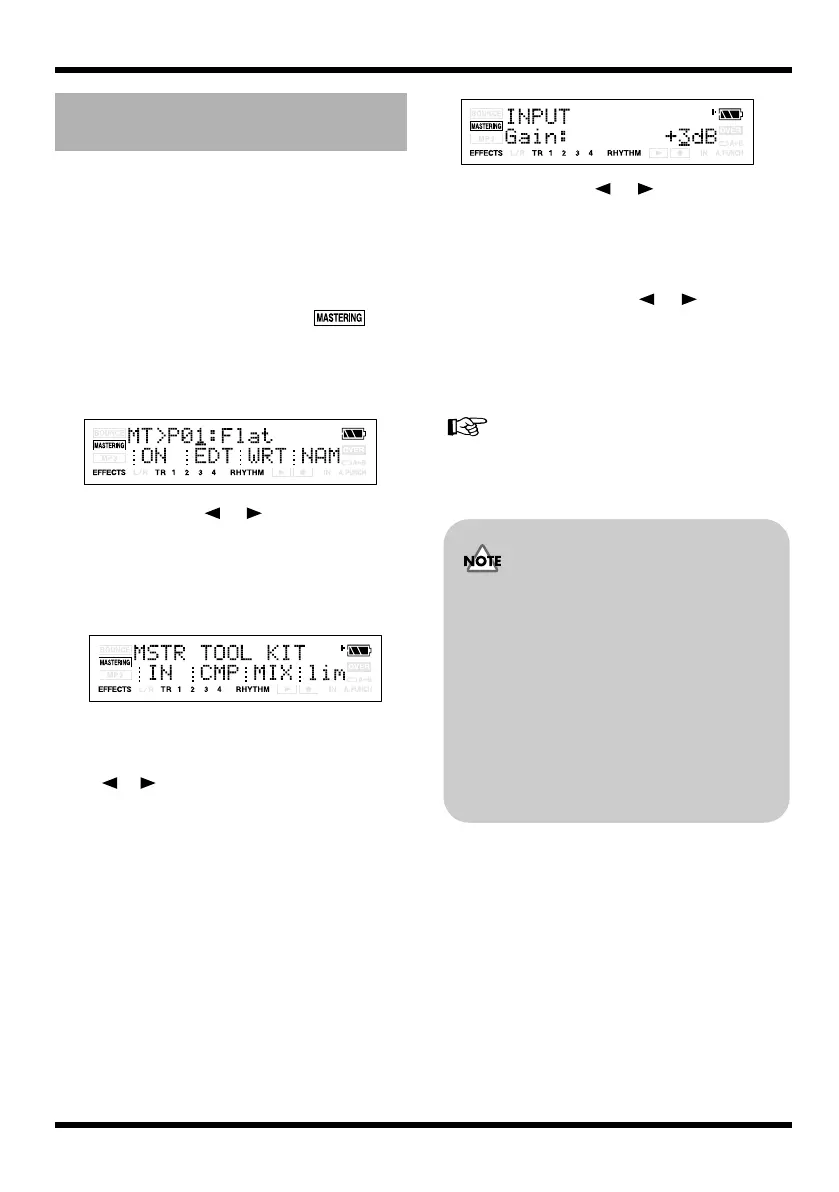
fig.Disp-PREAMP-OnOff.eps
6.
Use CURSOR [ ] [ ] to move the
cursor to the parameter that you want to
edit, and use VALUE [-] [+] to edit the
values.
If there are other parameters that you want
to edit, use CURSOR [ ] [ ] to move
the cursor to each parameter, and use
VALUE [-] [+] to edit the value.
7.
If you want to edit another effect block,
press [EXIT] and then repeat steps 5–7.
If you want to save the current effect settings, refer
to “Saving the mastering tool kit settings (Write)”
(p. 81).
Editing the Mastering Tool Kit
settings
Changes you make to the Mastering Tool
Kit settings are temporary. If you exit the
effect edit screen without saving your
edited effect patch, the indication “**” will
appear in the area that indicates the bank.
Please be aware that your edits will be lost
if you perform any of the following when
this “**” indication is shown:
• Select another effect patch
• Load/save a song
• Turn off the power
MICRO-BR_e.book 80 ページ 2009年5月28日 木曜日 午後2時26分



 To Next Page