91
Section 4. Using rhythm
Section 4
You can freely assign a name of up to eight
characters to each song arrangement.
1.
Perform steps 1 through 6 of “Specifying
the pattern for the first measure” (p. 88).
2.
Press [TR2] (NAM).
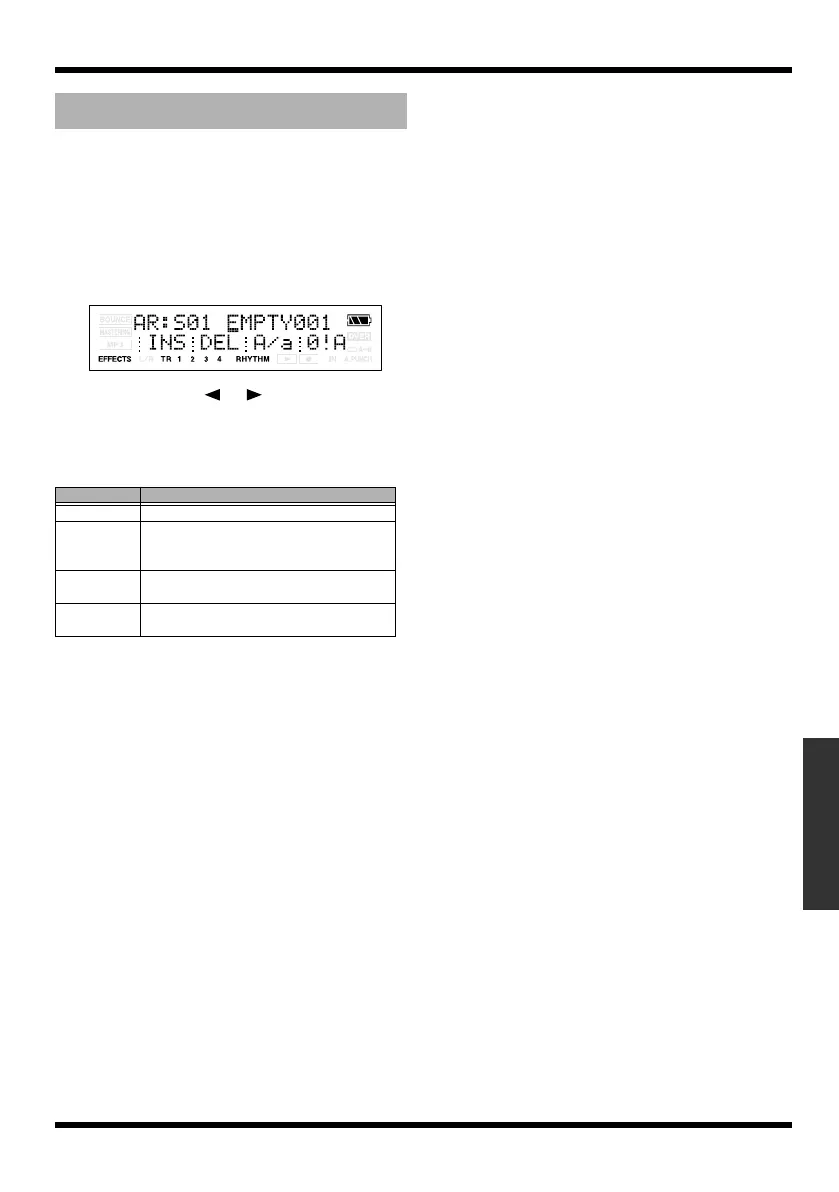
The name editing screen appears.
fig.Disp-AR-s01-NAME.eps
3.
Use CURSOR [ ] [ ] and VALUE [-] [+]
to edit the name.
You can use the following functions when
editing text.
* You can’t edit the name of a preset arrangement.
Naming an arrangement
Button
Function
[TR1] (INS)
Inserts a space at the cursor location.
[TR2] (DEL) Deletes the character at the cursor loca-
tion, and moves the subsequent charac-
ters toward the left.
[TR3] (A/a) Switches the character at the cursor loca-
tion between uppercase and lowercase.
[TR4] (0!A) Switches the type of character (numeral/
symbol/letter) at the cursor location.
MICRO-BR_e.book 91 ページ 2009年5月28日 木曜日 午後2時26分



 To Next Page