118
Section 7. Other Convenient Functions
If a certain length of time has passed without any
buttons being operated, the MICRO BR will dim
the display brightness to reduce the current
consumption.
Perform the procedure given below to activate
the power save function.
1.
Press [UTILITY].
2.
Use CURSOR [ ][ ] to access the
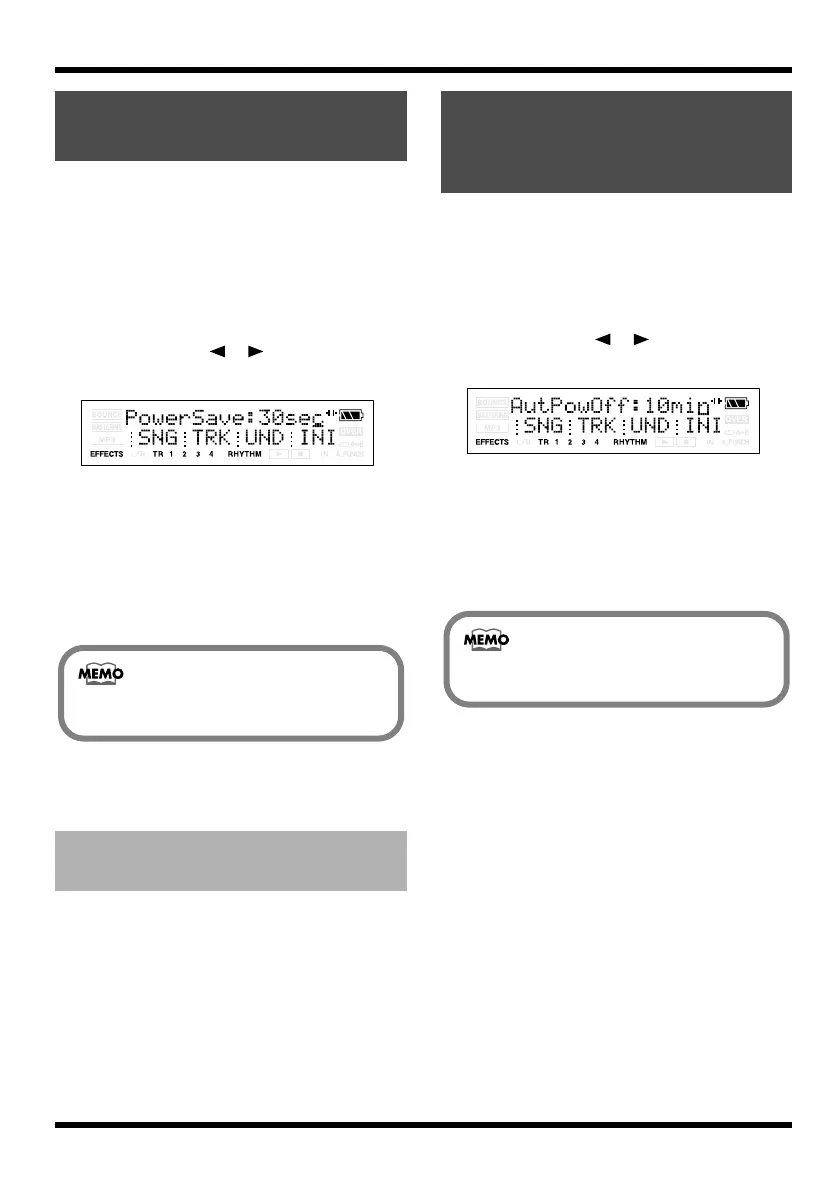
PowerSave screen.
fig.06-020
3.
Use VALUE [-][+] to set the value.
Set the time until the Power Save function is
activated.
Range: 10 sec, 30 sec, 1 min, 3 min, 5 min,
10 min, OFF
* If you set this OFF, the Power Save function will not
operate.
4.
Press [UTILITY] (or [EXIT]) to return to the
Play screen.
Press any of the panel buttons, brightness of the
display returns to the origin.
The Auto Power Off function automatically turns
off the power if the buttons or VOLUME dial
have not been operated for a certain length of
time.
1.
Press [UTILITY].
2.
Use CURSOR [ ][ ] to access the
AutPowOff screen.
fig.06-020
3.
Use VALUE [-][+] to set the value.
Set the time until the Auto Power Off
function is activated.
Range: 5 min, 10 min, 30 min, OFF
* If you set this OFF, the Auto Power Off function will
not operate.
4.
Press [UTILITY] (or [EXIT]) to return to the
Play screen.
Saving Battery Power
(Power Save)
Deactivating the power save
function
When you use an AC adaptor, the Power
Save function will not operate.
Powering-off
automatically (Auto
Power Off)
When you use an AC adaptor, the Auto
Power Off function will not operate.
MICRO-BR_e.book 118 ページ 2009年5月28日 木曜日 午後2時26分



 To Next Page