54
Section 1. Recording and playing back
Here’s how you can view detailed information
about the song. You can also view the song’s data
type and size.
1.
Press [UTILITY].
2.
Press [TR1] (SNG).
3.
Press [TR3] (INF).
The Remain screen will appear. The name
and data type of the current song are
displayed.
fig.Disp-SongInfo1.eps
4.
Press CURSOR [ ].
The song size and the remaining available
recording time are displayed.
fig.Disp-SongInfo2.eps
For more about the Type, refer to “About the data
types (p. 40)”.
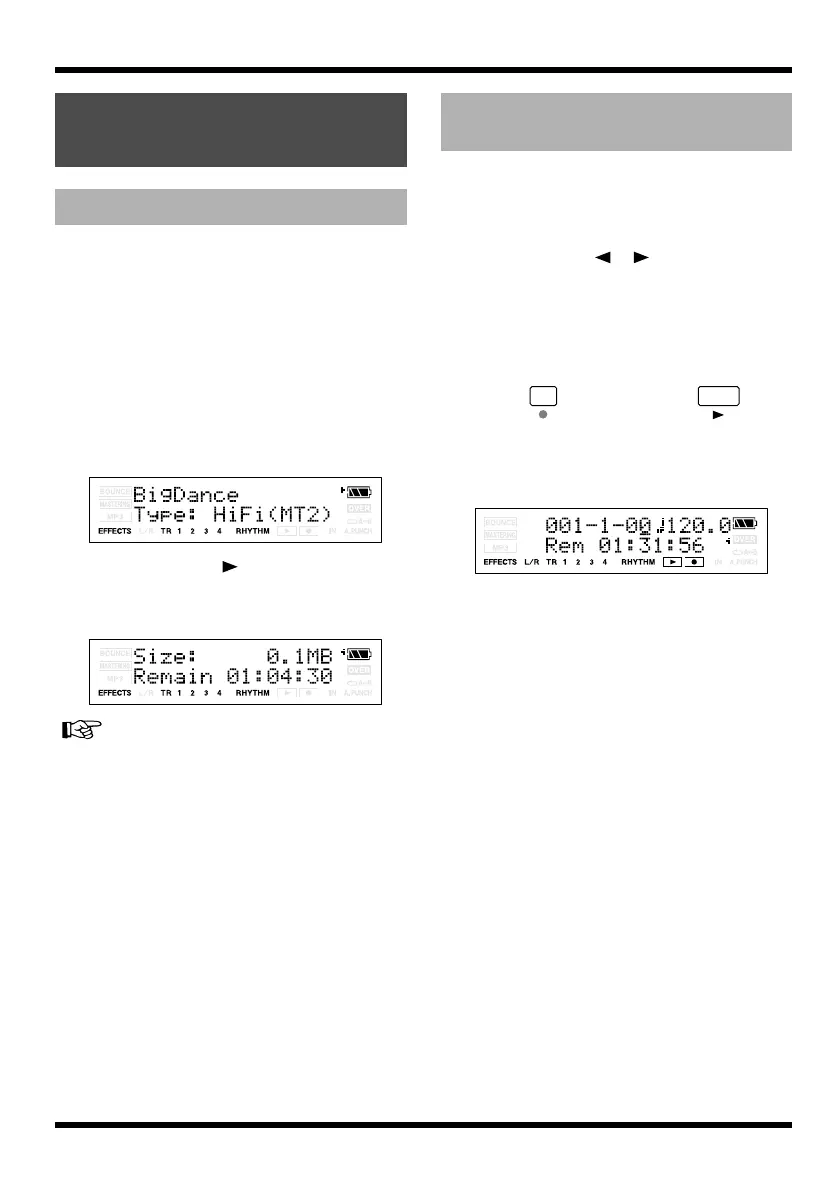
When you’re in the recording screens, you can
display the remaining recordable time as follows.
1.
Press [UTILITY].
2.
Use CURSOR [ ][ ] to make the
display indicate Remain Info.
3.
Press VALUE[+] to turn this setting ON.
4.
Press [EXIT].
You will return to the Play screen.
5.
Press , and then press .
The recording will begin. The remaining
recordable time (hours:minutes:seconds)
will be displayed in the recording screens.
fig.Disp-remain.eps
Viewing song-related
information
Viewing song information
Viewing the remaining
recordable time
MICRO-BR_e.book 54 ページ 2009年5月28日 木曜日 午後2時26分



 To Next Page