59
Section 2. Editing
Section 2
5.
When you’ve finished setting the edit
region, press TR4 [EXE].
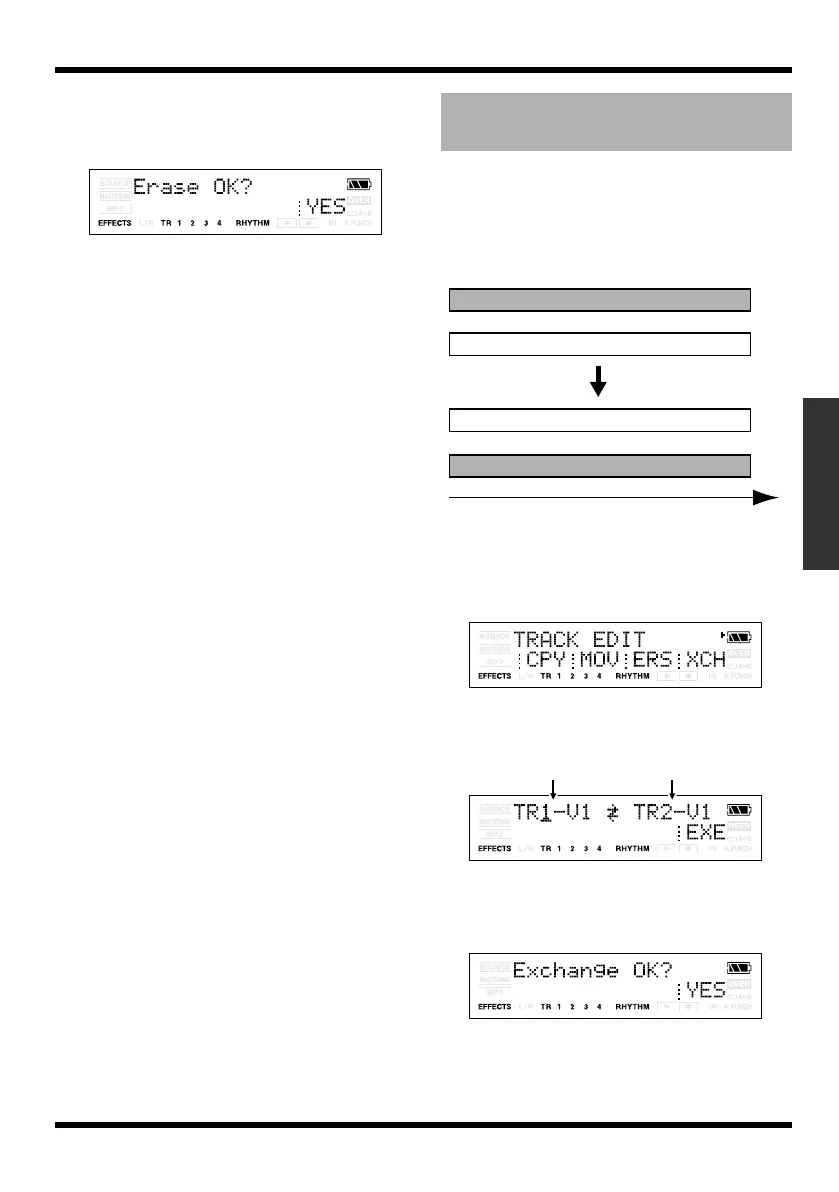
The display will ask Erase OK?
fig.Disp-Erase-OK.eps
6.
To execute the Erase operation, press
[TR4] (YES). If you decide not to execute,
press [EXIT] (or [UTILITY]).
This operation exchanges data between two
tracks.
Example: Exchanging the entire contents
of tracks 1 and 2
fig.02-590
1.
Press [UTILITY].
2.
Press [TR2] (TRK).
The TRACK EDIT screen appears.
fig.Disp-TRACK-EDIT.eps
3.
Press [TR4] (XCH).
The track setting screen appears.
fig.Disp-XCG-TR1-V1.eps
4.
Specify the tracks that you want to
exchange, and press TR4 [EXE].
The display will ask Exchange OK?
fig.Disp-EXCHANGE-OK.eps
5.
To execute the Exchange operation,
press [TR4] (YES). If you decide not to
execute, press [EXIT] (or [UTILITY]).
Exchanging data
(Track Exchange)
Track 1
Track 2
Track 1
Track 2
Time
Exchanging tracks
MICRO-BR_e.book 59 ページ 2009年5月28日 木曜日 午後2時26分



 To Next Page