117
Section 7. Other Convenient Functions
Section 7
1.
Press [UTILITY].
2.
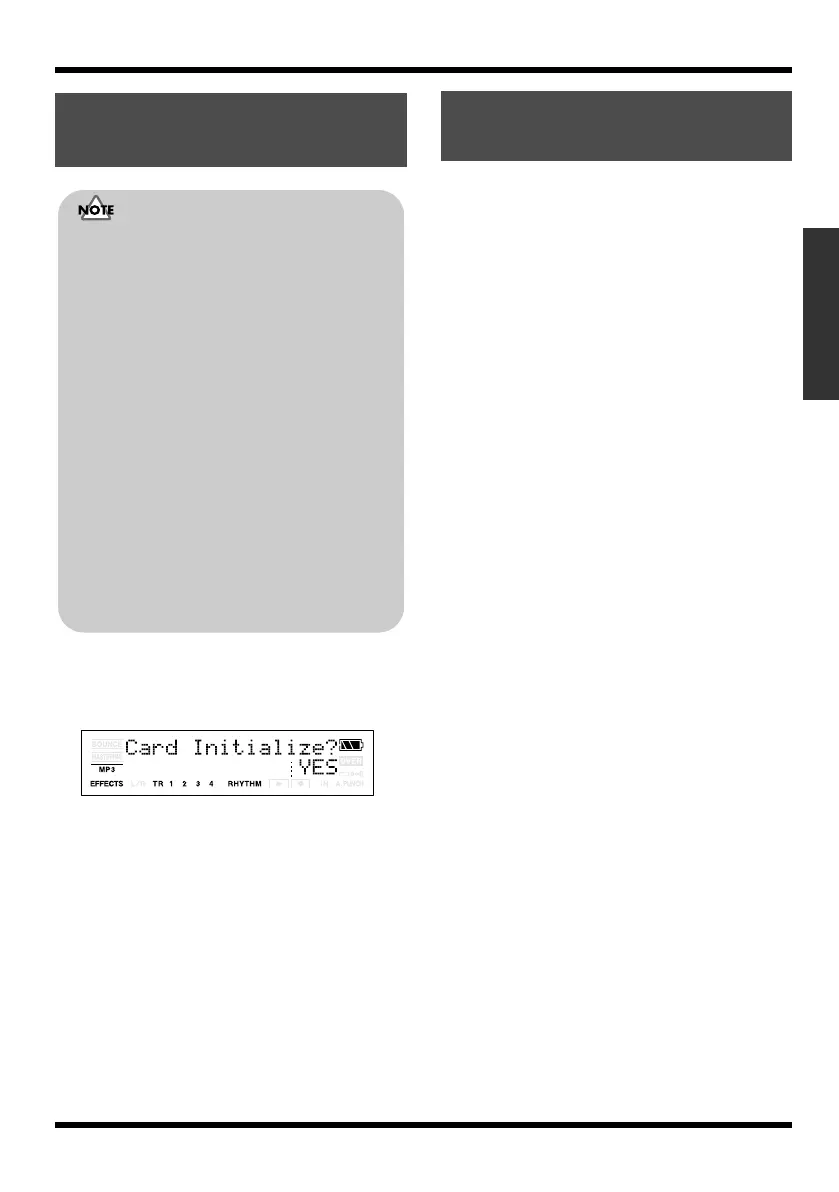
Press [TR4] (INI).
The display will ask “Card Initialize?”
fig.06-020
3.
If you want to initialize the memory card,
press [TR4] (YES), to cancel, press [EXIT].
When [TR4] (YES) is pressed, t
he display will
ask “Are you sure?”
4.
If you want to initialize the memory card,
press [TR4] (YES), to cancel, press [EXIT].
When [TR4] (YES) is pressed, initialization
begins. When the initializing has been
completed, “Keep power on! Song creating...”
then appears in the display, and a new song
(the data type is HiFi (MT2)) is automatically
created. When creation of the song is finished,
the display returns to the Play screen.
The following settings are initialized together at
one time.
• System Settings
• Effects (User Patches)
1.
Turn the power off as described in
“Turning the power off” (p. 25).
2.
Hold down [UTILITY] and press [POWER].
The display will ask “Factory Reset?”
3.
Press [TR4] (YES).
The display will ask “Are you sure?”
4.
To continue the initialization, press [TR4]
(YES), to cancel, press [EXIT].
When [TR4] (YES) is pressed, initialization
begins.
Initializing the Memory
Card
• Be aware that when initialized, any existing
data on the card will be erased.
• If you initialize the memory card supplied
with the MICRO BR, the demo songs on the
card will be lost.
• Before you insert or remove a memory card,
always turn off the MICRO BR first. If a
memory card is inserted when the power is
turned on, the data in the memory card may
be destroyed, or the memory card may
become unusable.
• Depending on the capacity of the memory
card, initializing may take more than ten
minutes to complete. This is not a malfunction.
The progress of the initializing is shown in the
display. Do not turn off the MICRO BR until
the initializing has been completed.
• Do not remove the memory card or turn off
the MICRO BR while the display shows “Keep
power on!” Doing so can destroy the data on
the memory card and/or render the memory
card itself unusable.
Initializing All the
MICRO BR’s Settings
MICRO-BR_e.book 117 ページ 2009年5月28日 木曜日 午後2時26分



 To Next Page