77
Section 3. Using effects
Section 3
1.
Press [INPUT].
2.
Press the [TR1]–[TR4] button for the input
source whose reverb depth you want to
adjust.
3.
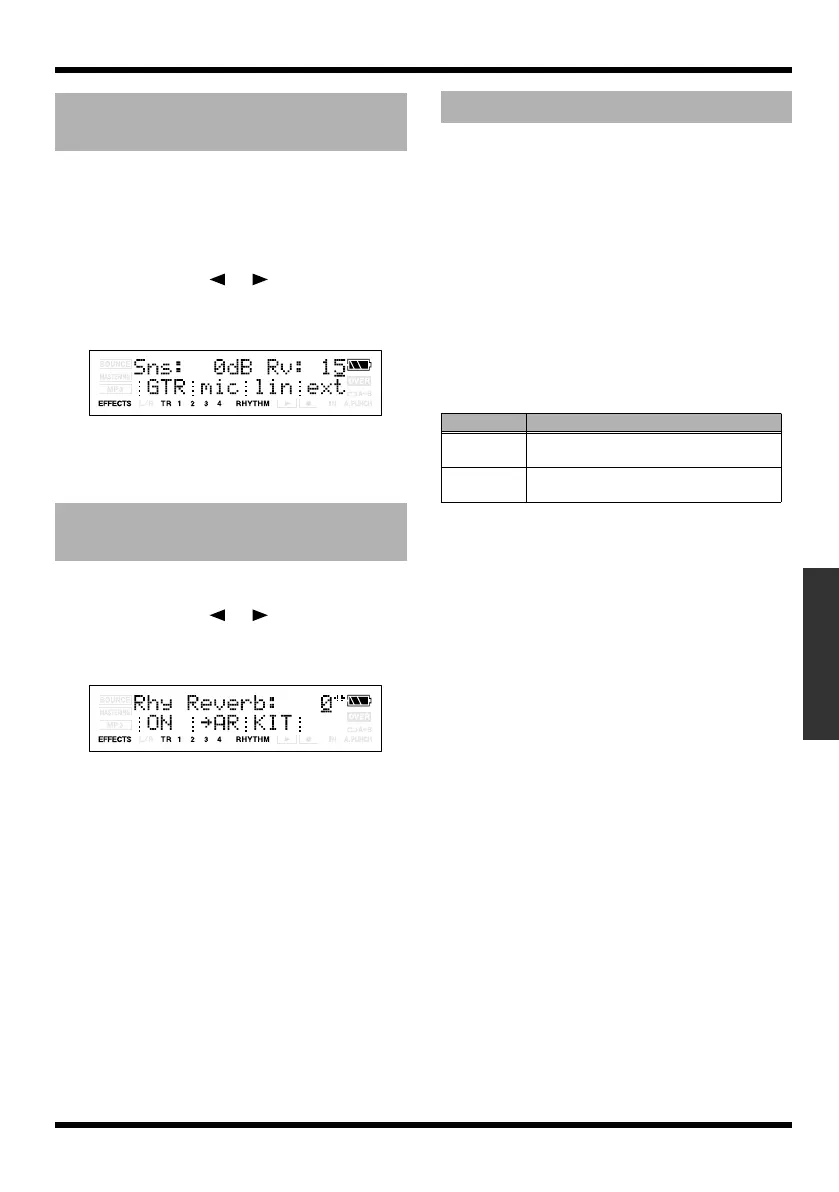
Use CURSOR [ ] [ ] to move the
cursor to “Rv,” and use VALUE [-] [+] to
edit the setting.
fig.Disp-Input-rev.eps
4.
When you’ve finished editing, press
[EXIT] several times to return to the Play
screen.
1.
Press [RHYTHM].
2.
Use CURSOR [ ] [ ] to make the
screen indicate “Rhy Reverb,” and use
VALUE [-] [+] to edit the setting.
fig.Disp-Rhy-Reverb.eps
3.
When you’ve finished editing, press
[EXIT] to return to the Play screen.
Reverberation (or reverb) is the effect caused by
sound waves decaying in an acoustic space, or a
digital simulation thereof. This decay occurs
because sound waves bounce off many walls,
ceilings, objects, etc. in a very complex way.
These reflections, coupled with absorption by
various objects, dissipate the acoustic energy over
a certain period of time (called the decay time).
The ear perceives this phenomenon as a
continuous wash of sound.
Type
This selects the Reverb Type.
Time 0.1 – 10.0 (s)
This parameter adjusts the duration (time) of the
reverb.
Tone -12 – +12 (dB)
Adjusts the tone.
Level 0 – 100
This adjusts the volume of the reverb sound.
Adjusting the reverb depth
for the input source
Adjusting the reverb depth
for the rhythm
Reverb Parameters
Parameter
Explanation
ROOM
Simulates the reverberation in a small
room.
HALL Simulates the reverberation in a concert
hall.
MICRO-BR_e.book 77 ページ 2009年5月28日 木曜日 午後2時26分



 To Next Page