50
Section 1. Recording and playing back
5.
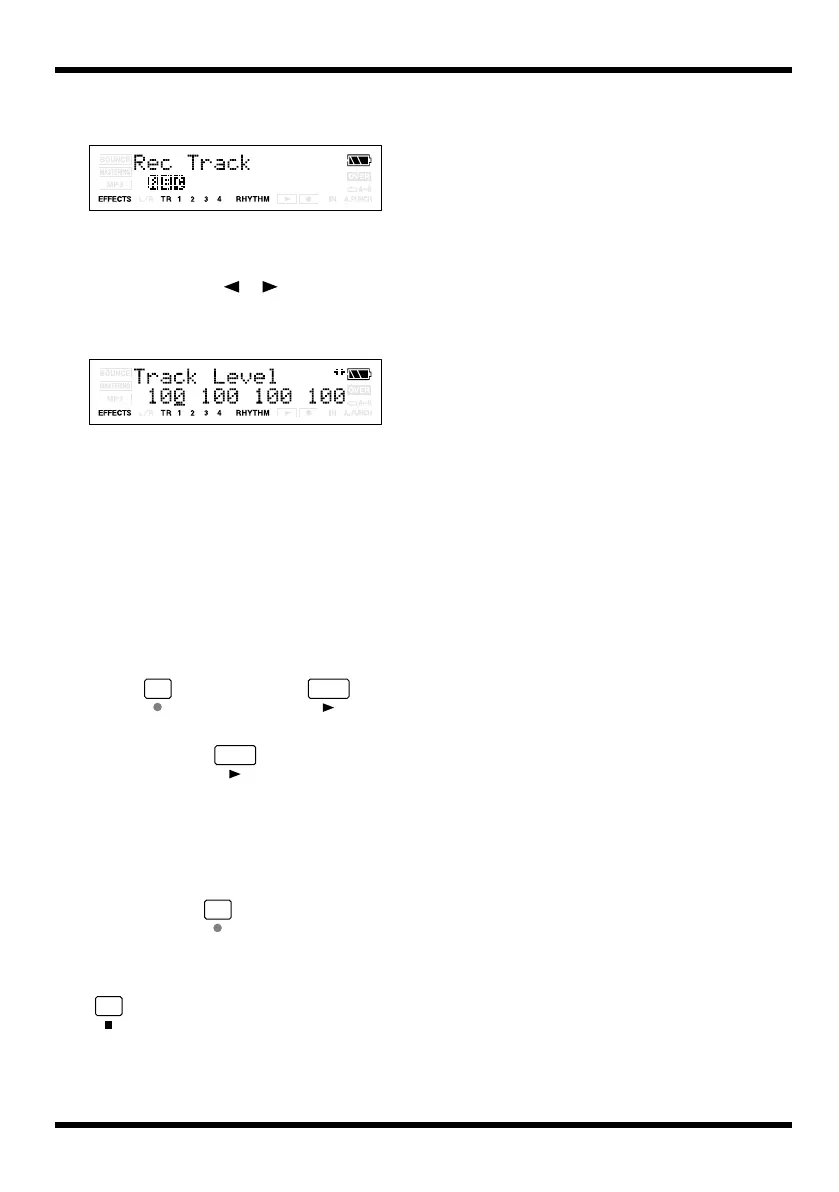
Press [TR1] several times to make “REC”
appear for track 1.
fig.Disp-RecTrack-1.eps
Track 1 will be the recording track.
6.
Press [EXIT].
7.
Press CURSOR [ ][ ] to access the
Track Level screen, and set the Tr1 Level
to 100 (p. 35).
fig.Disp-TR1-LEVEL.eps
8.
Play back the song, and use the INPUT
LEVEL dial to adjust the volume of the
input source.
Listen and compare the input source with
the track to be re-recorded, and adjust the
INPUT LEVEL dial so that there is no
difference in volume.
9.
Move to a point slightly earlier than the
point at which you want to begin re-
recording.
10.
Press and then press to
begin recording.
When you press , you’ll be able to
record the region between punch-in and
punch-out. Re-record your performance.
After the repeat, playback will begin from
one measure ahead of the punch-in location.
Listen to the re-recorded result. If you’re not
satisfied, press and re-record your
performance again.
11.
When you’re finished recording, press
to stop.
MICRO-BR_e.book 50 ページ 2009年5月28日 木曜日 午後2時26分



 To Next Page