Scan Using the Control Panel
154
6
Change Scan to PC Settings (Macintosh) 6
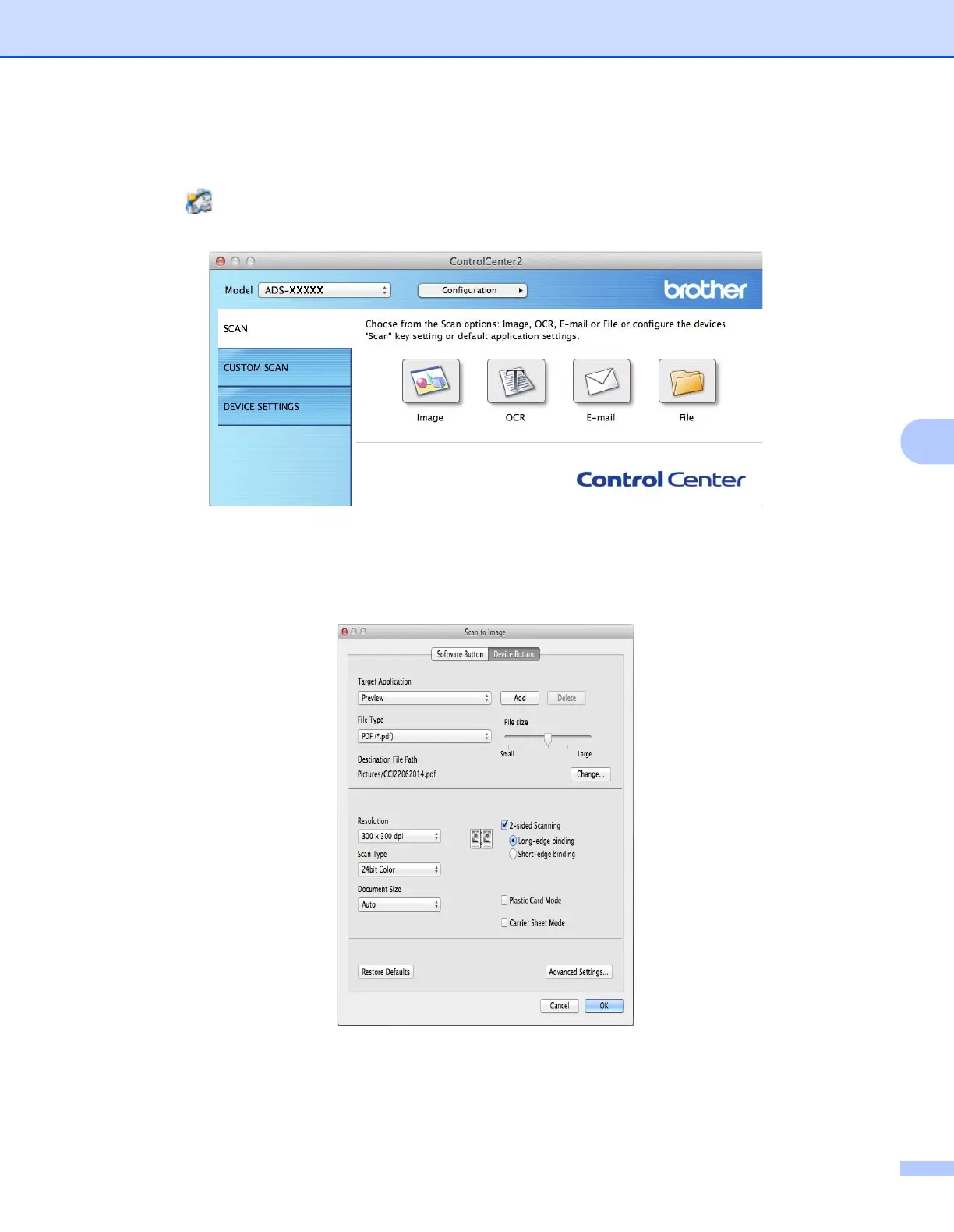
1 Click the (ControlCenter2) icon in the Dock.
The ControlCenter2 window appears.
2 While holding down the Control key, click a button for the Scan-to action you want to change (Image,
OCR, E-mail, or File). The Scan-to action setting dialog box appears (the example below uses Image).
3 Click the Device Button tab.











 To Next Page