Scan Using the Control Panel
123
6
Save Scanned Documents on a USB Flash Drive 6
(ADS-2000e)
1 Start the ControlCenter application.
Windows
®
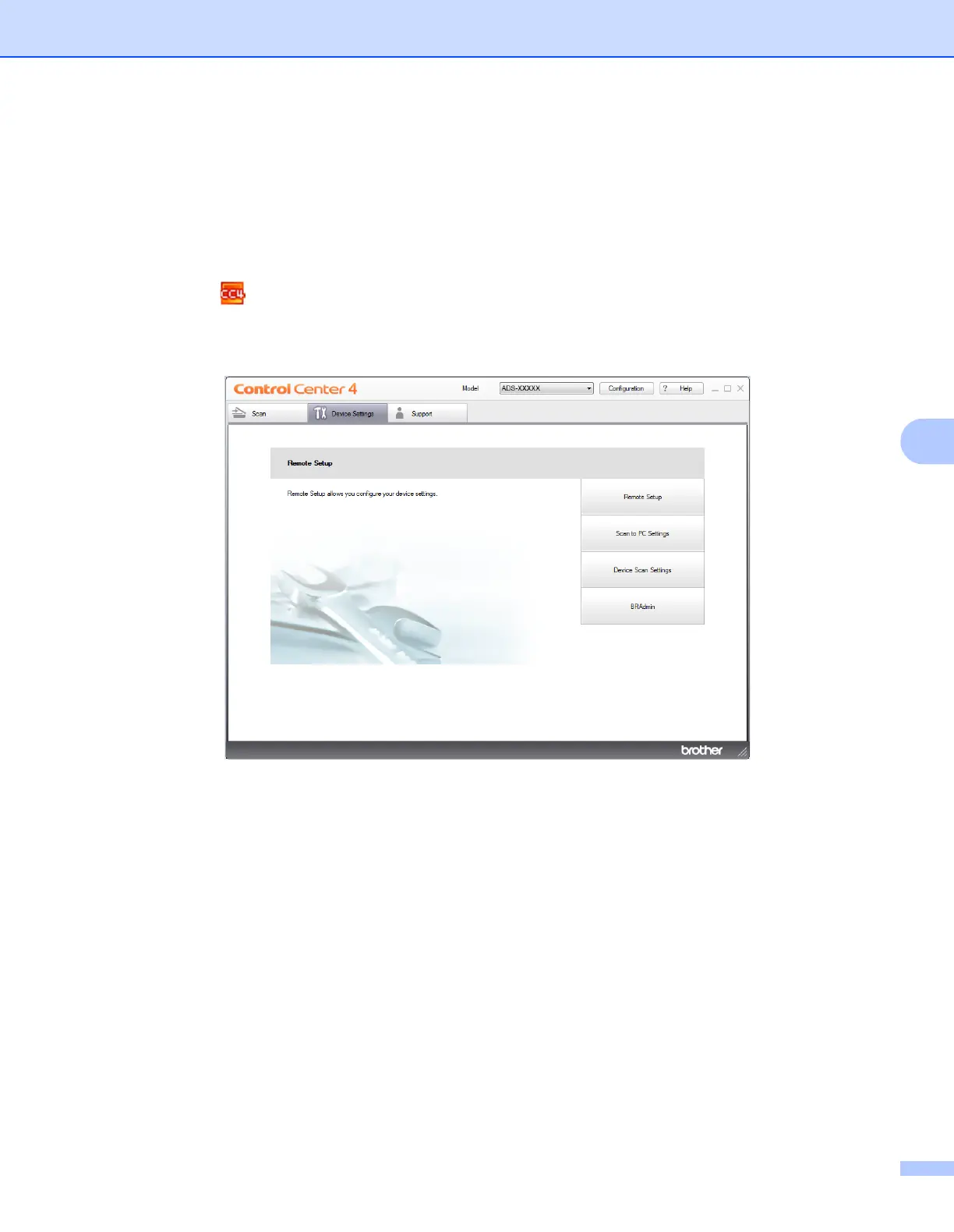
1 Click the (ControlCenter4) icon in the task tray and then select Open from the menu.
The ControlCenter4 window appears.
2 Click the Device Settings tab (the example below uses Home Mode).











 To Next Page