Scan Preparation
32
3
Business Cards and Plastic Cards 3
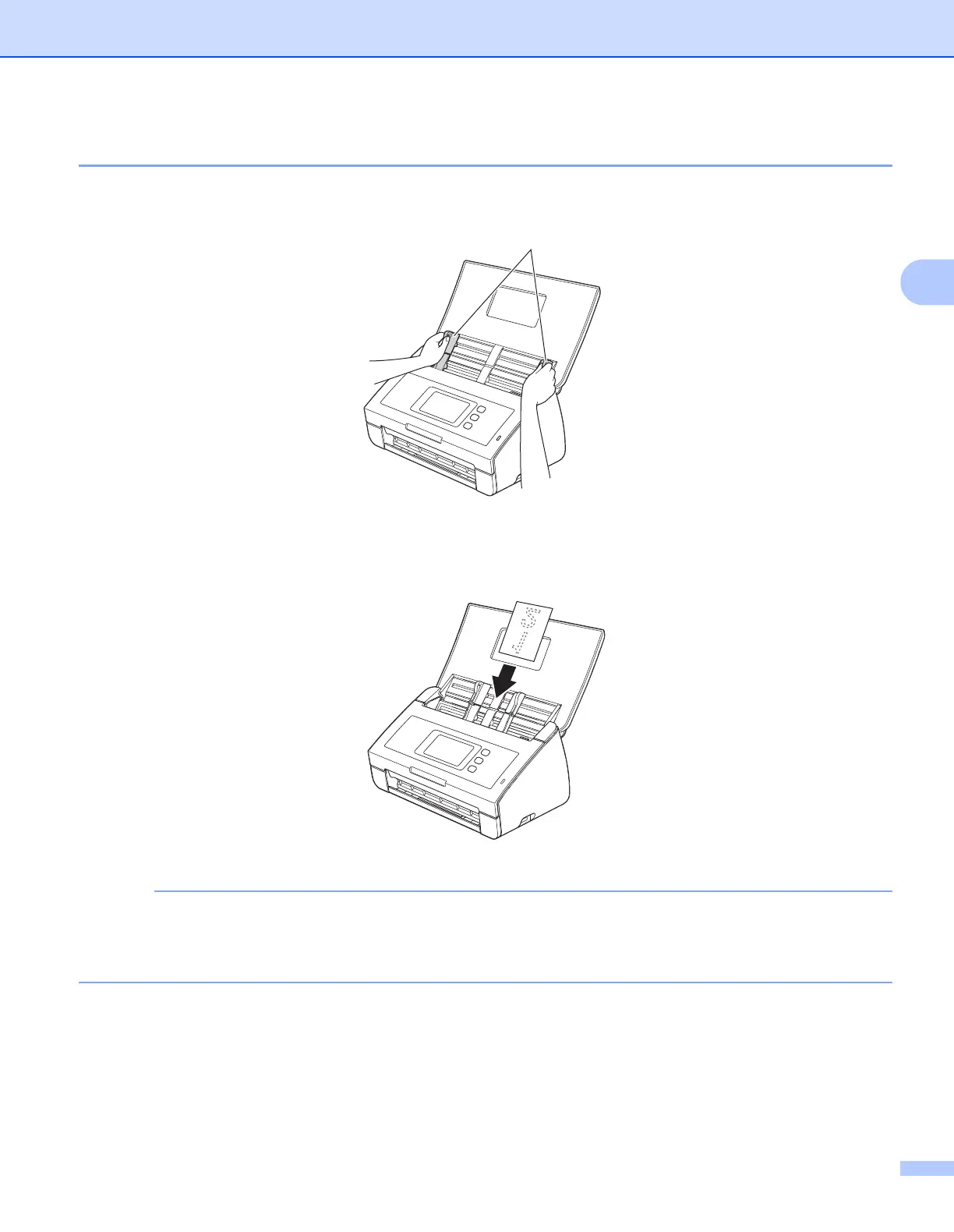
1 Adjust the Document Guides a to fit the width of your document.
2 Place your card, face down, top edge first, and lengthwise in the ADF between the Guides until you
feel it touch the inside of the machine.
• Load only one plastic card at a time.
• Certain types of plastic cards may be scratched when scanned. To prevent damage to the card,
we recommend using the Plastic Card Carrier sheet.
a











 To Next Page