Scan Using Your Computer
66
5
Create a Custom Button in a Custom Tab 5
1 Create a Custom tab. See Create a Custom Tab on page 65.
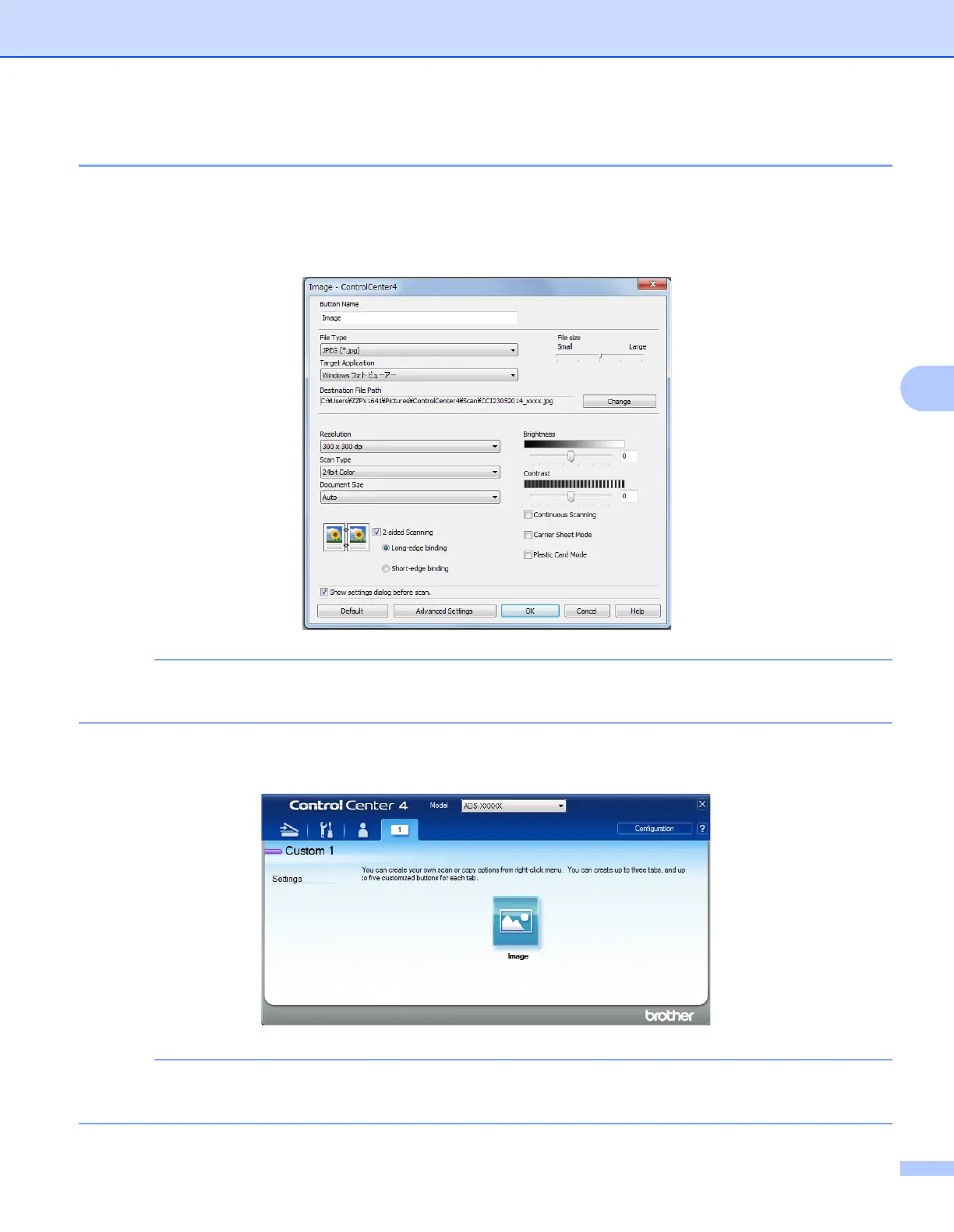
2 Right-click on the new Custom tab, and select Create custom button. Select a button you want to
create from the menu. The settings dialog box appears.
You can also copy a custom button by selecting Copy custom button from the menu that appears when
you right-click on the Custom tab.
3 Type the button name and change the settings if needed. Click OK.
(The setting options vary depending on the button you creat.)
You can change or remove the tab, button, or settings you created. Click Configuration and continue as
prompted.











 To Next Page