Troubleshooting
204
9
Machine Information 9
Check the Serial Number (ADS-2000e) 9
1 Start the ControlCenter application.
Windows
®
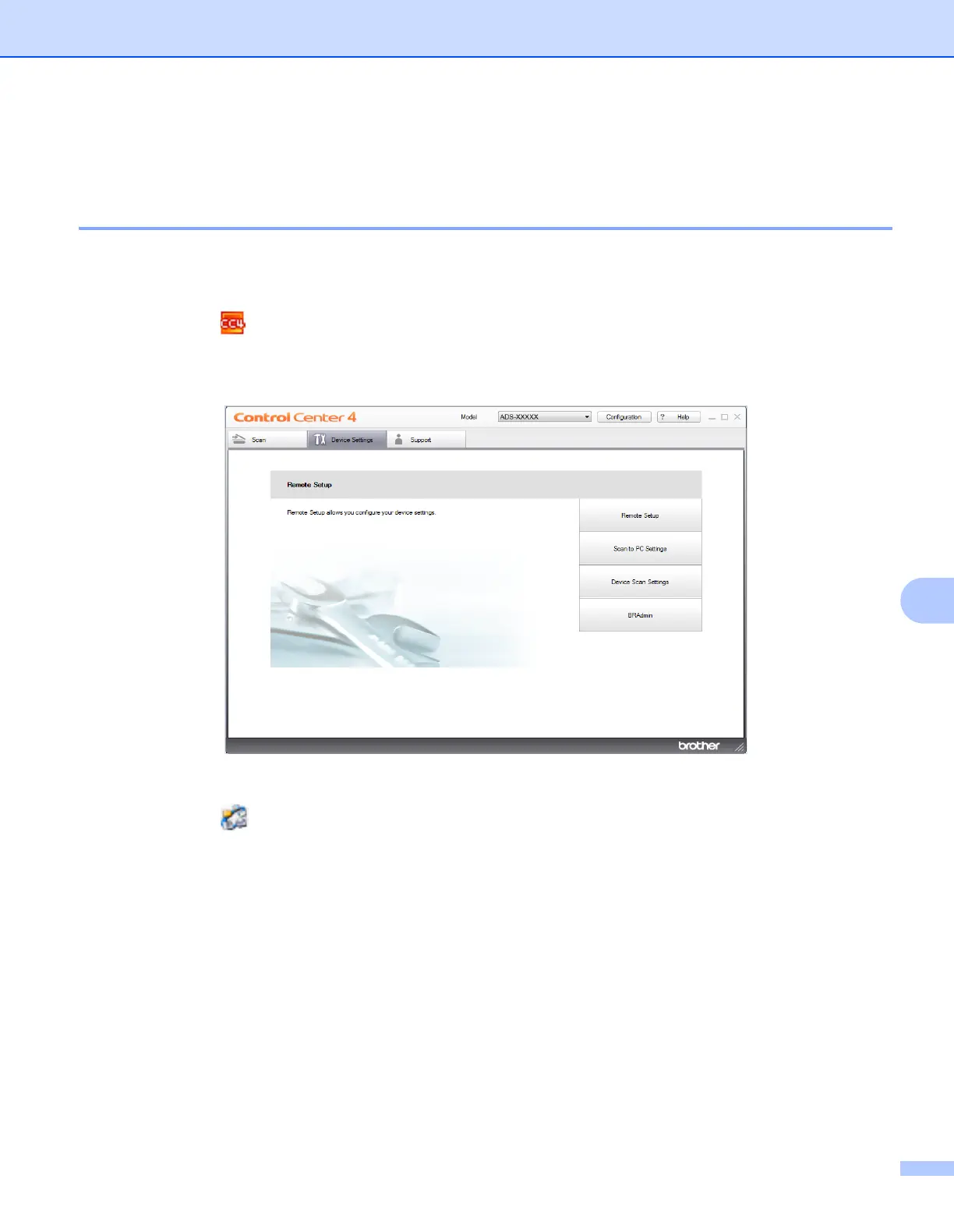
1 Click the (ControlCenter4) icon in the task tray and then select Open from the menu.
The ControlCenter4 window appears.
2 Click the Device Settings tab (the example below uses Home Mode).
Macintosh
1 Click the (ControlCenter2) icon in the Dock.
The ControlCenter2 window appears.





 To Next Page