Routine Maintenance
183
8
Replace the Separation Pad 8
Your machine is equipped with a scan counter that automatically counts how many times the machine has
scanned. When the machine scans 50,000 times, the Status Monitor displays a message to remind you to
replace the Separation Pad.
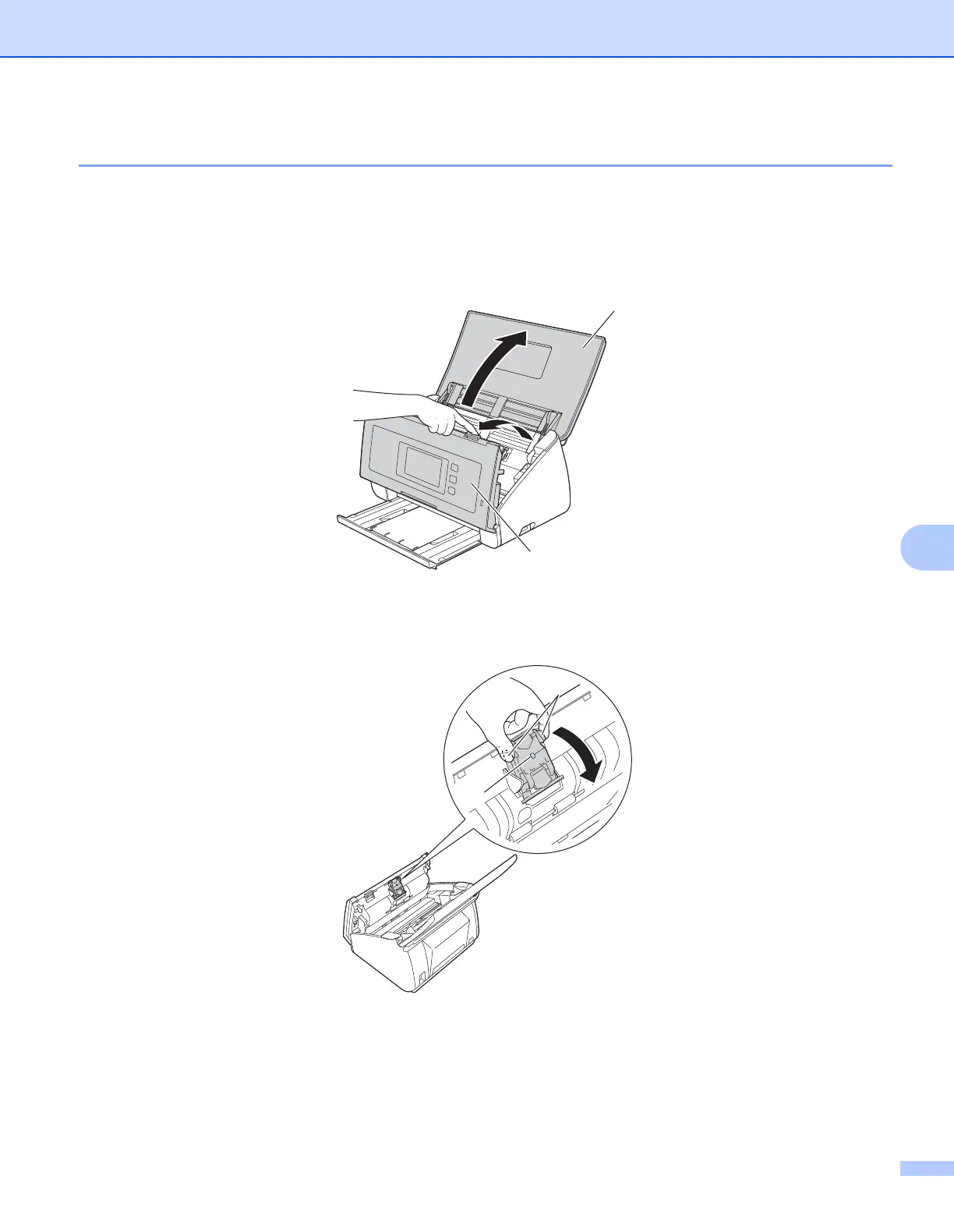
1 Open the Top Cover a and the Front Cover s.
2 Press and hold the buttons a on the inside of the Front Cover and then pull the Separation Pad Cover s
down.
a
s
s
a











 To Next Page