Scan Using Your Computer
86
5
User-defined Button 5
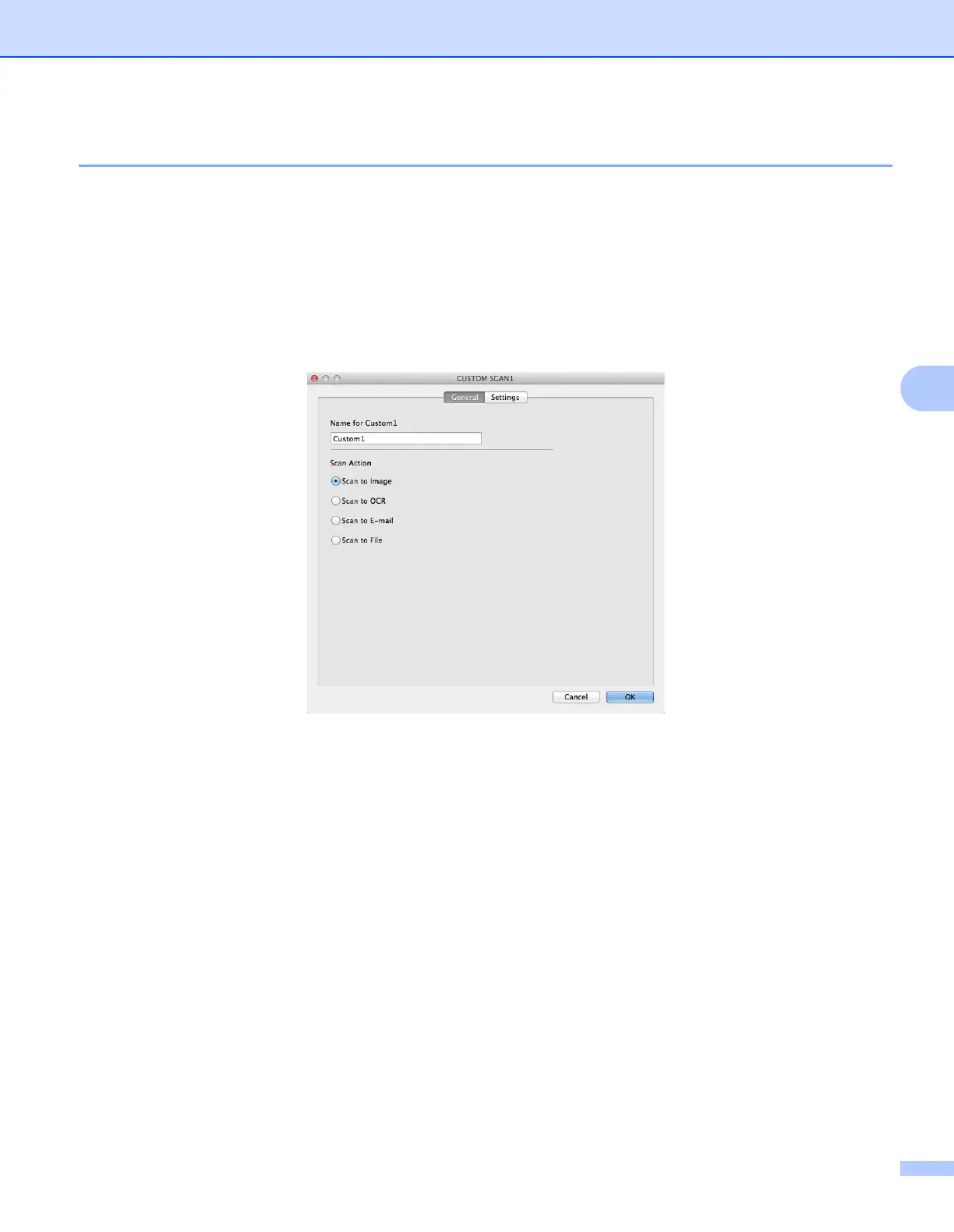
To customize a button, click the button while holding down the Control key, and the configuration window
appears. Follow these guidelines for button configuration.
Scan to Image/OCR/E-mail/File 5
General tab
Enter a name in Name for Custom (up to 30 characters) to create the button name.
Choose the type of scan from the Scan Action selections.











 To Next Page