Scan Using Your Computer
62
5
• Select the Don’t show me again. check box not to show the setting dialog box again.
• Plastic Card Mode automatically uses these settings:
Resolution: 600 x 600 dpi
Document Size: 2 in 1 (Auto)
2-sided Scanning: On (Short-edge binding)
Auto Deskew: Off
Auto Image Rotation: Off
Multifeed Detection: Off
Scan to an Office File 5
Your machine can convert scanned data to a Microsoft
®
Word file or a Microsoft
®
PowerPoint
®
file on your
selected Folder or SharePoint. The OCR language is same as the language selected when you installed the
ControlCenter4. In order to use this feature, your Brother machine must be connected to a network that has
access to the Internet through a wireless or Ethernet connection.
1 Load your document (see Standard-size Documents on page 30).
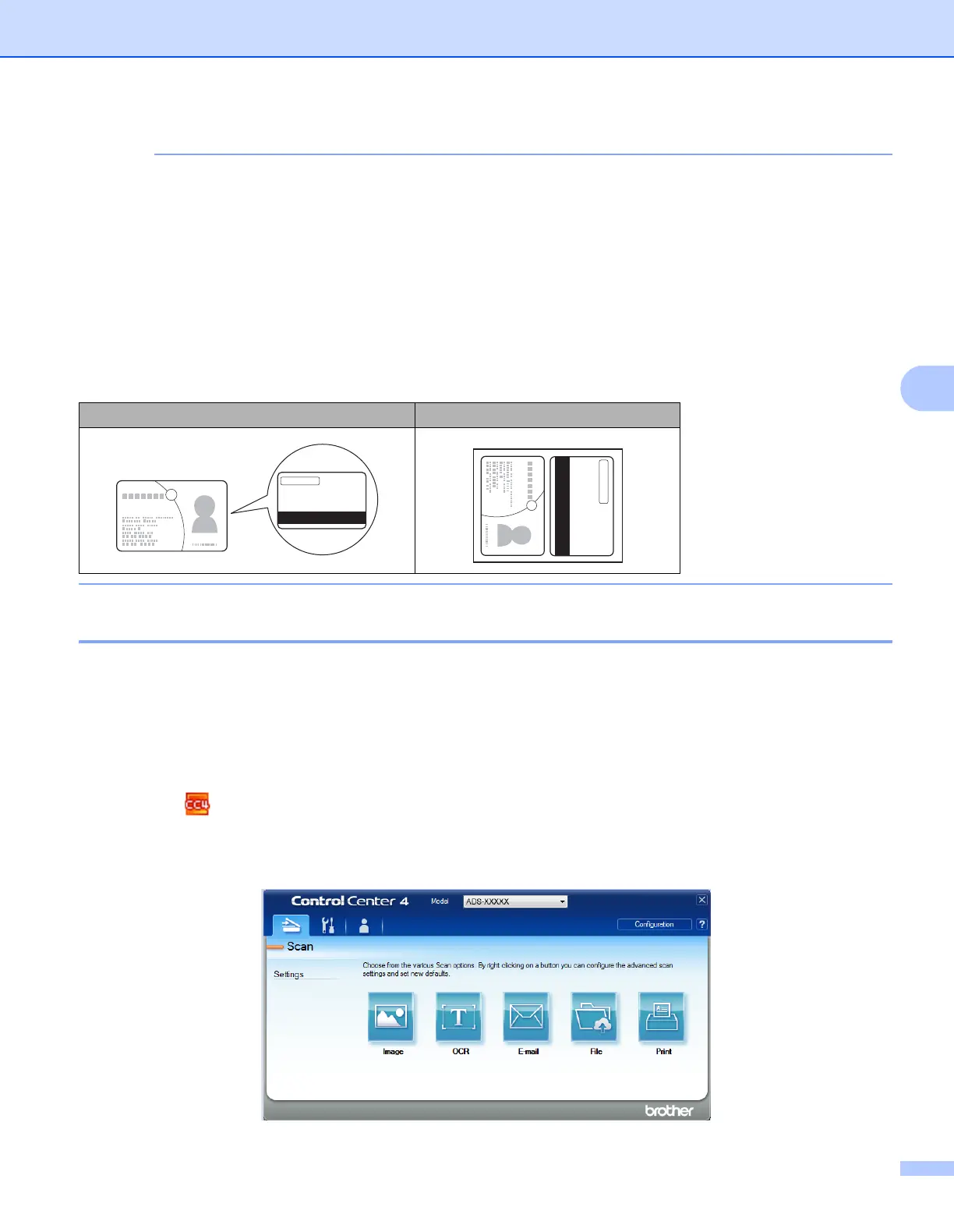
2 Click the (ControlCenter4) icon in the task tray and then select Open from the menu.
The ControlCenter4 window appears.
3 Click the Scan tab.
Original Layout Scan Result











 To Next Page