Routine Maintenance
190
8
Packing and Shipping the Machine 8
When you transport the machine, use the packing materials that came with your machine. If you do not pack
the machine correctly, any damage that may occur in transit may not be covered by your warranty. The
machine should be adequately insured with the carrier.
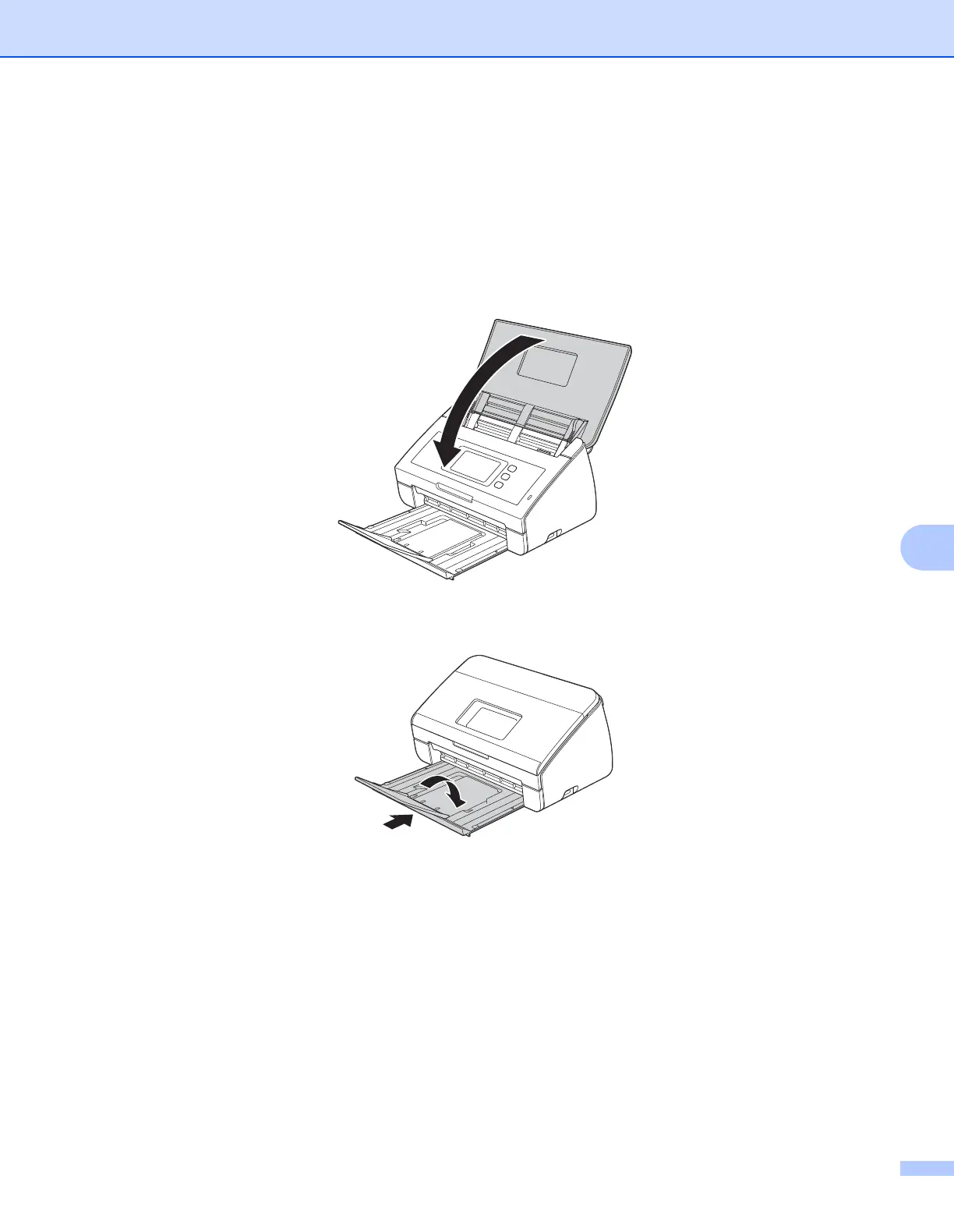
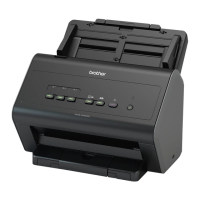
1 Close the Panel Cover gently.
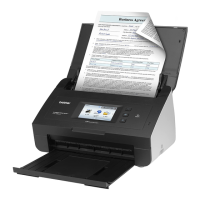
2 Fold the Document Stopper into the Output Tray and firmly push the Output Tray into the machine.





 To Next Page