General Information
4
1
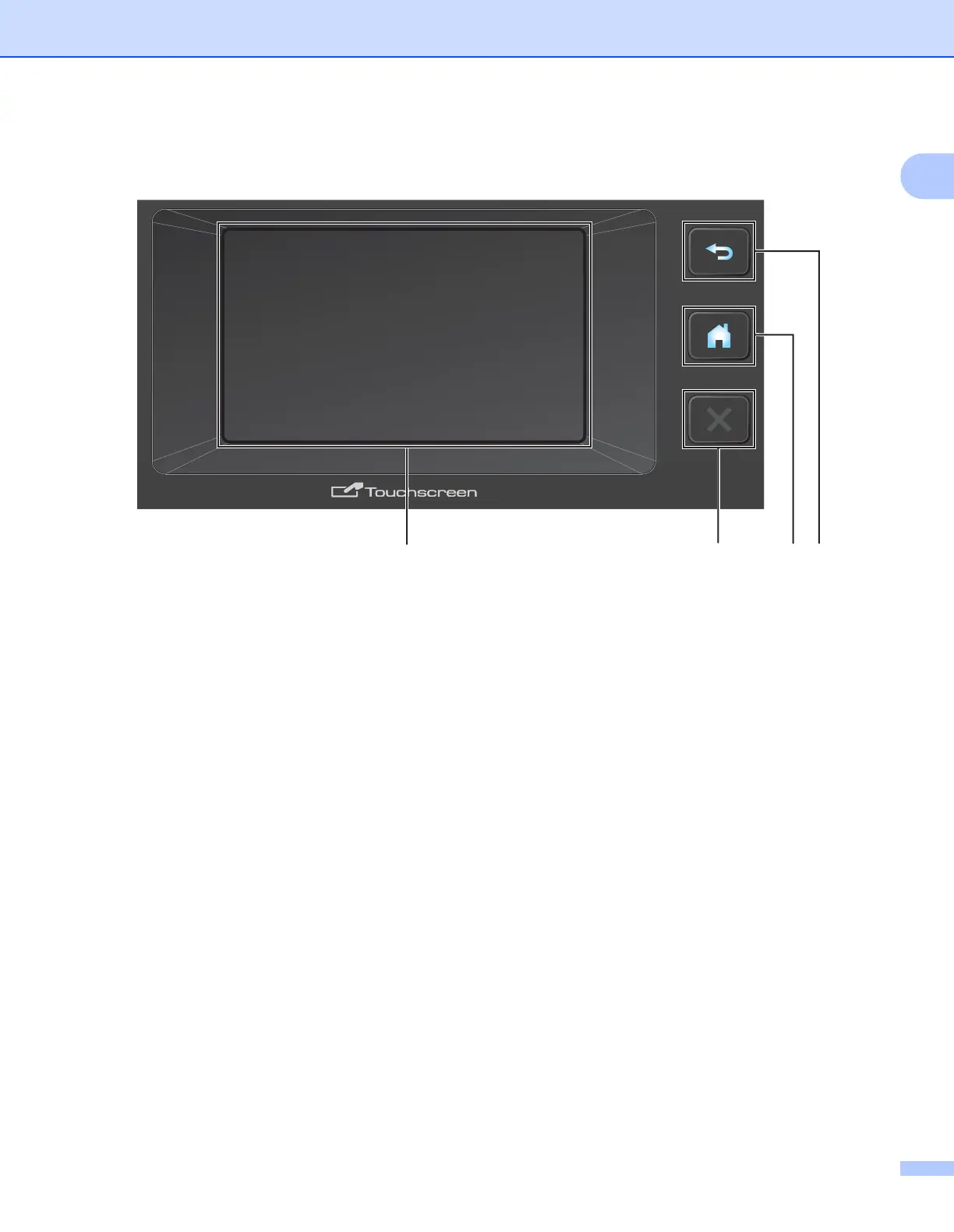
Control Panel Overview (ADS-2500We) 1
1 Back Button
Press to go back to the previous screen or menu. The Back button does not light up when it is unavailable.
2 Home Button
Press to return to the Home Screen and Ready Mode. The Home button does not light up when it is
unavailable.
3 Stop Button
Press to stop or cancel your current action and return to Ready Mode. The Stop button does not light up
when it is unavailable.
4 Touchscreen LCD
Access the menus and options by pressing the Touchscreen.











 To Next Page