Troubleshooting
195
9
Document Jam 9
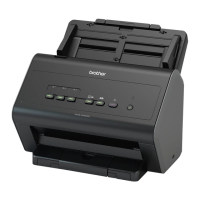
Documents can jam in the ADF unit if they are not inserted or fed correctly or, if they are too long, or if multiple
pages were fed at the same time (multifeed). Follow the steps below to clear a document jam.
1 Take out any paper from the ADF that is not jammed.
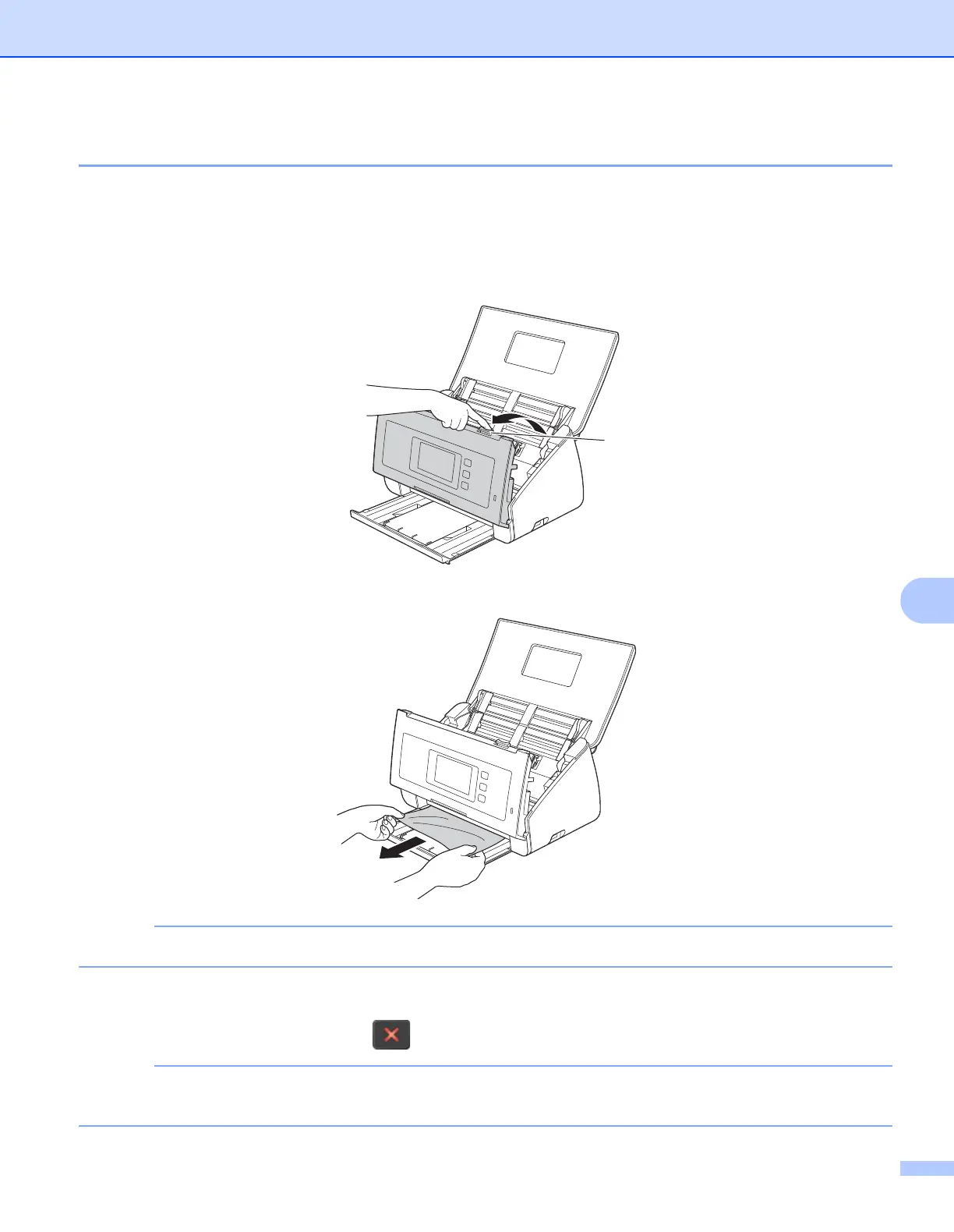
2 Open the Front Cover by pinching the Cover Release Lever a.
3 Pull the jammed document out of the machine.
Check for ripped paper inside the machine. Remove any ripped paper you find inside the machine.
4 Close the Front Cover.
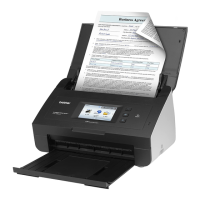
5 Press any button (ADS-2000e) or (ADS-2500We).
When clearing the multifeed, confirm that the data scanned before the multifeed was detected has been
saved, and then start scanning again at the next page or the beginning of the document.





 To Next Page