Scan Using Your Computer
83
5
5 Click the File Type pop-up menu, and then select the Microsoft Office Word (*.docx) or Microsoft
Office PowerPoint (*.pptx) option. If a message dialog box regarding the Internet connection appears,
read the information and click OK.
6 Change other settings if needed (see Change Scan Settings (ControlCenter2) (Macintosh) on page 89).
7 Click Start Scanning.
Scan Business Cards 5
1 Load your document (see Business Cards and Plastic Cards on page 32).
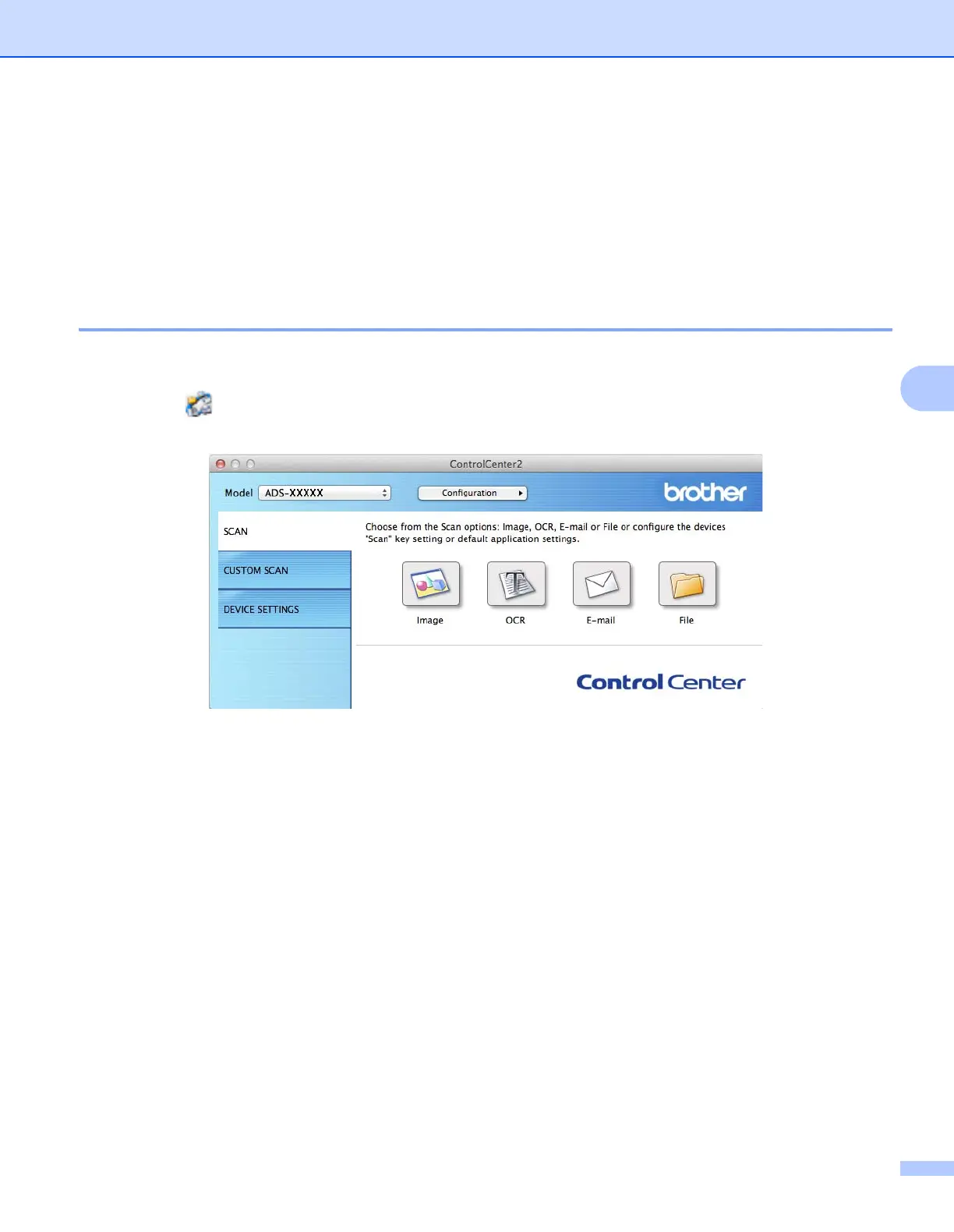
2 Click the (ControlCenter2) icon in the Dock.
The ControlCenter2 window appears.
3 Click the SCAN tab.











 To Next Page