Scan Using the Control Panel
161
6
to Network and to FTP
1. Select a profile name.
2. Go to step 7
6 Press Save as Shortcut.
7 Confirm your settings, and then press OK. The software keyboard appears on the LCD.
8 Enter a shortcut name, and then press OK.
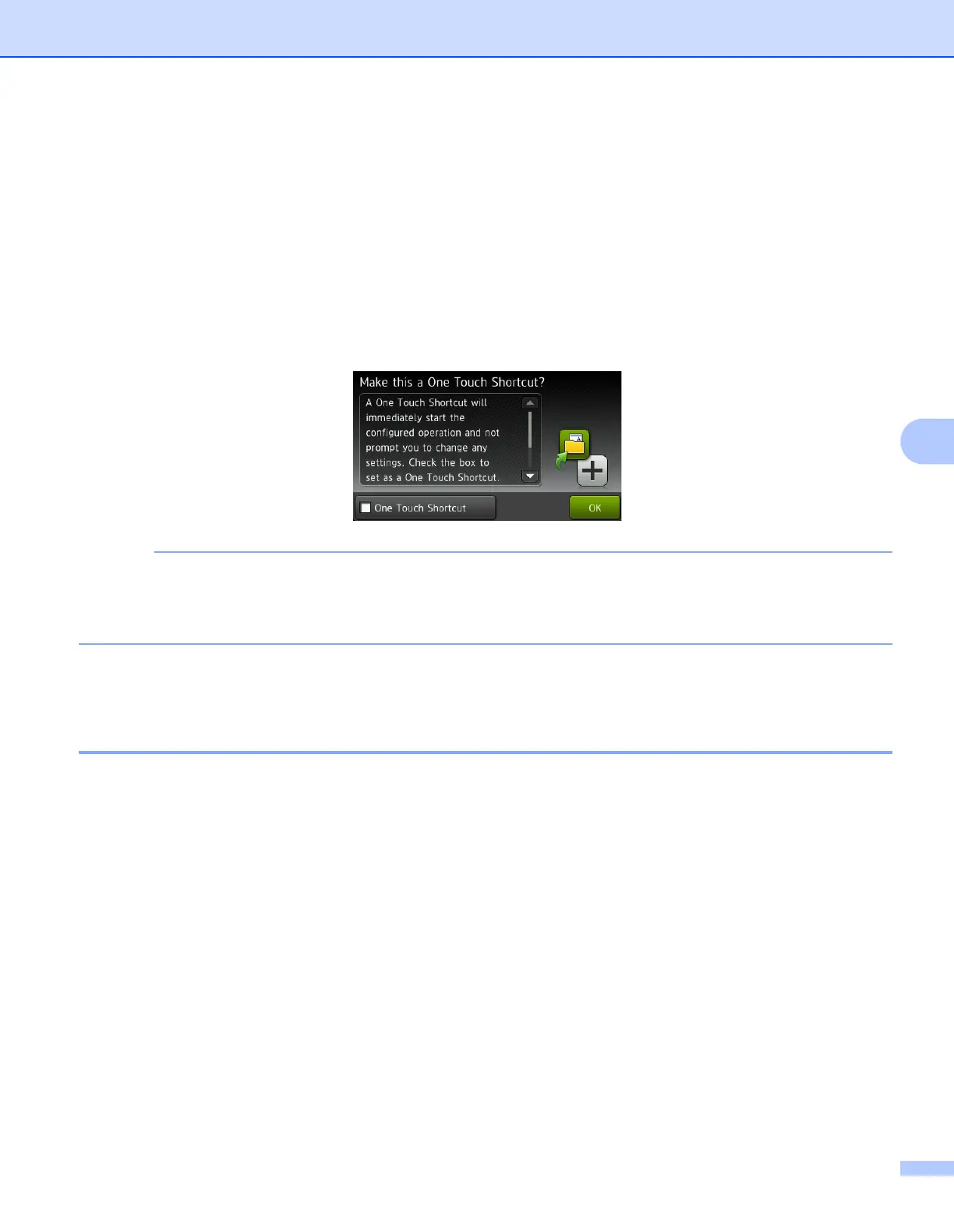
9 Press the check box to save this as a One Touch Shortcut and then press OK.
• A One Touch Shortcut will immediately start the configured operation and not prompt you to change any
settings.
• A One Touch Shortcut is made in green color.
0 Press OK.
Edit, Rename or Delete a Shortcut 6
1 Press Shortcuts.
2 Press the shortcut that you want to edit for one second.
3 Do one of the following:
Edit*
Follow the step 5 on page 160.
Follow the step 9 on page 161 to save this as a One Touch Shortcut.
* Not available for Scan to Web.
Delete
The LCD displays the shortcut you are deleting. Press Yes.
Rename
The software keyboard appears on the LCD.
Enter a new shortcut name, and then press OK.











 To Next Page