Scan Preparation
30
3
Load Documents 3
The Automatic Document Feeder (ADF) can hold up to 50 pages and feeds each sheet individually. Use 20 lb
(80 g/m
2
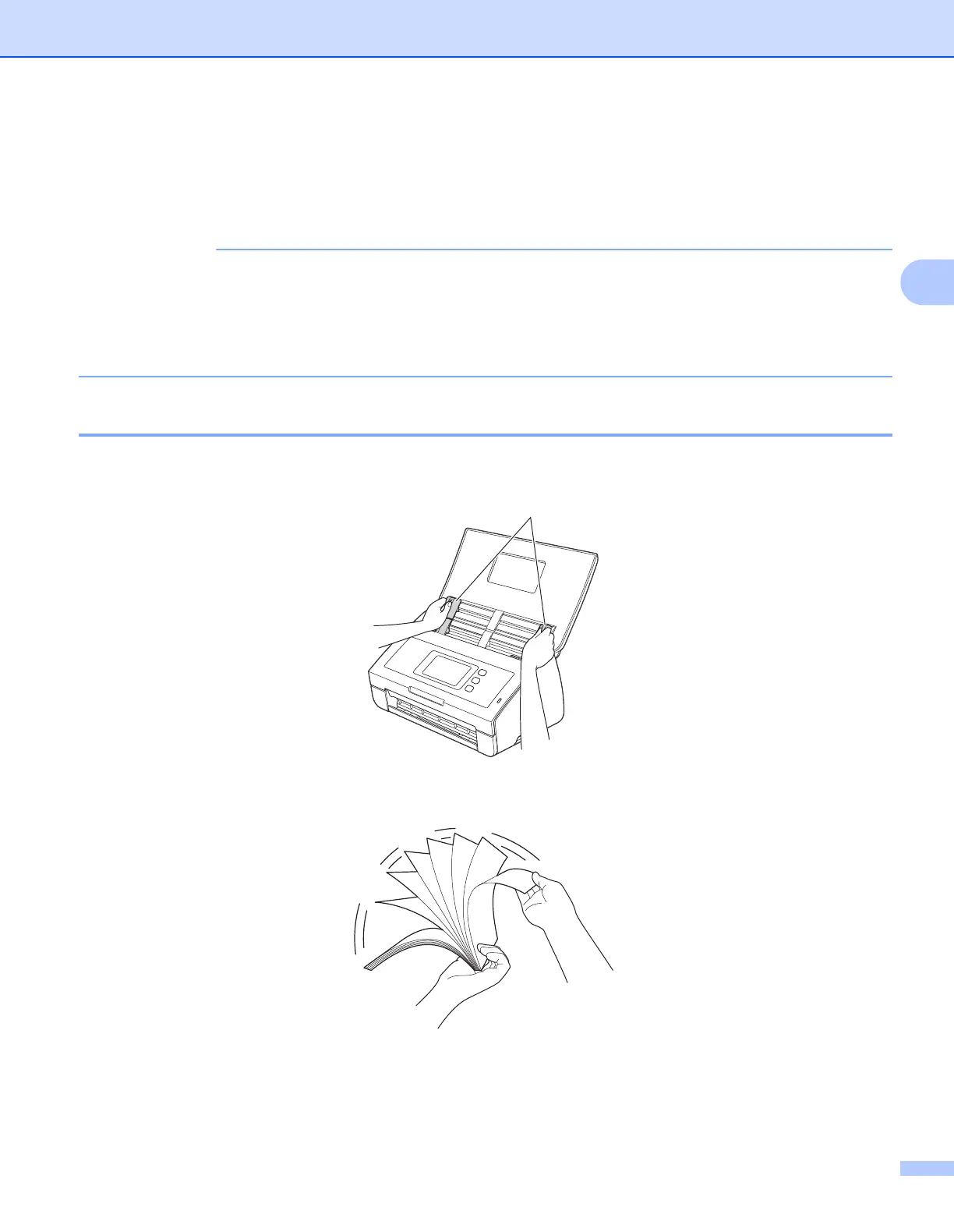
) paper and always fan the pages before placing them in the ADF.
• Make sure documents with ink or correction fluid are completely dry.
• DO NOT pull on the document while it is feeding.
• DO NOT use paper that is curled, wrinkled, folded, ripped, stapled, paper clipped, pasted or taped.
• DO NOT use cardboard or fabric.
Standard-size Documents 3
1 Adjust the Document Guides a to fit the width of your document.
2 Fan the pages several times along both the long edge and the short edge.
a











 To Next Page