Prepare Your Network
42
4
Configure Network Scanning for Macintosh 4
If you followed the network installation steps in the Quick Setup Guide, your Brother machine was added to
your network automatically. Otherwise, add it to your network using ControlCenter2.
To use the machine as a network scanner, the machine must be configured with a TCP/IP address. You can
set or change the address settings from the Control Panel.
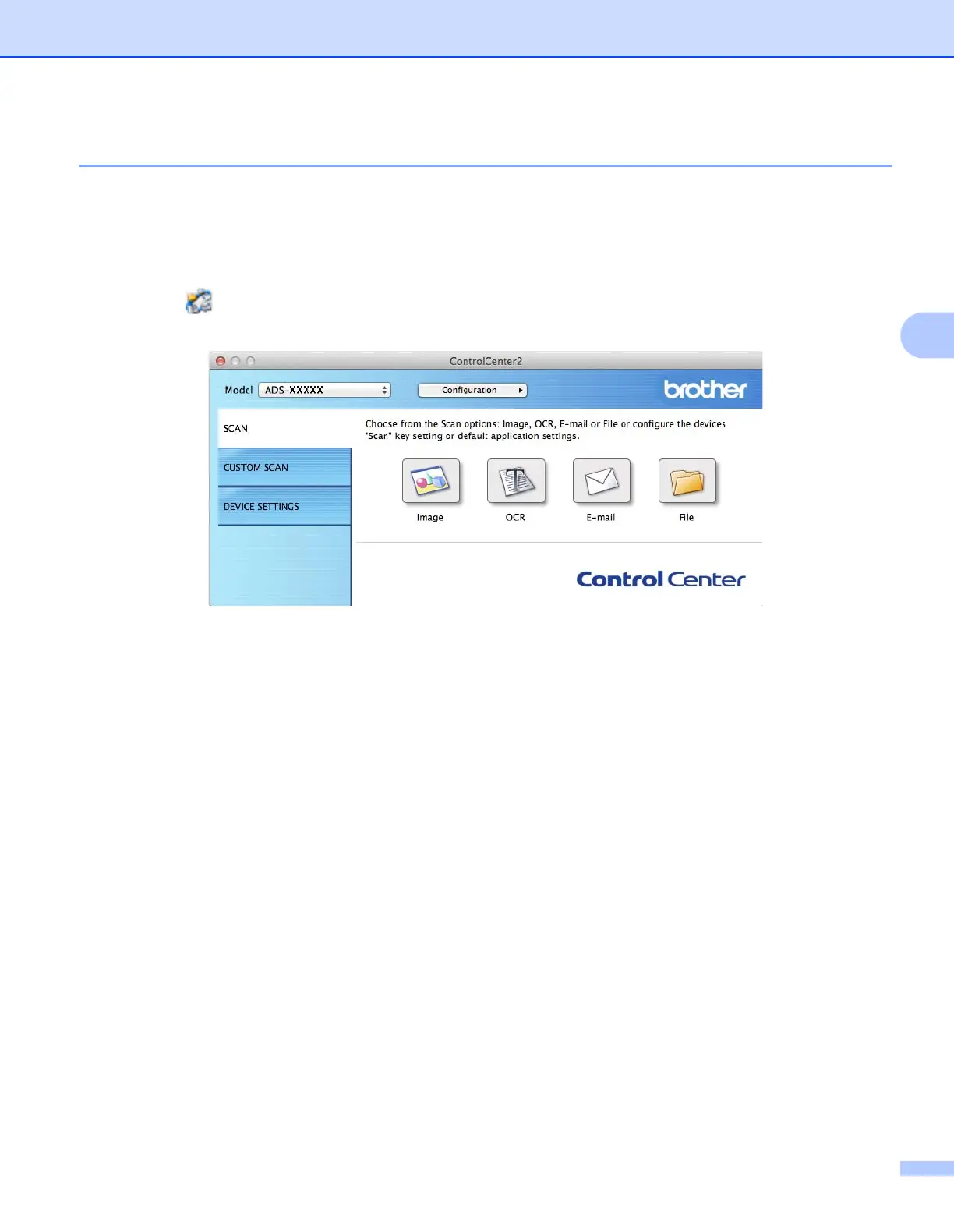
1 Click the (ControlCenter2) icon in the Dock.
The ControlCenter2 window appears.











 To Next Page