Prepare Your Network
41
4
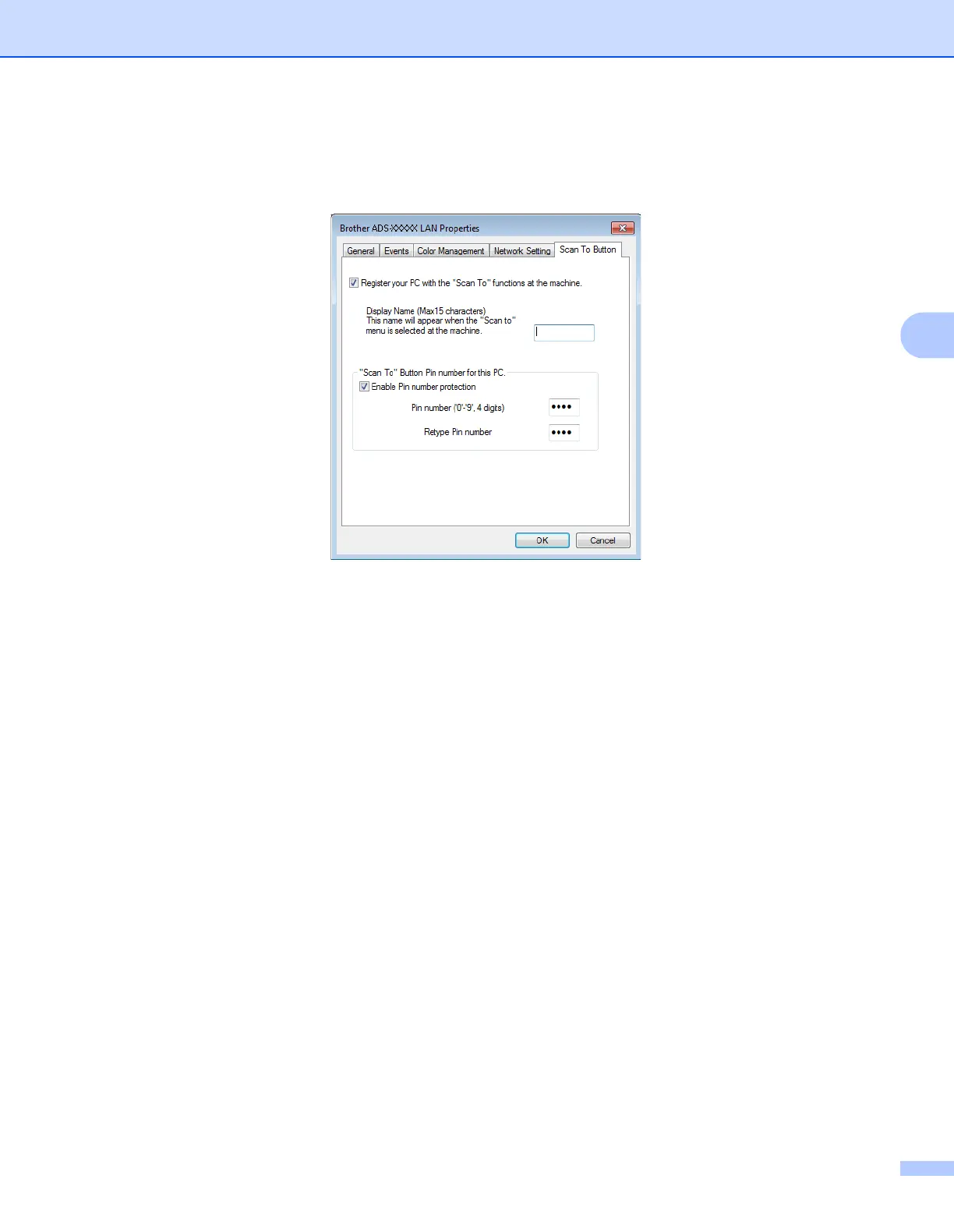
4 Click the Scan To Button tab and type your computer name in the Display Name field. The machine’s
LCD displays the name you enter. The default setting is your computer name. You can enter any name
that you like.
5 To avoid receiving unwanted documents, type a four-digit PIN in the Pin number and
Retype Pin number fields.
If you send scan data to a computer protected by a PIN, the machine’s LCD prompts you to enter the
PIN before the document can be scanned and sent to the computer.


 To Next Page
 Loading...








