Prepare Your Network
40
4
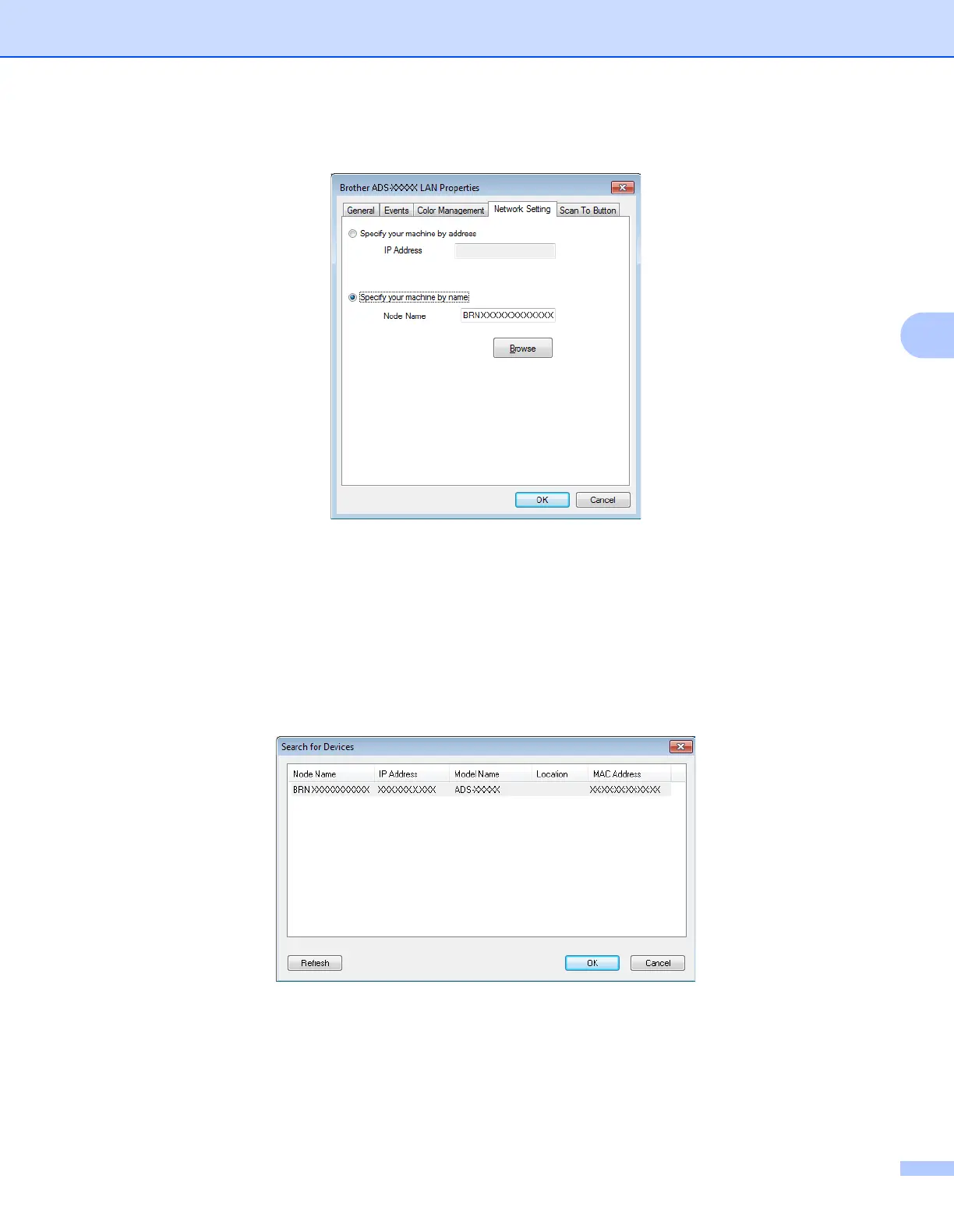
3 Click the Network Setting tab and choose the appropriate connection method.
Specify your machine by address
Type the IP address of the machine in IP Address, and then click Apply or OK.
Specify your machine by name
4
1 Type the machine node name in Node Name, or click Browse and choose the machine you want
to use.
2 Click OK.


 To Next Page
 Loading...








