Managing the Machine from Your Computer
167
7
Set Up the Brother Machine from Your Computer 7
The Remote Setup application lets you configure many machine settings from your computer. When you start
the Remote Setup application, the settings on your Brother machine will be downloaded automatically to your
computer and displayed on the screen. If you change the settings on your computer, you can upload them
directly to the machine.
• If an error dialog box appears, Remote Setup will not start. Correct the error and then try to start
Remote Setup again.
• Windows
®
• If your computer is protected by a firewall, and is unable to use Remote Setup, you may need to
configure the firewall settings to allow communication through port number 137 and 161.
• If you are using Windows
®
Firewall and you installed MFL-Pro Suite from the DVD-ROM, the necessary
Firewall settings have already been made.
1 Start the ControlCenter application.
Windows
®
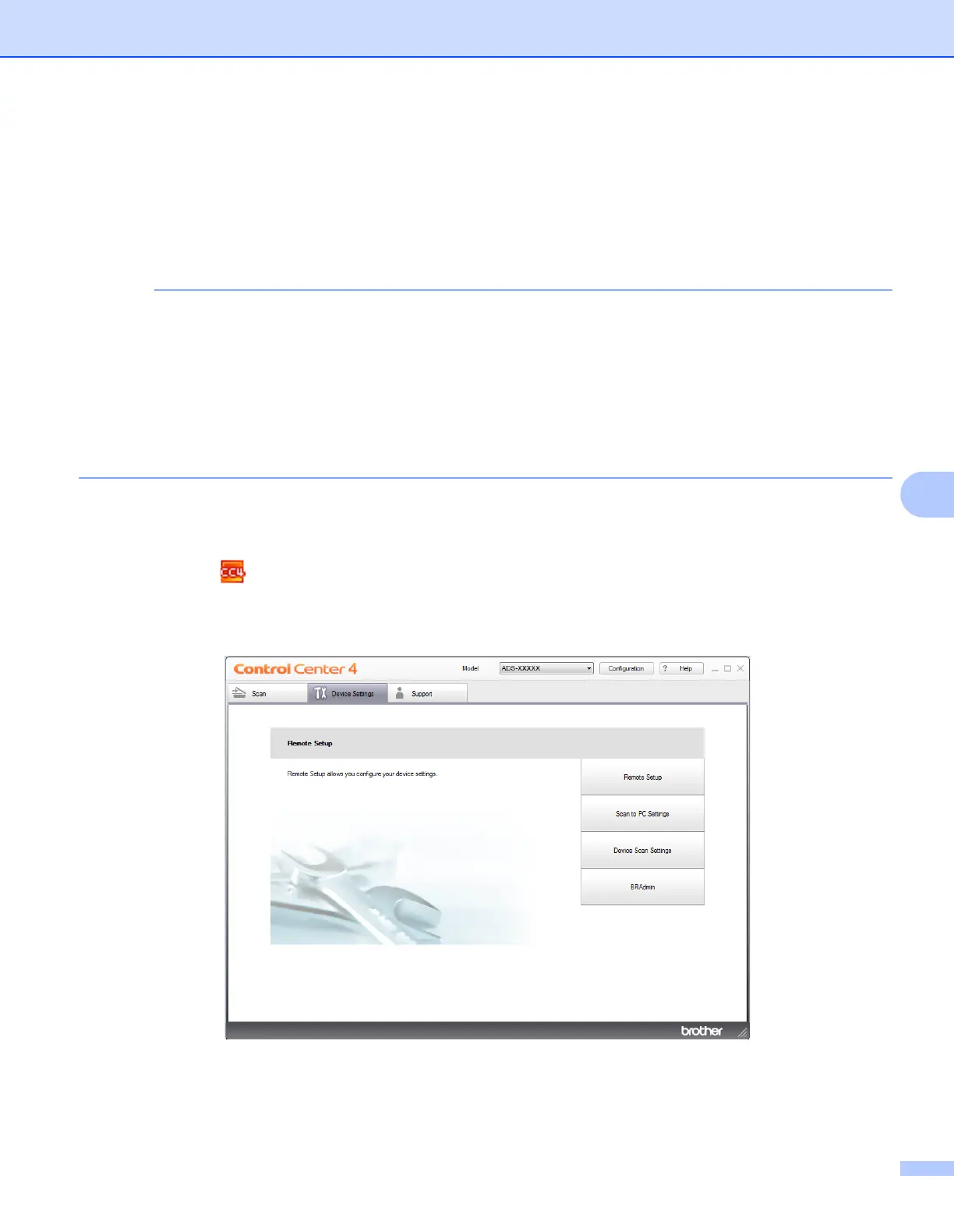
1 Click the (ControlCenter4) icon in the task tray and then select Open from the menu.
The ControlCenter4 window appears.
2 Click the Device Settings tab (the example below uses Home Mode).











 To Next Page