Managing the Machine from Your Computer
168
7
Macintosh
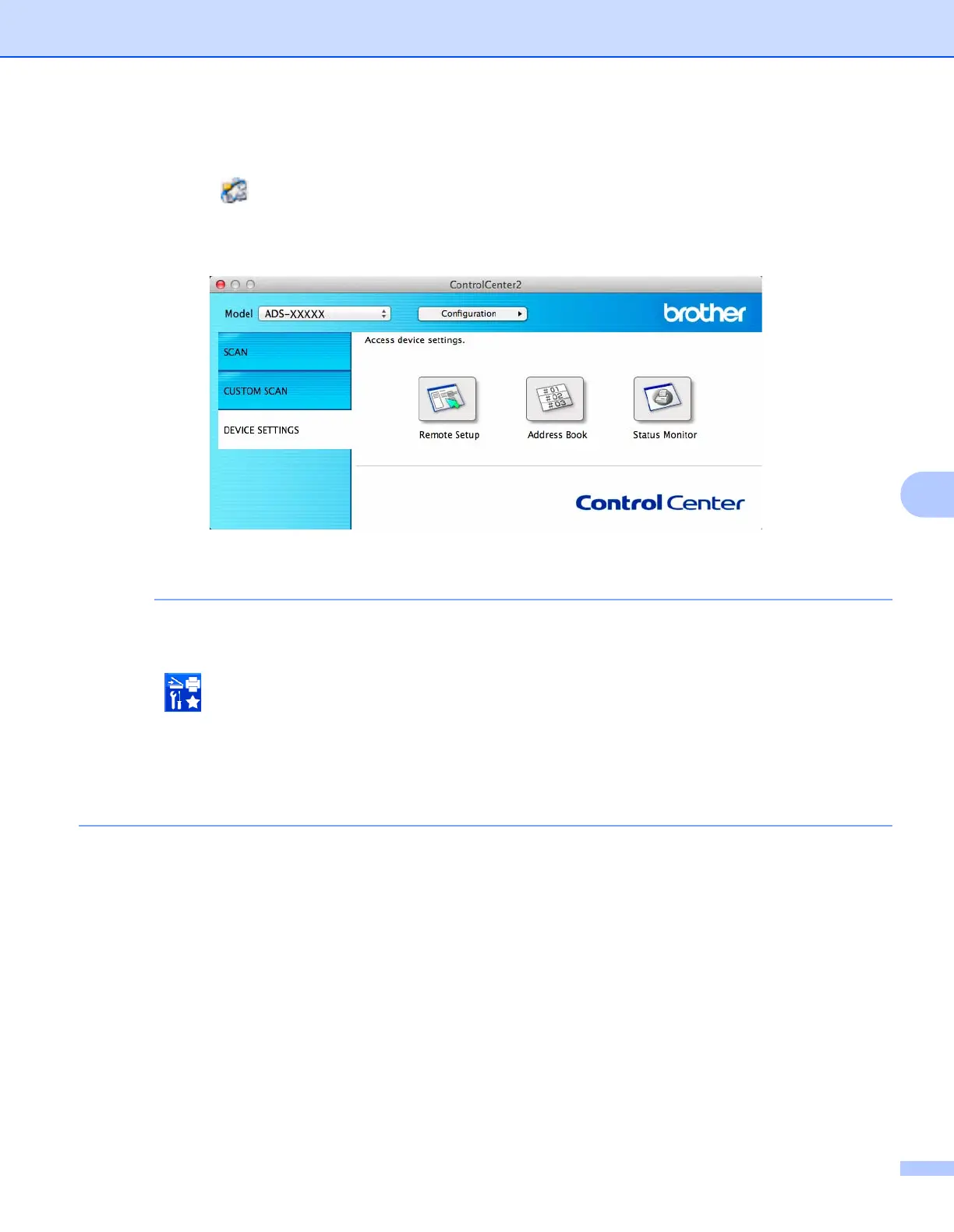
1 Click the (ControlCenter2) icon in the Dock.
The ControlCenter2 window appears.
2 Click the DEVICE SETTINGS tab.
2 Click the Remote Setup button. The Remote Setup window appears.
You can also start Remote Setup by following the instructions below:
• Windows
®
Click (Brother Utilities) on your desktop, and then click the drop-down list and select your model
name (if not already selected). Click Tools in the left navigation bar, and then click Remote Setup.
•Macintosh
In the Finder menu bar, click Go > Applications > Brother, and then double-click the Remote Setup
icon.











 To Next Page