Managing the Machine from Your Computer
169
7
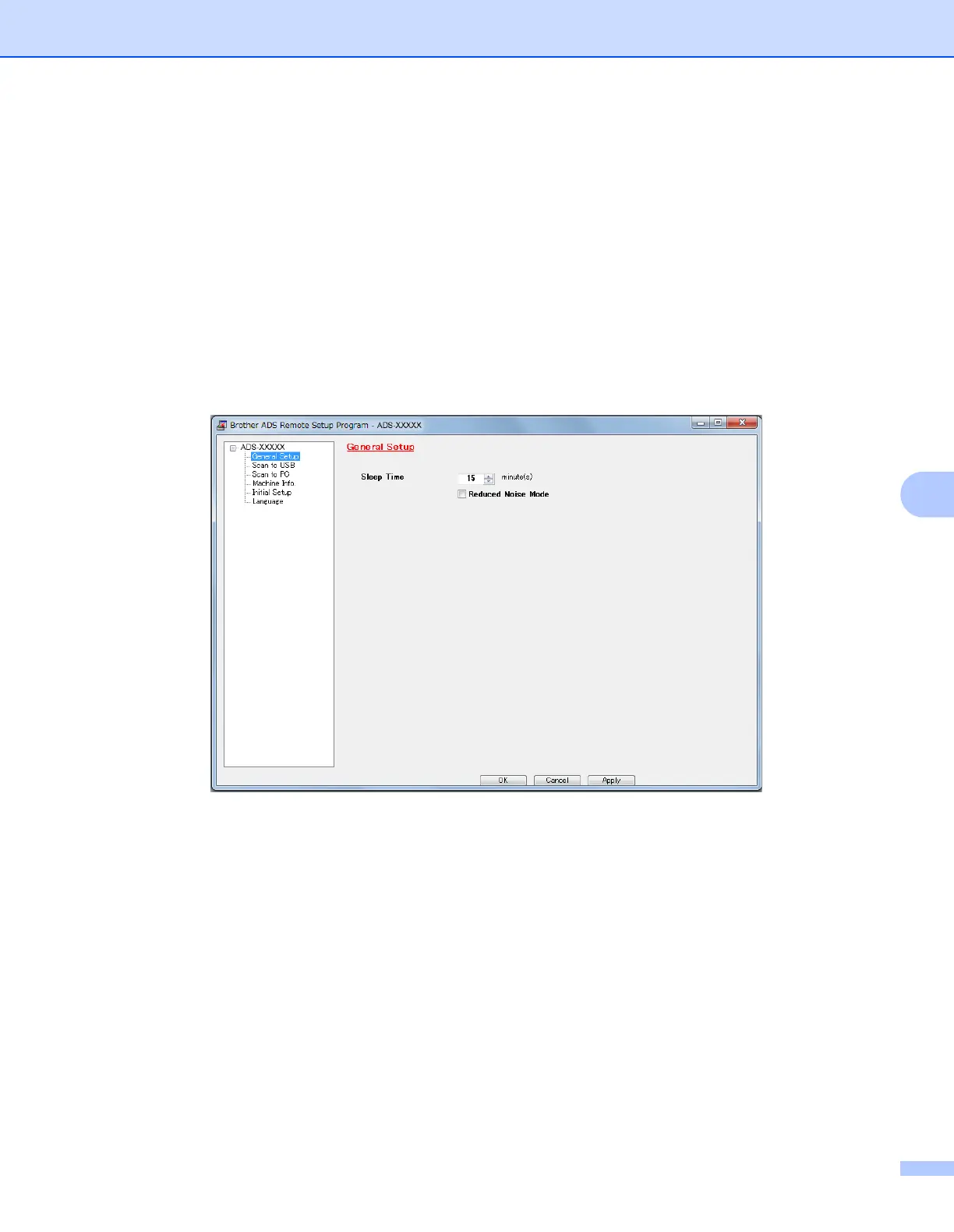
3 Select a menu in the folder tree and configure the settings as needed (the example below uses
General Setup in Windows
®
).
OK
Click to start uploading data to the machine and exit the Remote Setup application. If an error
message is displayed, re-enter the correct data, and then click OK.
Cancel
Click to exit the Remote Setup application without uploading data to the machine.
Apply
Click to upload data to the machine without exiting the Remote Setup application.
(ADS-2000e)











 To Next Page