Managing the Machine from Your Computer
170
7
(ADS-2500We)
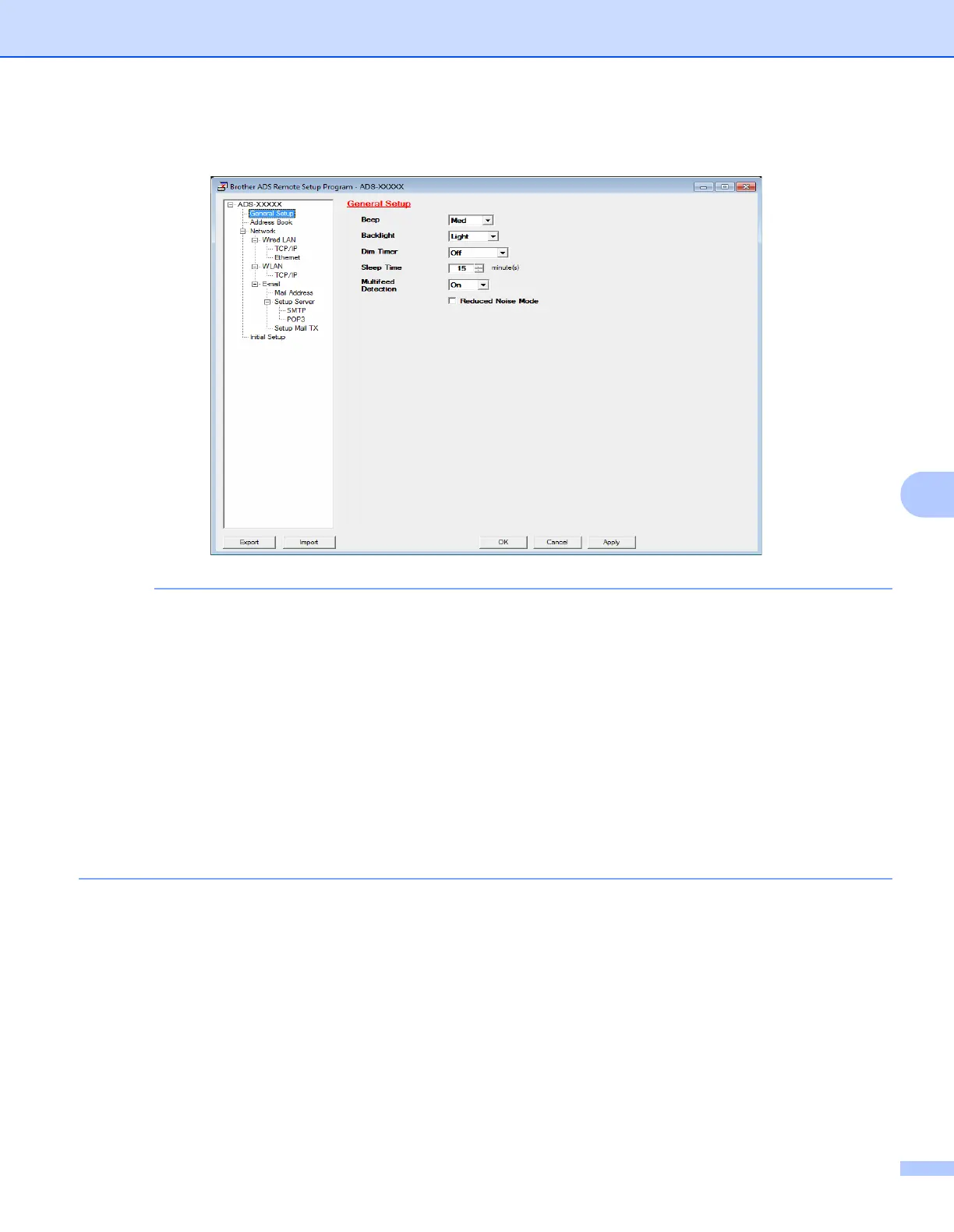
• Click the Export button to save all settings for your machine.
• (Windows
®
)
If your computer is protected by a firewall, and is unable to use Remote Setup, you may need to configure
the firewall settings to allow communication through port number 137.
• If you are using Windows
®
Firewall and you installed MFL-Pro Suite from the DVD-ROM, the necessary
Firewall settings have already been made.
• (Macintosh)
If you need to change the machine that was registered to your computer during the installation of Full
Driver & Software Package (see the Quick Setup Guide), or if the network environment has changed,
you must specify the new machine. Open the Device Selector and choose the new machine. (For network
users only.) (See Configure Network Scanning for Macintosh on page 42.)











 To Next Page